�
�
�
[FACTORY INIT]
8. Initialization to factory settings
7. QS Temperature NVM Data Confirmation
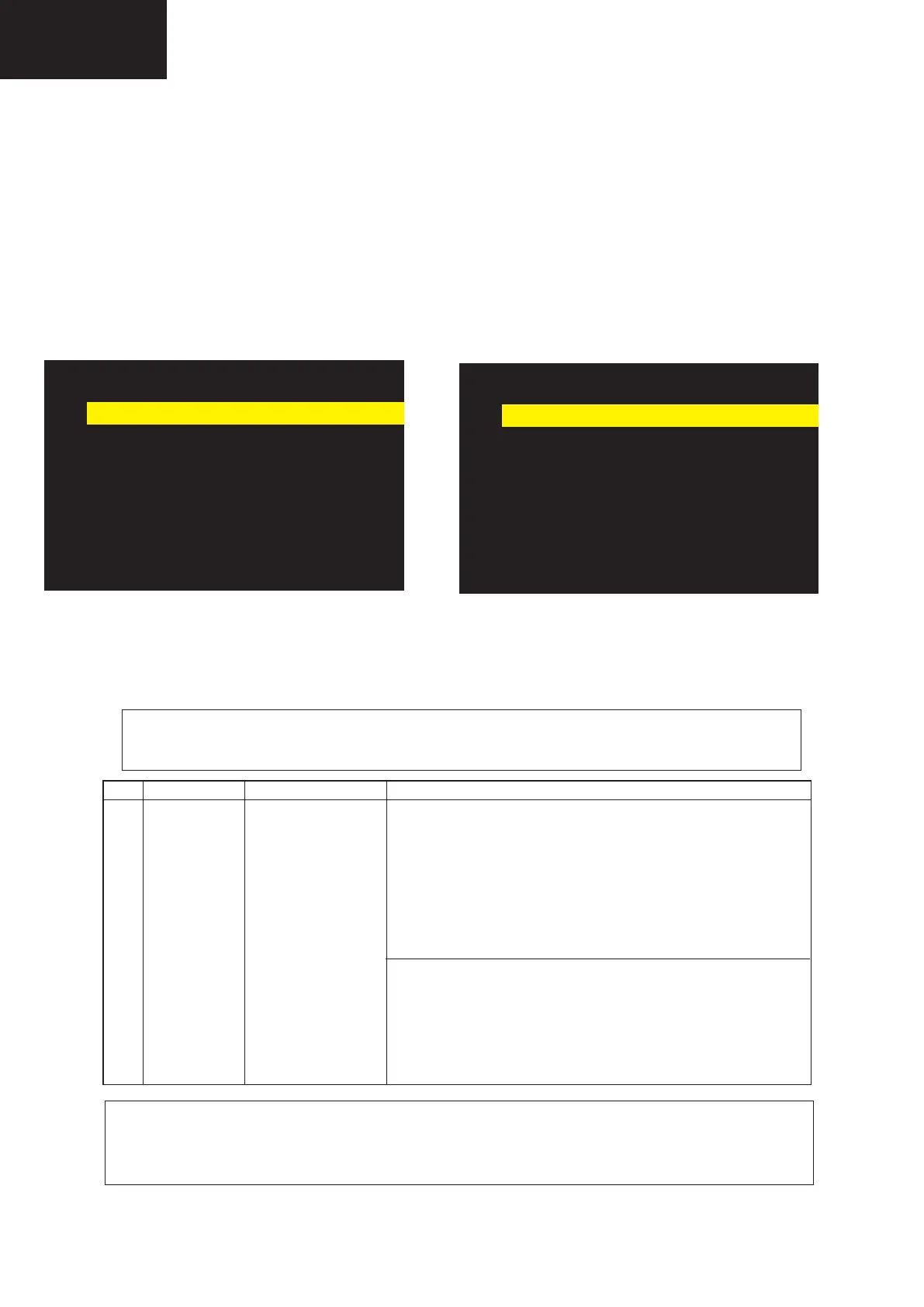
During servicing of the LCD TV set , by software upgrading or by any cleaning NVM, it’s mandatory select the “Inch
Setting” in Service Mode, Page 2, according to the size of the TV set.
02/11 [ INIT ] INPUT 4 PAL --:--
Factory Init --
Inch Setting --
Public Mode OFF
Center Acutime
00H
RESET OFF
Backlight Acutime
00H
RESET OFF
Picture Read Pos X
0
Picture Read Pos Y
0
Picture Read
OFF
Default picture after cleaning NVM. Picture with [Inch Setting] to 32.
02/11 [ INIT ] INPUT 4 PAL 32:--
Factory Init --
Inch Setting 32
Public Mode OFF
Center Acutime
00H
RESET OFF
Backlight Acutime
00H
RESET OFF
Picture Read Pos X
0
Picture Read Pos Y
0
Picture Read
OFF
5- Display the adjustment status of the current point 5. (Each time the “5” button on the remote control is pressed, the
adjustment status check pattern is toggled.)
(Normal OSD display -> “5” -> Pattern display (OSD disappears) -> “5” -> Normal OSD display ->…)
Change M GAMMA R5/M GAMMA B5 (adjustment offset value) on page 9/11 of process adjustment so that the val
-
ues of the luminance meter approach x = 0.272 and y = 0.277.
6- Repeat step “5” for GAMMA points 4, 3, 2, and 1.










 To Next Page