26
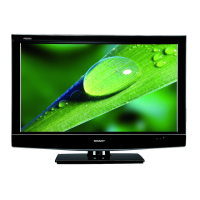
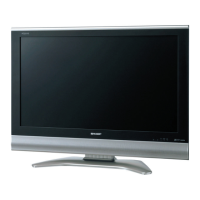
LC-26GA5E
LC-32GA5E
LC-26P55E
LC-32P55E
LC-37P55E
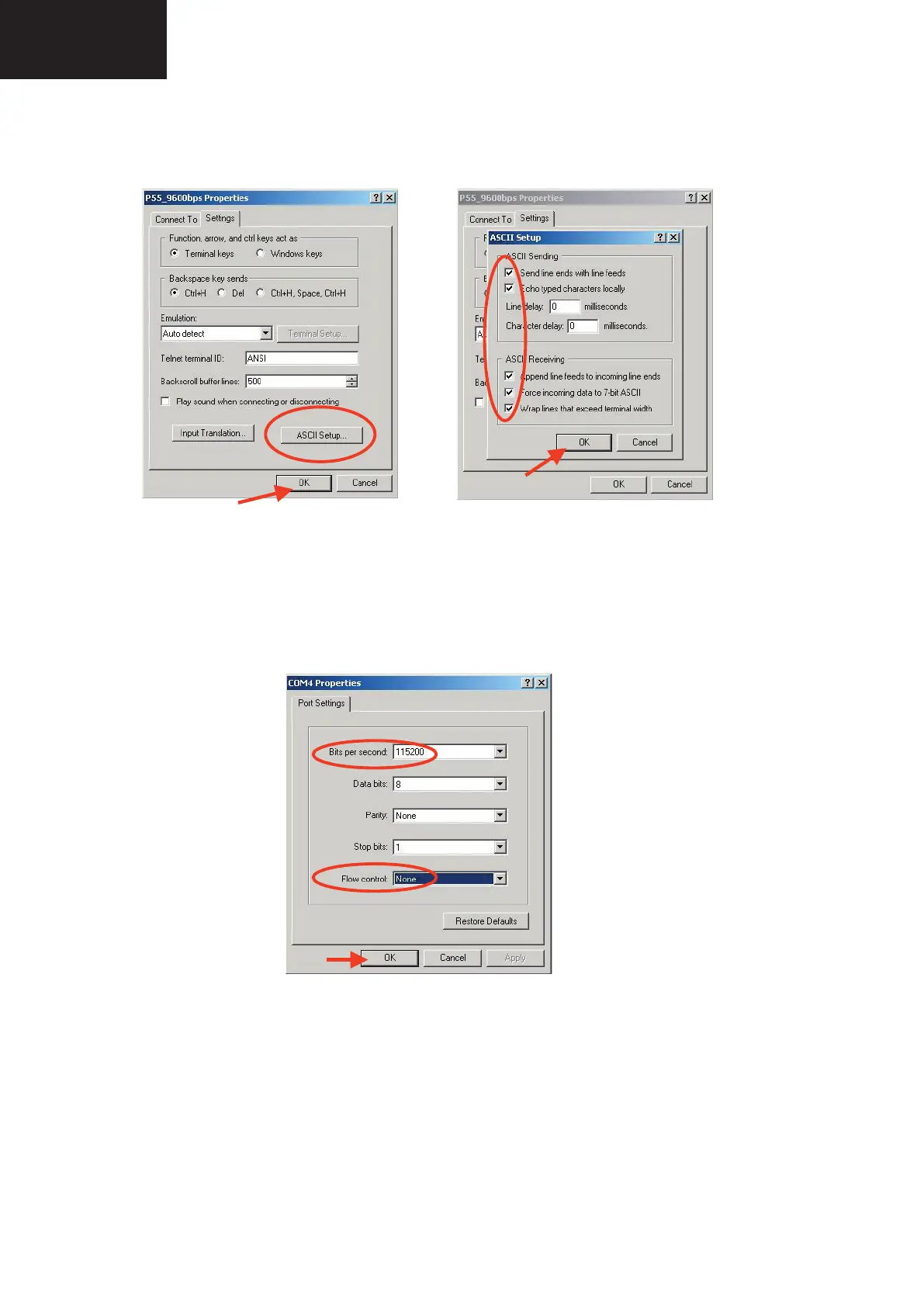
4. Click on “File\Properties” menu for selecting the General and ASCII properties as follows:
5. Select “New Connection” in the File Menu.
6. Answer “Yes” to close current connection and “Yes” to save session “P55_9600bps”.
7. Create a new connection with the name “P55_115200bps”.
8. Select a the same COM port used in item 2 and select the Port Settings properties as follows:
9. Select the same General and ASCII properties as item 3.
10. Close HyperTerminal session, answering “Yes” to close current connection and “Yes” to save session
“P55_115200bps”.
To start updating session, click over “P55_9600bps” icon that you can fi nd in the “START\All programs\Accessories\
Communications\HyperTerminal\HyperTerminal” folder and follow next procedure:
1. Check the connection between TV set and PC, sending a wrong command, as for example: “aaa”. TV set returns
an “ERR” label as an syntaxis ERROR (Not correct order or sequence).










 To Next Page