CONFIDENTIAL – DO NOT COPY
Page 3-2
File No. SG-0000244
iv. Volume Adjustment
By operating the VOL+ and VOL- buttons, volume should be available to
change from minimum to maximum. At the time, volume should increase
with VOL+ button and decrease with VOL- button, and volume shift should be
smooth.
When the OSD is activated, it can be navigated left and right by operating
these two buttons.
v. Input Change/Confirmation
This button allows the user to cycle through the input sources in the following
sequence: TV, AV/Component, HDMI 1, HDMI 2, HDMI_SIDE,
When the OSD is activated, the option can be confirmed pressing this button.
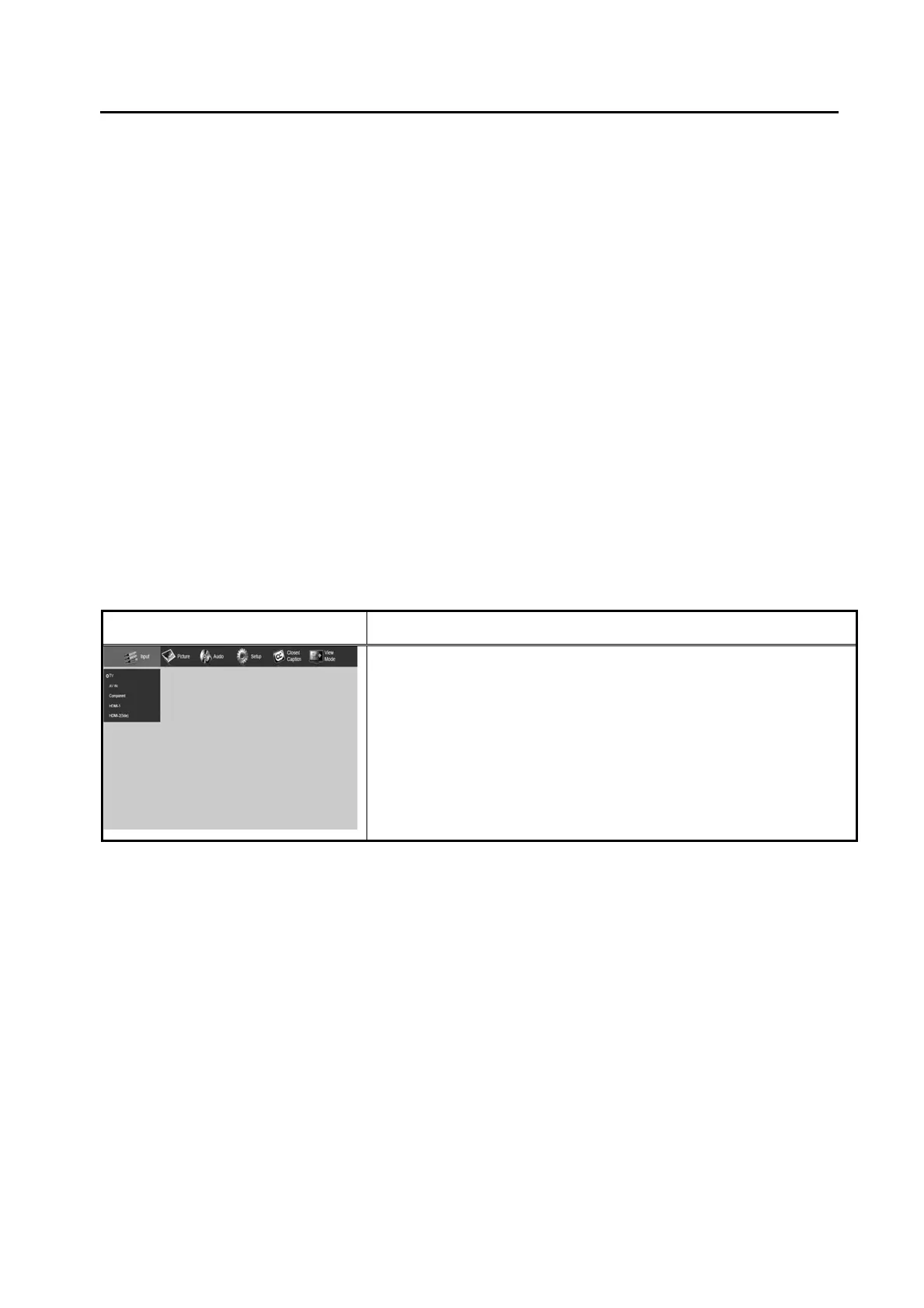
SHARP On Screen Display MENU
OSD Adjustment
Main MENU
A. INPUT
B. PICTURE
C. AUDIO
D. SETUP
E. CLOSED CAPTION
F. VIEW MODE



 To Next Page