CONFIDENTIAL – DO NOT COPY
Page 3-1
File No. SG-0000244
Chapter 3 On Screen Display
A. LED indicator display on the front
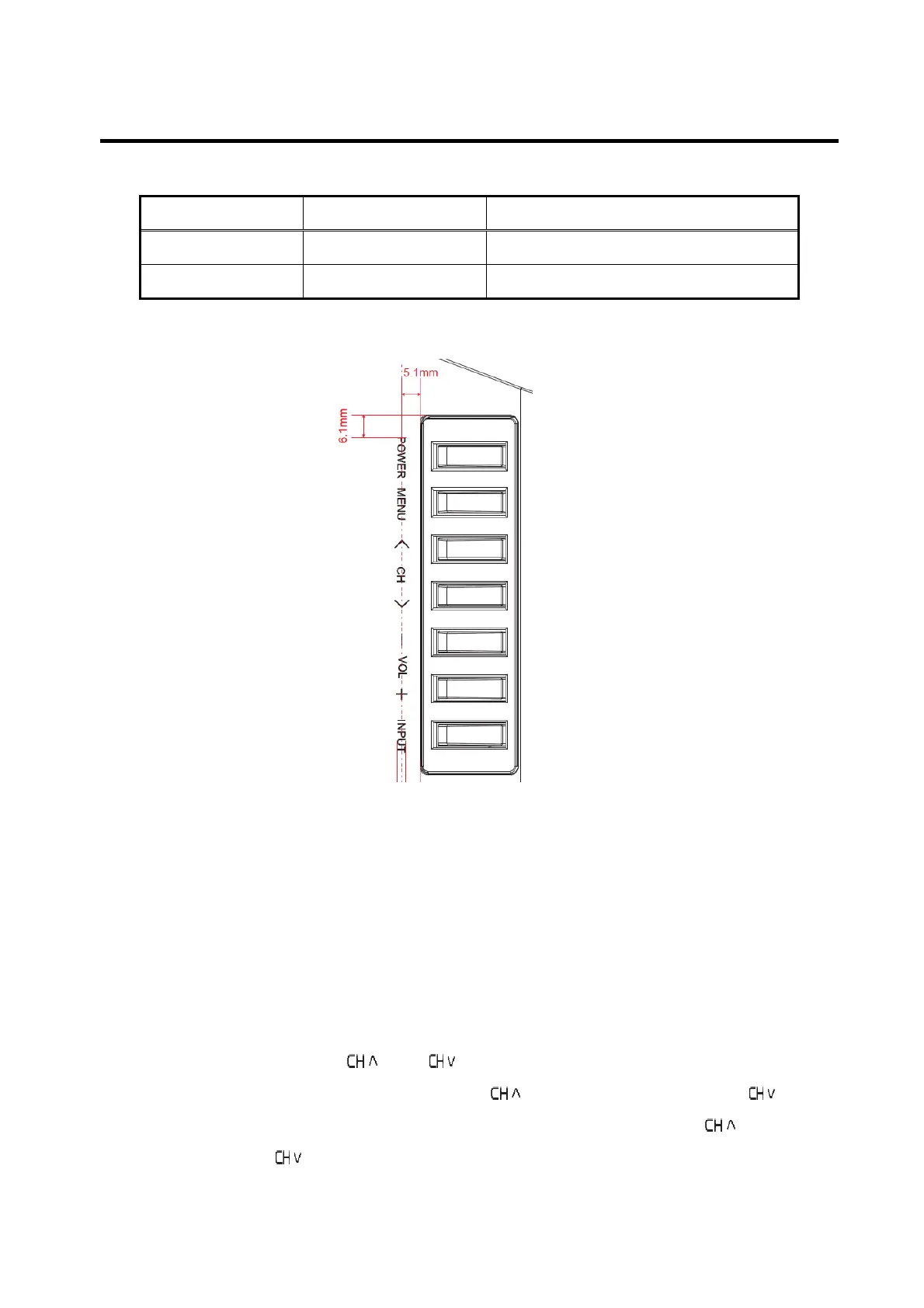
B. Specification and explanation of user control panel on the side
i. Power On
When power is off and the Side button is pressed, upon press (not release) of
the Side button, the TV is immediately powered on. Long and short key
presses do not apply when power is off at the time of the key press.
ii. MENU
Press MENU button to activate the OSD. Press this button again to exit.
iii. Channel selection
By operating the and buttons, channel should be selected. At the
time, channel should increase with
button and decrease with button.
When the “MENU” is activated, it can be navigated up by
button and
down by button..
LED indicator Status Remark
Off AC power off By disconnecting the power cord
White Power on Default: off



 To Next Page