All and more about Sharp PC-1500 at http:f/www.PC-1500.info
analogous
to
comments in
the
PR()gram
mode.
Ident
ifying strings (called "'templates"'} are created in
the
RESERVE
mode
. Switch
to th
is
mode
and sel
ec
t the appropriate
group
of
Reserve keys using
the
Reserve
Select
key.
The
n instead
of
pressing a Reser
ve
key. as you normally would,
type
a template and press ENTER. The
temp
late is t
hen
stored in associati
on
wi
th t
he
g.r
oup.
As
an example. pretend that we ha
ve
as
s
ig
ned Reserve keys one through six
(in
group 11 the
nomes
of t
he-
T ri9onometric Funct
ions
(Si
ne,
Cosine. Tan
ge
nt, ArcCosinc, ArcSi
ne,
and
ArcTangent). In or
de
l'
to rcmemt>er \
•.ih
ich key corresponds to
ll'Jhic
h func
ti
on
we
vJill
specify
a template. T
<>
do
this switch
to
the RESE
RV
E mode (press
SH
IF
T
MOO
E
}.
and
use the Reserve
Select key
to
se1ect group I (a Roman numeral I will appear
on
the
display}.
Now
type
:
"'
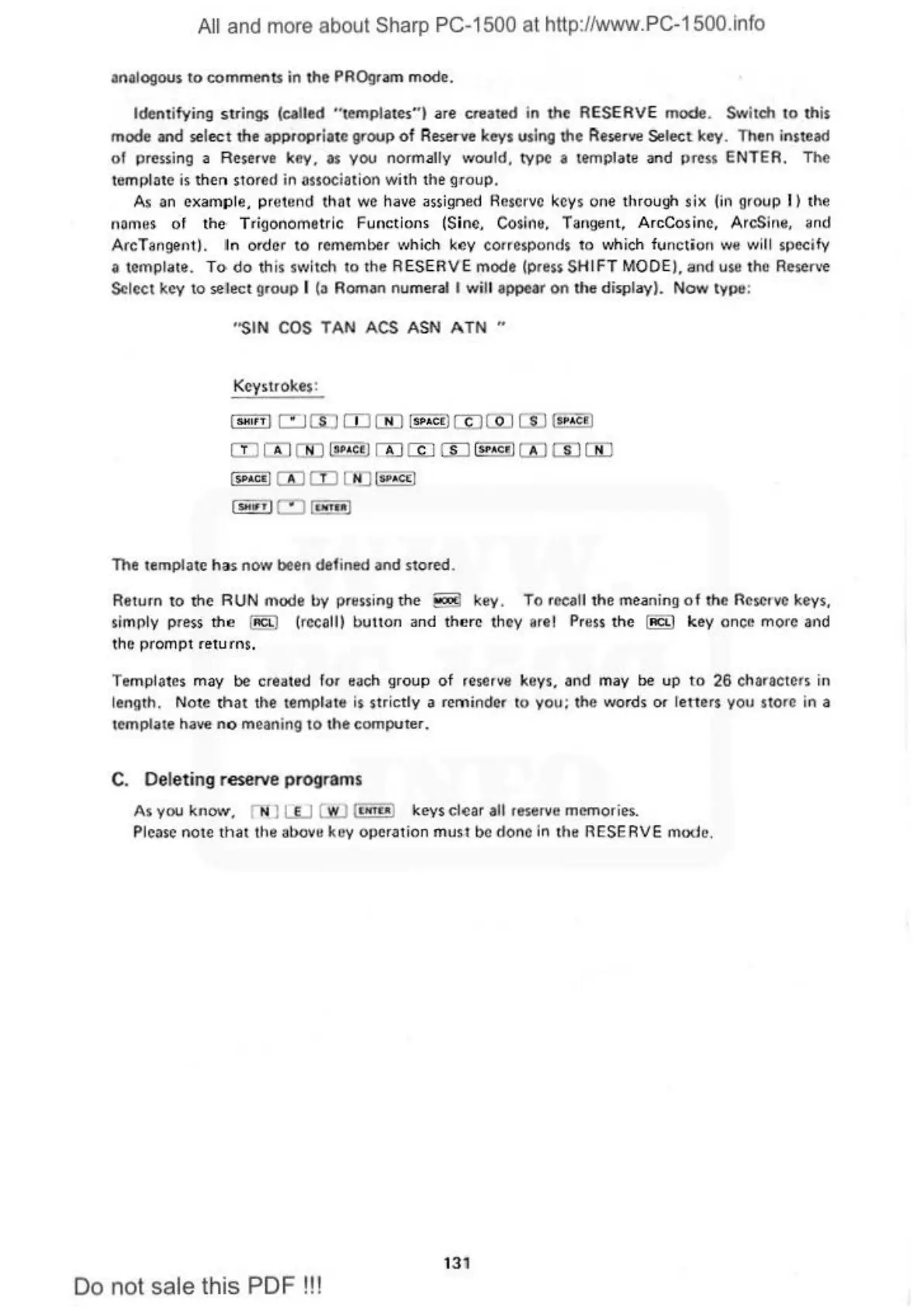
SIN COS TAN ACS ASN
ATN
..
Keystrokes:
'
"'"
" ' c:JClJ
o:J[jj]
l•••c•l
(I)[QJ
00
®«l
CD
rn
00
(•PAC
.!)
rn
m
[Li
I
SP
•
c•I
rn
ill
!JD
1
...
°'
'
rn rn
,
..
.
cc
1
I
SHtrT
lc:::J i
1lfT11t
!
The templ
ate
has
now
been
def
ined and stored.
Return
to
the R UN mode
by
pressing
th
e S key. To recall the meaning
of
the Reserve keys,
simply press
the
(!!.Cl)
(rccalH
buuo
n and
the
re th
ey
are! Pre
ss
th
e l
ACL
I k
ey
once
mo
1·e and
the pr
om
pt retur
ns.
Templates may be created for each
gro
up
of reserve keys, and may be up
to
26
characters in
length. N
ote
that
the template is strictly a reminder
to
you;
t
he
wor
ds
or
letters
you
store in a
template have
no
meaning to the computer.
C.
Deleting reserve programs
As you
know.
nu w w (
LNTU
I keys clear
all
reserve memor
ies.
Please
note
that
the
al>ova
koy operation m
ust
be
done
in
the RESERVE mode.
131
Do not sale this PDF!!!



 To Next Page