EasyManua.ls Logo

Sharp PC-1500 - Page 132

Sharp PC-1500
169 pages
Print Icon
To Next Page IconTo Next Page
To Previous Page IconTo Previous Page
Loading...
All and more about Sharp PC-1500
at
http:/lwww.PC-1500.info
To
assign a
phrase
to
a Reserve key.
ent
er t
he
RE
SERVE
mode
(press SH I
FT
MO
DEi
and
use
the
Reserve Select
key
to
select
the
group
(I,
11.
or
Ill
) in which
the
phrase will be st
ored.
Then
press
the
apprOPriate Reserve
key
(!,
",
::,
S,
%,
or
&I. Depending
on
which
Reserve k
ey
you
pressed.
the
dis
p
lay
will
appear
something
like
t
he
following:
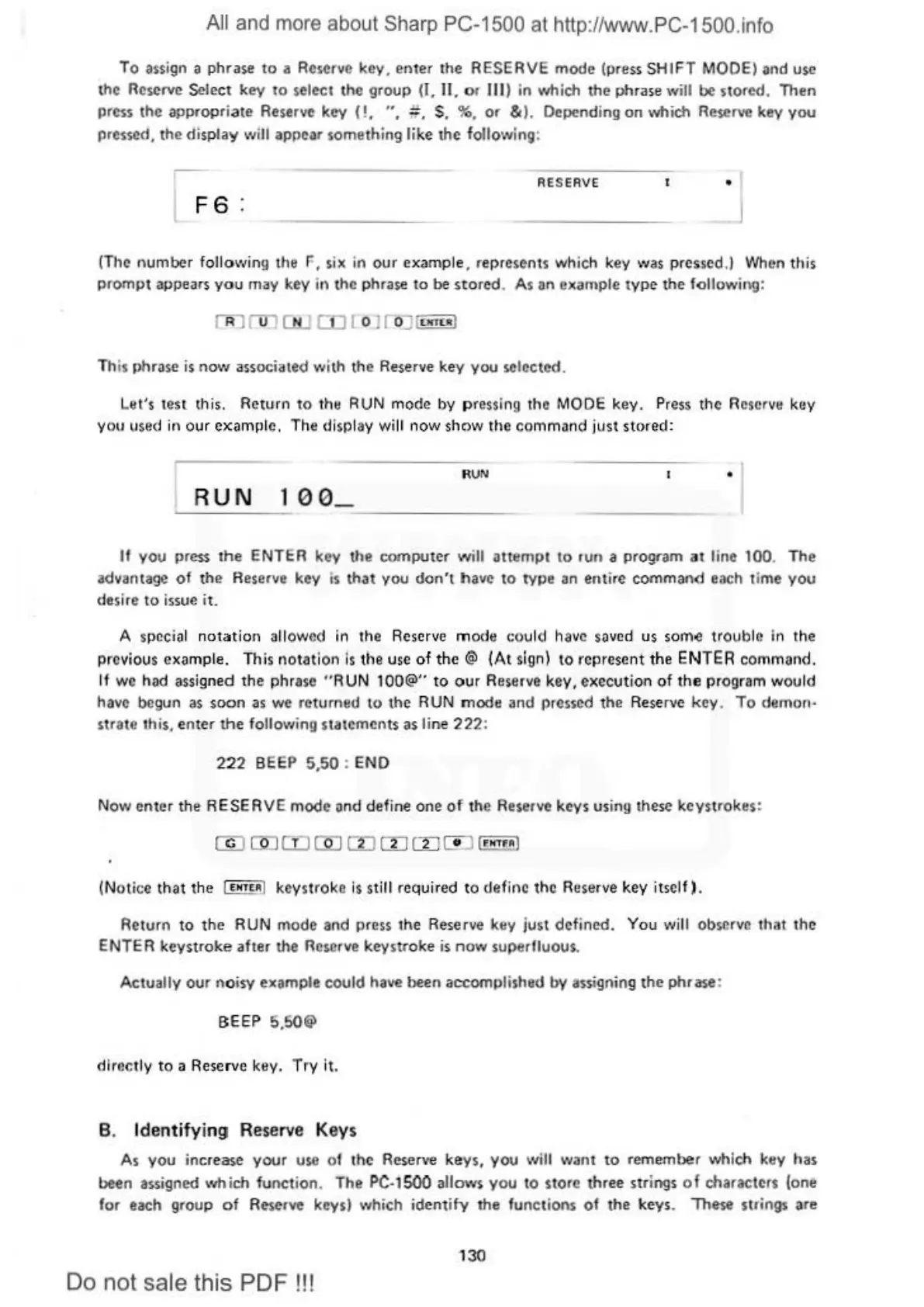
RESERVE
(The number
follo\•1i
ng
the
F,
si
x in our example. r
ep
resents
wh
ich key
\.v
as
pres
s
ed
.) When this
prompt appea
rs
you
may
key
in
the phrase
to
be
sto
r
ed
.
As
an e
)C
ample
type
the
fallow
ing:
Th
is phrase is n
o\
V associated \\'ith the Reserve key
you
selected.
Let's
test
this.
Return
to
the
RUN
mo
de
by pressing
the
MODE
key
. Press
the
Reserve
key
you
used
in our example.
Th
e display
wi
ll now show the command just stored:
RUN
I
RUN
100_
-
--
-
--
--
-
---
-
--
If
you
prC$$
the
ENTER
key
the
comput
er
will
attempt
to
run a
program
a t line 100.
The
advantage
of
the Rese
rve
key
is
that
you
don't
have
to
tYPe
an
entire
command
each time
you
desire to issue it.
A s
pec
i
al
notation
a
ll
owed
in the Reserve
mode
cou
ld have saved us som.e
tr
oub
h~
in the
previous
examp
le.
Th
is
notatio"
is
the
use
of
the<;)
(At
si
gn
I
10
rep
rcscni
the
ENTER
command
.
If
we
had
assigned
the
phra
se
"RUN
100@"
to
our
Reserve
key
,
executio
n
of
the
program
wo
uld
have begun as
soon
as
we
returned
10
the
RUN
mode
and
pressed t
he
Reserve
key
.
To
demon·
strate this. enter
the
follov1i
n9
statements as li
ne
222
:
222
B
EEP
5,50 : END
Now
en
ter
the
RESER
VE
mod
e ond
define
one
of
th
e Reserve keys using
th
e.e
ke
ys
trokes:
(Notice
that
t
he
I
••r•
i!J
k
eystro
ke is still r
equ
ired to defir1e
the
Reserve
key
itself).
Re
t
urn
to
the
RUN mode
and
press
the
Reserve k
ey
just
defined
. You will observe
that
the
ENTER
ke
ystroke
after
the
Reserve
ke
ystroke
is
now
superfluous.
Actua
lly
our
noisy
example
could
have
been
accomplished
by a.ssigning
the
phrase
:
BEEP
5.50@
directly
to
a Reserve key.
Try
it
.
B. Identifyi
ng
Reserve Keys
As y
ou
increase
your
use of the Re
se
rv
e
ke
ys,
you
\
1
1il
l
v1a
nt
to
te
me
mber
which key has
been
assigned
wta
ich
function
.
The
PC
-1
500
allows
you
to
store
three
str
ings
of
characters
(one
for
each
group
of
R~erve
k
eys)
which
id
ent
ify
the
functions
of
the
ke
ys.
These
strings
are
130
Do not sale this PDF !!!

Table of Contents

Other manuals for Sharp PC-1500

Related product manuals