A
ll
and more about Sharp P
C-
1500 at http://www.PC-1500.info
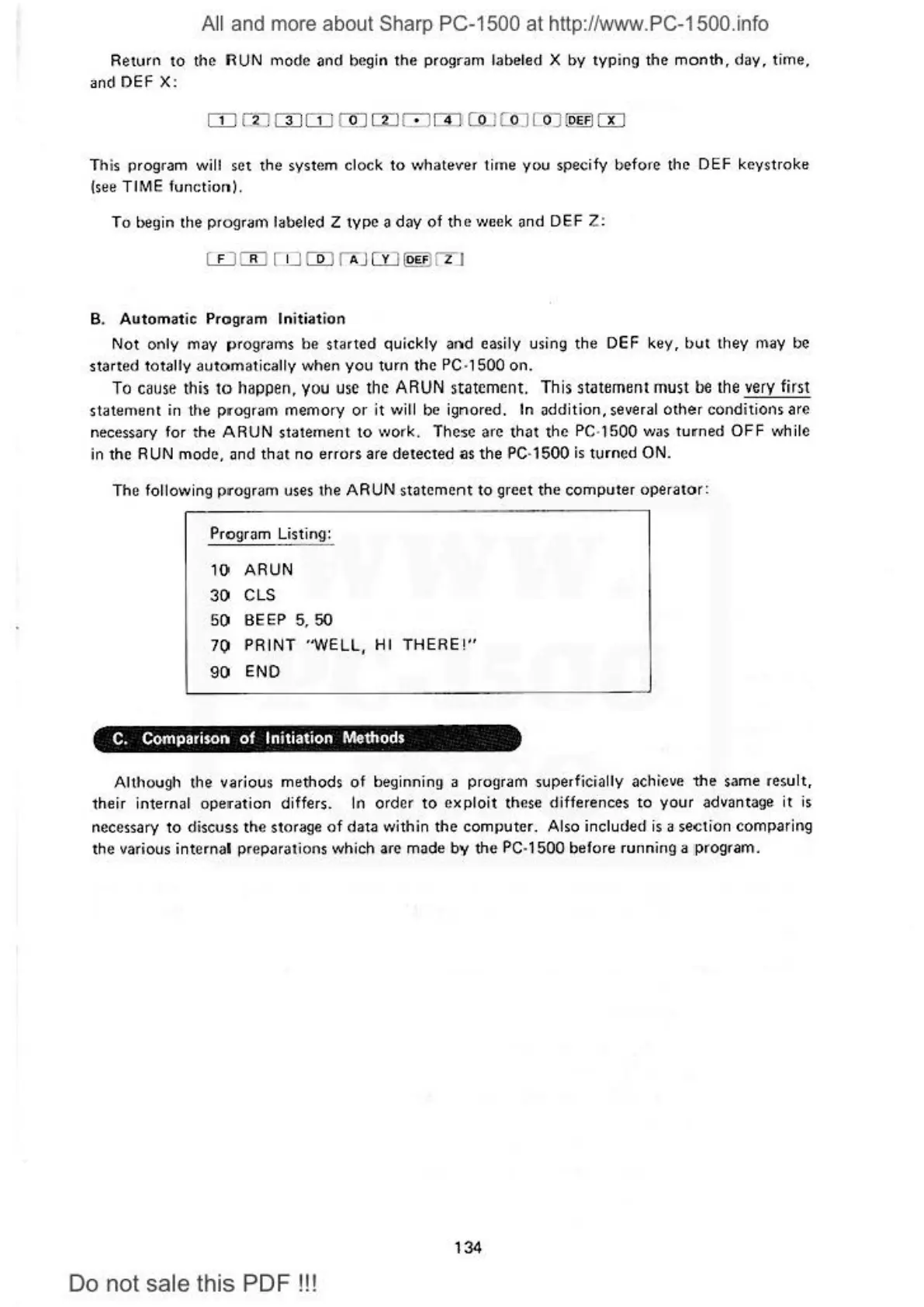
Return
to
the RUN
mode
and
begin
the
program labeled X
by
typ
ing
the
month,
day,
time,
and DEF X :
rn
m
mm
rn
rn
0
rn
co
_1c
oJ CoJ :o
EFI
m
T
hi
s program will set the system clock
to
\•Jh
a
teve1
tir
ne
you
spec
if
y b
efon?
the
DEF
keys
tr
oke
(see T I
ME
functi
on).
To
begin the program labeled Z
type
a
day
of
the
week
and
DEF Z:
B. Automatic Program In
it
iation
N
ot
on
ly may
pro
grams
be
st
a
rted
quickly
and
easily using
the
DEF
key,
but
they may
be
start
ed totally a
uto
matically
when
you
turn
the
PC
·
1500
on
.
To
cause
this
to
happen, you
use
th
e
ARUN
statement.
Th
is s
ta
tement
must
be
the
very
first
state1nent
in
the
pr·
ograrn
memory or it
\Viii
be
ig
nored.
In
ad
dition,
severa
l other conditions
arc
necessary for t
he
ARUN
state
m
en
t
to
work. These
arc
that the PC·1500 was
turne
d
OFF
while
in the RUN
mode
, and
tha
t
no
errors are
detected
as t
he
PC
· 1
500
is
turned
ON.
The
fo
ll
ow
ing program uses t
he
ARUN
s
tat
ement
to
greet
the
computer
operator:
Program Listin
g:
1()
ARUN
3() CLS
5() BEEP
5,
50
70
PRINT
"WELL, HI
THERE!"
90
ENO
C.
Comparison
of
Initiation Methods
Although the various methods of beginning a program superficially achieve
the
same
r
esu
l
t,
their internal operation differs. In order
to
exploit
these
differences
to
your
advantage
it
is
nece
ssary
to di
scu
ss
the stor
age
of
da
ta within the computer. A
lso
included is a
se
.c
tion comparing
th
e
va
ri
ous
internal preparations which arc
m;i
de
by
the
PC
·
1500
before
ru
nning a pr
og
r
am.
134
Do
not sale this PDF
!!!



 To Next Page