10
E
Supplied Components
If any component should be missing, please contact your dealer.
System Requirements
Computer PC/AT compatible computer with a USB 2.0 port and able to output a resolution of 1920 x 1080.
OS
Windows 7 (32-bit or 64-bit version),
Windows 8 (32-bit or 64-bit version), Windows 8.1 (32-bit or 64-bit version)
CPU
Intel Celeron or AMD Sempron 1.6 GHz or faster
Intel Core 2 Duo or AMD Athlon II X2 2.8 GHz or faster recommended
Memory At least 2 GB
Free space on hard drive At least 200 MB (free space separately required for data storage)
To use the touch panel, the monitor must be connected to a computer using a USB cable.
The touch panel operates with the standard Window driver.
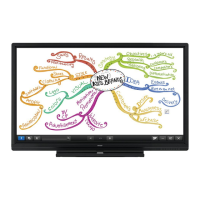
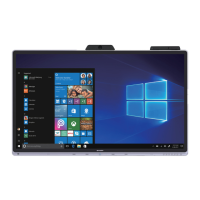
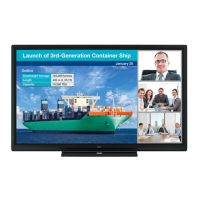
Liquid Crystal Display Monitor: 1
Power cord: 1
Remote control unit: 1
Remote control unit battery
(R-6 (“AA” size)): 2
CD-ROM (Utility Disk): 1
CD-ROM (Touch Display Link): 1
Touch Display Link License: 1
Setup Manual: 1
Touch pen: 1
Tray: 1
Tray mounting screws (M3) : 5
Eraser: 1
Cable clamp (afxing type): 2
Stand hole protection cover: 2
Cover SHARP logo: 1
Place this sticker onto the SHARP logo to cover
the logo.
* SHARP Corporation holds authorship rights to the Utility Disk program. Do not reproduce it without permission.
* For environmental protection!
Do not dispose of batteries in household waste. Follow the disposal instructions for your area.


 To Next Page