17
SX68JF100
17-1 17-2
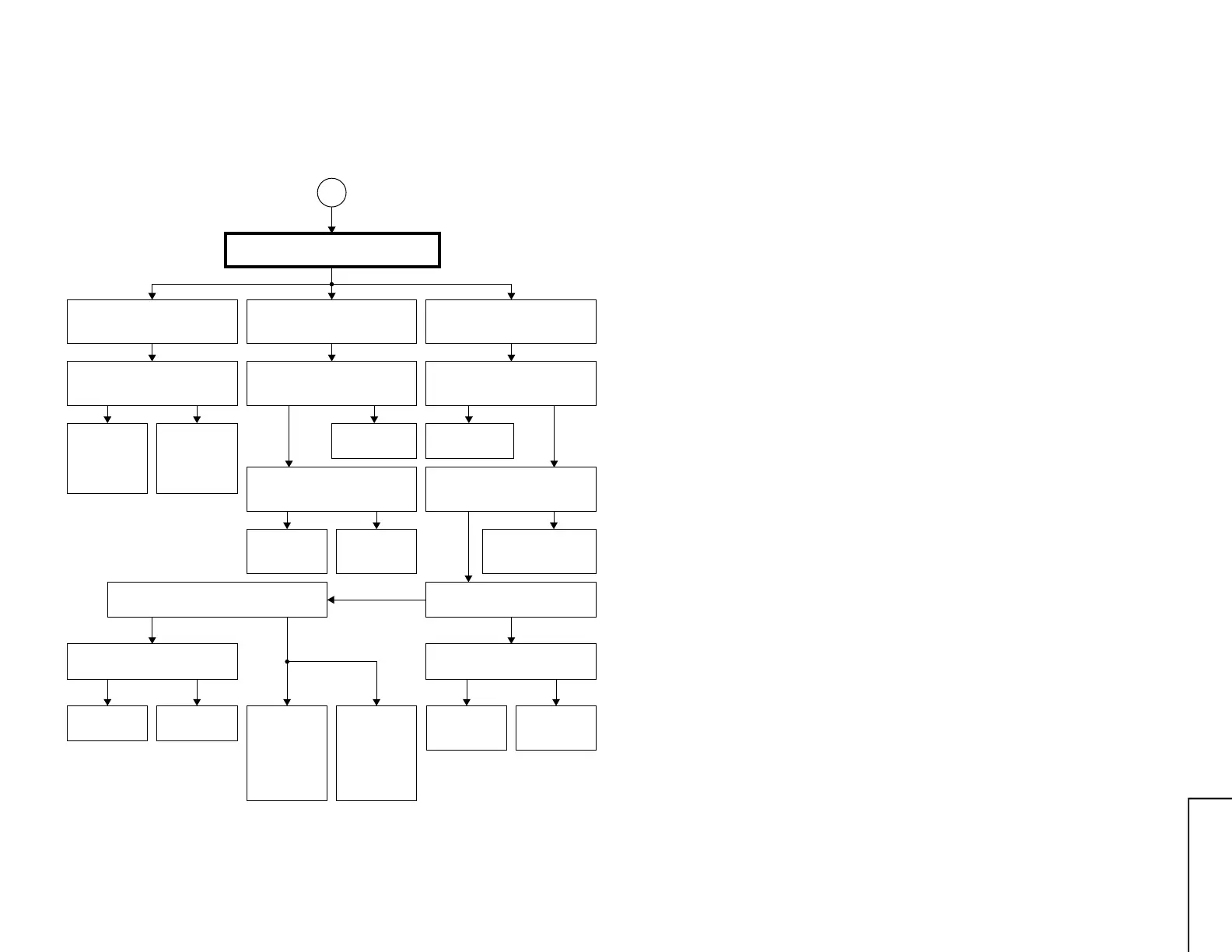
TROUBLE SHOOTING TABLE (Continued)
SET SUB-
Colour
Check IC2801
and its
peripherals.
D
COLOUR PRODUCED
Colour in B/W mode.
Colour control circuit detective.
Colour saturation control does not
work.
Improper colour.
Turn Colour control to minimum.
Does colour disappear?
Turn up and down Colour control.
Does colour gain go up and
down?
Can the sub-colour be readjusted
in service mode?
Turn on Colour system forced
switch. Does colour appear?
Killer circuit:
Check IC2801
and its
peripherals.
Yes Yes
White
balance:
Check RGB
output circuit
of IC2801.
Check IC2801.
No
Yes No
Check IC2801.
Check D1664
and its
peripherals.
Yes No
NTSC3.58:
Check X2402,
IC2801 and
their
peripherals.
PAL, SECAM,
NTSC4.43:
Check X2401,
IC2801 and
their
peripherals.
No
Check IC2801,
IC2807 and PIP unit.
Yes No
No
Is chroma input level of IC2801
proper?
Ref. Value: 100 ~ 500mVp-p.
Yes
Fix control to
coloured system.
No
Is SCP signal waveform at pin (2)
of IC2801 proper?
Are signal waveforms at pins (10) and (11) of
IC2901 proper?
Is FBP signal waveform at pin
(25) of IC2801 proper?
Yes
Yes
Check Q2801, IC402,
IC451, IC5461 and
their peripherals.
No
No
Are signal waveforms at pins (29)
and (30) of IC2806 proper?
Yes
Check IC2806.



 To Next Page