3
SX68JF100
3-1 3-2
ADJUSTMENT PRECAUTION
The model is a mixture of the adjustment items of I
2
C BUS-CONTROL and the existing analog
adjustment. Moreover, since the adjustment with I
2
C BUS-CONTROL is composed of the items
which are set with the initial values (preset values) alone and the data variable items, refer to the
following.
1) Setting method to the microprocessor service mode
1 When the jumpers 351 and 352 of SET UP are short-circuited, enter into the service
mode (I
2
C BUS CONTROL adjustment mode).
2 The modes can be sequentially selected with the CH DOWN key of R/C.
3 The modes can be sequentially selected in the reversed order of 2 with the CH UP key
of R/C.
4 The data can be converted with the VOLUME UP/DOWN key of R/C.
5 When the short circuit between the jumpers 351 and 352 of the setup is cut off, it will be
released from the service mode.
2) Initial value (preset value) setting
1 When the MAIN POWER switch set at the service mode side is turned on, the initial
value will be automatically set only on the new E
2
PROM (discriminated with the head 4
bytes).
2 The initial data is set as shown in the attached sheets.
3 Take care that there are the items which need be changed and the items in which the
initial values continue set.
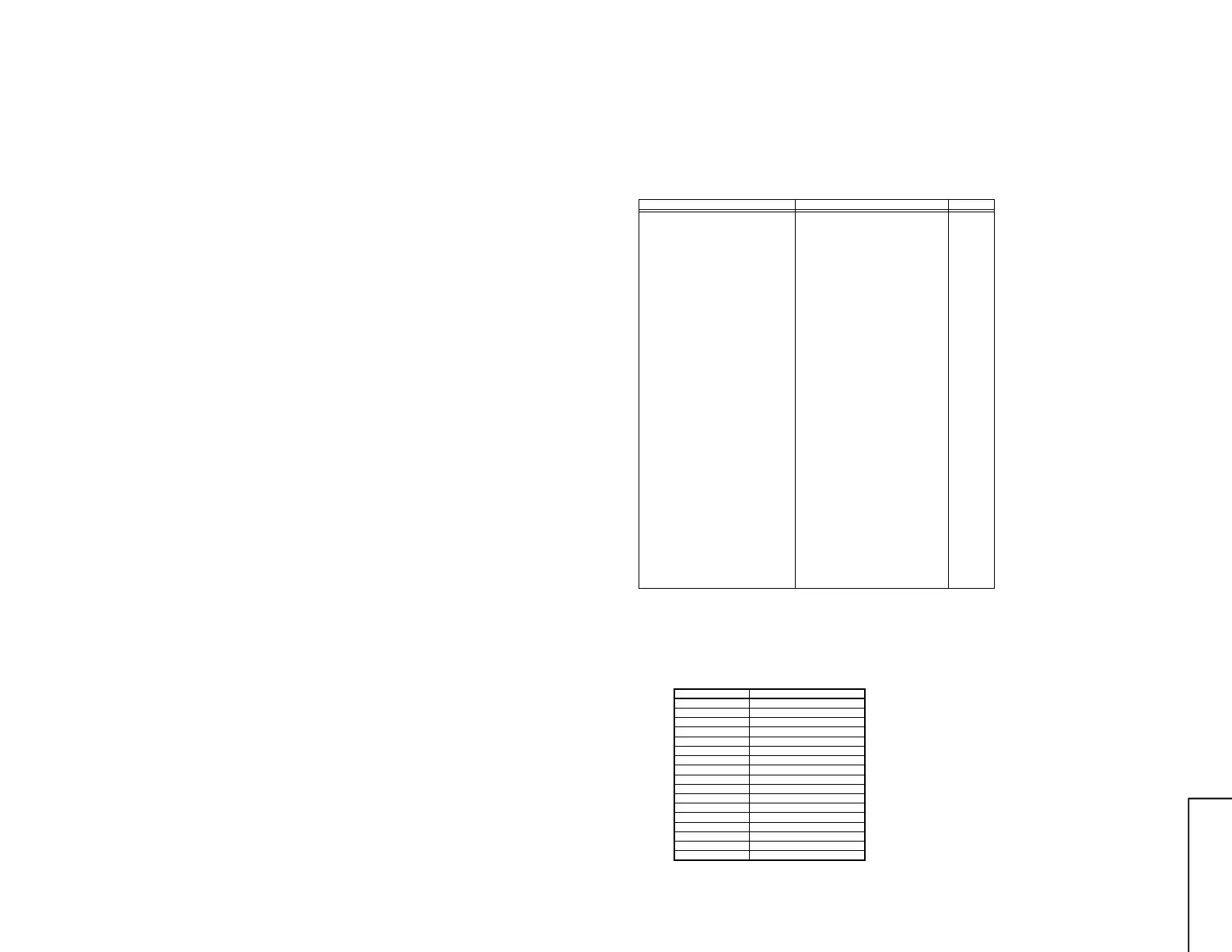
Service item R/C-CODE Remarks
CUTOFF BKGD
CUTOFF BKGD DVD
V-AMP50
V-LINE50
V S-CORR50
V-CENT50
H-CENT50
H-SIZE50
E/W PAR
E/W COR
TRAPE
SCM BELL
SCM R-Y
SCM B-Y
SUB COL
SUB COL DVD
SUB TINT
SUB TINT DVD
SUB BRI
SUB BRI DVD
SUB CONT
SUB CONT DVD
SUB VOL
V-AMP60
V-LINE60
V S-CORR60
V-CENT60
H-CENT60
H-SIZE60
PIP-HPOS
PIP-SUB-TINT
DUAL-PARA
MAIN-HCENT
CONTRAST-UP
CONTRAST-UP
COLOUR-UP
COLOUR-DOWN
BRIGHT-UP
BRIGHT-DOWN
TINT-UP
TINT-DOWN
CONTRAST-DOWN
SPA-DOWN
BALLANCE-UP
SHARPNESS-UP
SHARPNESS-DOWN
TREBLE-UP
SPATIALIZER-UP
SPATIALIZER-UP
BASS-DOWN
BASS-DOWN
BASS-UP
BASS-UP
TREBLE-DOWN
TREBLE-DOWN
BALLANCE-DOWN
COLOUR-UP
COLOUR-DOWN
BRIGHT-UP
BRIGHT-DOWN
TINT-UP
TINT-DOWN
TUNE-UP
TUNE-DOWN
FINE-UP
FINE-DOWN
*1
*1
*1
*1
*1
*2
*2
*2
*2
*2
*2
*2
SERVICE MODE
The service key selects the service mode. (Refer to the attached table.)
Select the item with CH UP/DOWN key, and change the data with VOL UP/DOWN key.
Moreover, in the service mode, the item can be directly selected by entering the following key.
Don't use mute key at CUT OFF/BKGD mode. Because BKGD data is initialized.
*1 To receive DVD, switch the key input.
*2 To receive the main 60Hz when inputting the key, switch it from 50Hz key.
• In the service mode, set the user data as shown below.
CONTRAST
COLOUR
BRIGHTNESS
TINT
SHARPNESS
S-VOLUME
WHITE TEMP
BLUE BACK
C SYSTEM
S SYSTEM
PICTURE NR
S-BOOSTER
TREBLE
BASS
SPATIALIZER
BALANCE
SAVE
MAX(60/60)
USER DATA
CENT(0)
CENT(0)
CENT(0)
CENT(0)
MIN(0)
CENT(0)
OFF
AUTO
*3
OFF
OFF
CENT(0)
CENT(0)
OFF
CENT(0)
OFF
* 3 Setting system of each CH
before switch to 1 service mode



 To Next Page