Operations - Sales Entries
Page / 11
Designs and specifications are subject to change without notice.
05/2002
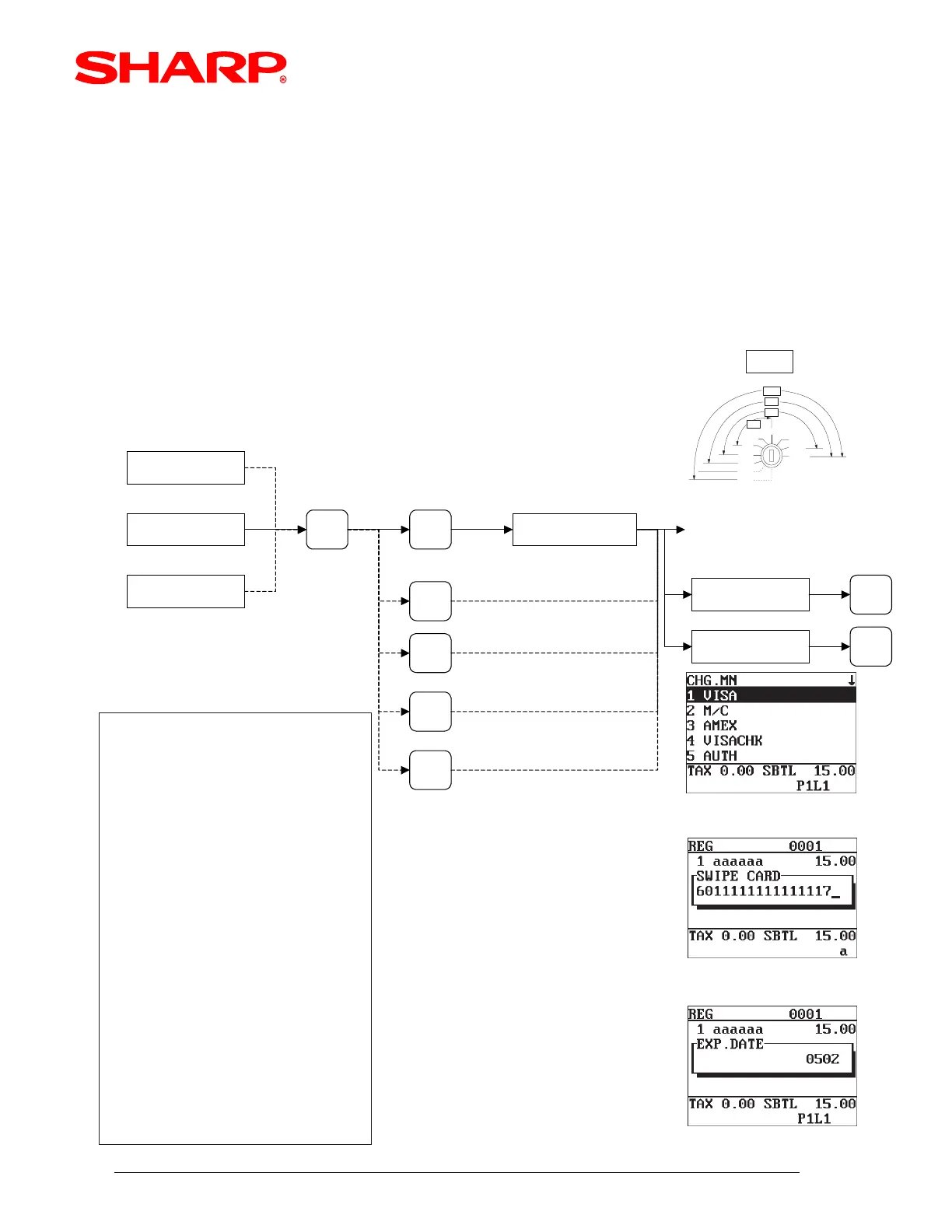
Item Entry
SBTL
CHG
MENU
VISA
M/C
AMEX
Select Type Media
GLU entry
Customer Sales
< SWIPE CARD is PROMPTED
Manual Entry Method
Check
card
Enter Account No.
ENTER
Enter Exp. Date
ENTER
< Credit and Check Card Sales (cont) >
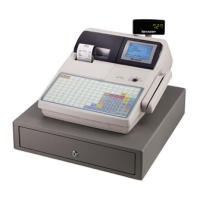
In the event the magnetic stripe cannot be read, the UP-600 and UP-700 allow manual input of the
card holder's account number and expiration date.
[ Example Operation]
REG
[ Example Receipt]
YOUR RECEIPT
THANK YOU
0 9 / 0 1 / 2 0 0 1
#0001 9:21AM SERV.
000001
0010001
aaaaaaaa
***TOTAL
VISA
CHANGE
CARD
#5499990123456781
000005
010297
VISA
Machine's media key text
Generic term "CARD" and Expiration Date
Card Account Number
Approval No.
Reference No.
Card and Approved Amount
Tip entry line
Signature Line
$15.00
$ 1 5 . 0 0
08/09
$15.00
TIP AMOUNT _____________________
T O T A L _____________________
GUEST SIGNATURE
X _________________________________
I AGREE TO PAY ABOVE
TOTAL AMOUNT ACCORDING
TO CARD ISSUER AGREEMENT
(MERCHANT AGREEMENT IF
CREDIT VOUCHER)
Note: A duplicate receipt may be issued by depressing the [RCPT] key or through the media key presets.
X2/Z2
X1/Z1
MGR
REG
OP,X/Z
PGM1
OFF
PGM2
(SRV)
(SRV')
OP
SM
MA
SRV













 To Next Page