EasyManua.ls Logo

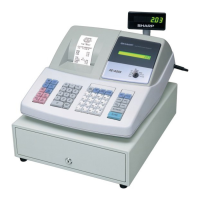
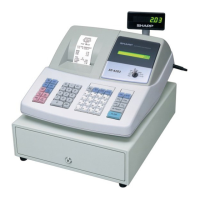
Sharp XE-A203 - User Manual

Sharp XE-A203
116 pages
Print Icon
To Next Page IconTo Next Page
Loading...
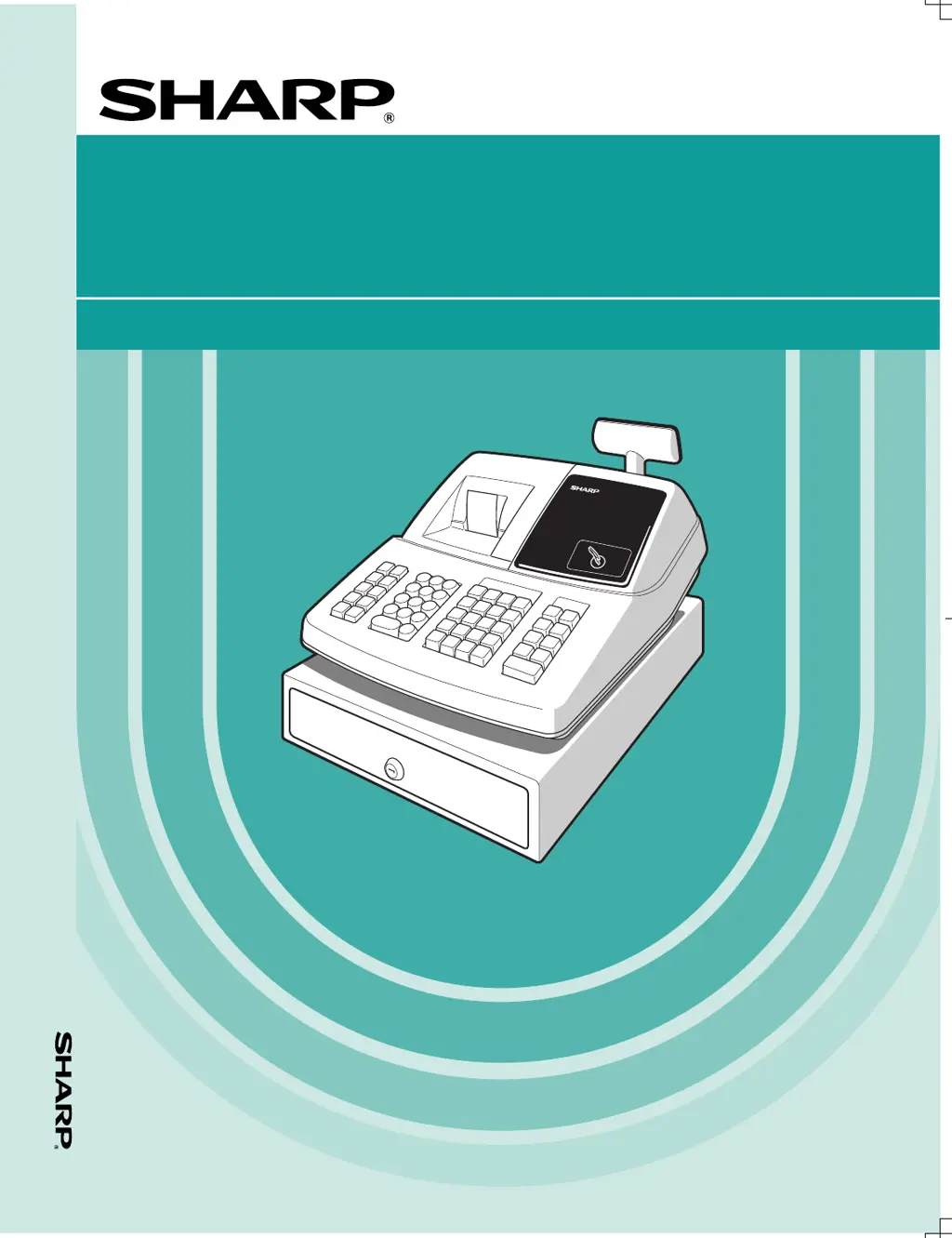
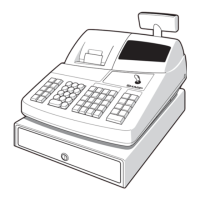
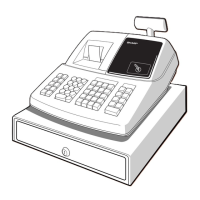
ELECTRONIC CASH REGISTER
CAJA REGISTRADORA ELECTRONICA
INSTRUCTION MANUAL MANUAL DE INSTRUCCIONES
XE-A203
MODEL
MODELO
SHARP ELECTRONICS CORPORATION
Sharp Plaza, Mahwah, New Jersey 07430-2135
1-800-BE-SHARP
For additional information and product registration,
please visit www.sharpusa.com
Printed in China / Impreso en China
(TINSZ2554RCZZ)
XE-A203

Table of Contents

Other manuals for Sharp XE-A203

Questions and Answers

  • D
    David WellsAug 19, 2025
    What to do if my Sharp Cash Register is not issuing receipts?
    • E
      Elizabeth SmithAug 19, 2025
      If your Sharp Cash Register isn't issuing receipts, several factors could be at play. First, check if the paper roll is correctly installed. Also, verify there isn't a paper jam. Ensure the receipt function is not set to the “OFF” status. Finally, make sure the print roller arm is securely locked.
  • K
    Kathleen HooverAug 21, 2025
    Why is the display on my Sharp Cash Register not illuminating?
    • J
      joshua72Aug 21, 2025
      If the display of your Sharp Cash Register is not illuminated, check that power is supplied to the electrical outlet. Also, verify that the power cord is properly plugged into the outlet.
  • M
    Melinda FullerAug 23, 2025
    How to fix unusual printing on my Sharp XE-A203?
    • T
      travis58Aug 23, 2025
      If the printing quality on your Sharp Cash Register is unusual, verify that the print roller arm is securely locked and the paper roll is properly installed. Also, ensure that the print head, sensor, and roller are clean.
  • C
    Charles BakerAug 26, 2025
    What to do if my Sharp XE-A203 is illuminated but not registering?
    • K
      Kimberly KellyAug 26, 2025
      If your Sharp Cash Register's display is lit but it won't register transactions, confirm that a clerk code is assigned to the register and that the mode switch is correctly set to the “REG” position.
  • M
    Michael MartinezAug 28, 2025
    Why is no journal paper being taken up in my Sharp XE-A203?
    • R
      rachelrobertsonAug 28, 2025
      If the journal paper is not being taken up by your Sharp Cash Register, check that the take-up spool is correctly installed on the bearing. Also, check for any paper jams. Ensure that journal printing is selected in the printing style programming; if receipt printing is selected, the paper won't wind around the take-up spool.
  • T
    Travis EvansAug 30, 2025
    What to do if my Sharp Cash Register display shows strange symbols?
    • B
      Brandon CollinsAug 30, 2025
      If your Sharp Cash Register display shows unreadable symbols, ensure the machine has been properly initialized as shown in “GETTING STARTED”. Note that initialization clears all data and programmed settings stored in memory.
  • E
    Erica AguirreSep 1, 2025
    How to fix error E67 on my Sharp XE-A203?
    • J
      james08Sep 1, 2025
      To resolve error E67 on your Sharp Cash Register, finalize the transaction, and correct any incorrect entries in the void mode.
  • J
    jpittmanSep 3, 2025
    How to clear error E36 on Sharp Cash Register?
    • H
      hilljessicaSep 4, 2025
      To resolve error E36 on your Sharp Cash Register, make an open price entry.
  • A
    Anthony MillsSep 5, 2025
    What should I do for error E35 on my Sharp Cash Register?
    • K
      Kristina OwenSep 5, 2025
      To resolve error E35 on your Sharp Cash Register, make a preset price entry.
  • M
    millerchristopherSep 7, 2025
    How to solve error E34 on Sharp XE-A203?
    • T
      trevinodanielSep 8, 2025
      To resolve error E34 on your Sharp Cash Register, make a registration within a limit of entry.

Summary

WARNING AND IMPORTANT GUIDELINES

WARNING

FCC compliance and RF energy warning.

CAUTION

AC power socket accessibility recommendation.

INTRODUCTION AND INITIAL SETUP

CAUTION!

Warning about battery installation before initialization.

IMPORTANT

Essential safety and operational guidelines.

PARTS AND FUNCTIONS OVERVIEW

External View

Identifies the main external components of the cash register.

Printer Overview

Details the one-station thermal printer and its parts.

PARTS AND FUNCTIONS DETAILS

Mode Switch and Mode Keys

Explains the operation and settings of the mode switch.

Keyboard Layout

Shows the keyboard layout and defines key functions.

Display Information

Describes displays, symbols, and their meanings.

GETTING STARTED

Initial Cash Register Setup

Unpacking, initial setup, and initialization procedures.

Installing Batteries

Guide for installing the internal backup batteries.

Installing Paper Rolls

Instructions for loading receipt or journal paper rolls.

Initial Programming: Date, Time, and Tax

Initial programming steps for date, time, and tax settings.

Starting Sales Entries

Preparation for beginning sales registration.

OVERVIEW OF DAILY SALES ENTRIES

Before Starting Sales Entries

Pre-sales setup checklist.

Sales Entry Operations

List of available sales entry operations.

BASIC SALES ENTRY

Basic Sales Entry Example

Step-by-step example of a basic cash sale transaction.

Error Warnings and Escape Function

Explains error symbols, warnings, and how to clear them.

Item Entry Methods

Details on single item, PLU, and sub-department entries.

Repeat and Multiplication Entries

Methods for entering multiple quantities of the same item.

Split Pricing Entries

How to enter items sold in bulk at different price points.

Displaying Subtotals

Explains how to view merchandise, taxable, and full subtotals.

Finalizing Transactions

Procedures for cash, check, and charge transaction finalization.

Cash or Check Sales (No Tender Entry)

How to process cash or check sales without manual tender entry.

Charge (Credit) Sales

How to process a credit sale.

Mixed-Tender Sales

How to handle transactions with multiple payment types.

Tax Calculation Methods

Details on automatic and manual tax calculation methods.

Tax Status Shift

How to temporarily change tax status for departments or PLUs.

CORRECTION PROCEDURES

Direct Void (Last Entry Correction)

How to void the most recent entry in a transaction.

Indirect Void (Next-to-Last Entry Correction)

How to void entries prior to the last one in a transaction.

Subtotal Void

How to void an entire transaction by canceling the subtotal.

Correcting Entries After Finalization

Procedure for correcting entries after finalization or tender.

PROGRAMMING FOR MANAGERS

Prior to Programming

Preparation steps before programming the cash register.

TRAINING MODE

READING AND RESETTING SALES TOTALS

EJ REPORT READING AND RESETTING

OVERRIDE ENTRIES

CORRECTION AFTER FINALIZING A TRANSACTION (Void Mode)

OPERATOR MAINTENANCE

Sharp XE-A203 Specifications

General IconGeneral
BrandSharp
ModelXE-A203
CategoryCash Register
LanguageEnglish

Videos

How To Stop The Till Receipt Printing Sharp XE-A203 / XEA203 Cash Register

Related product manuals