XEA147BK and XEA147WH Frequently Asked Questions Page 10 of 21
How do I set the $ symbol to print on receipts?
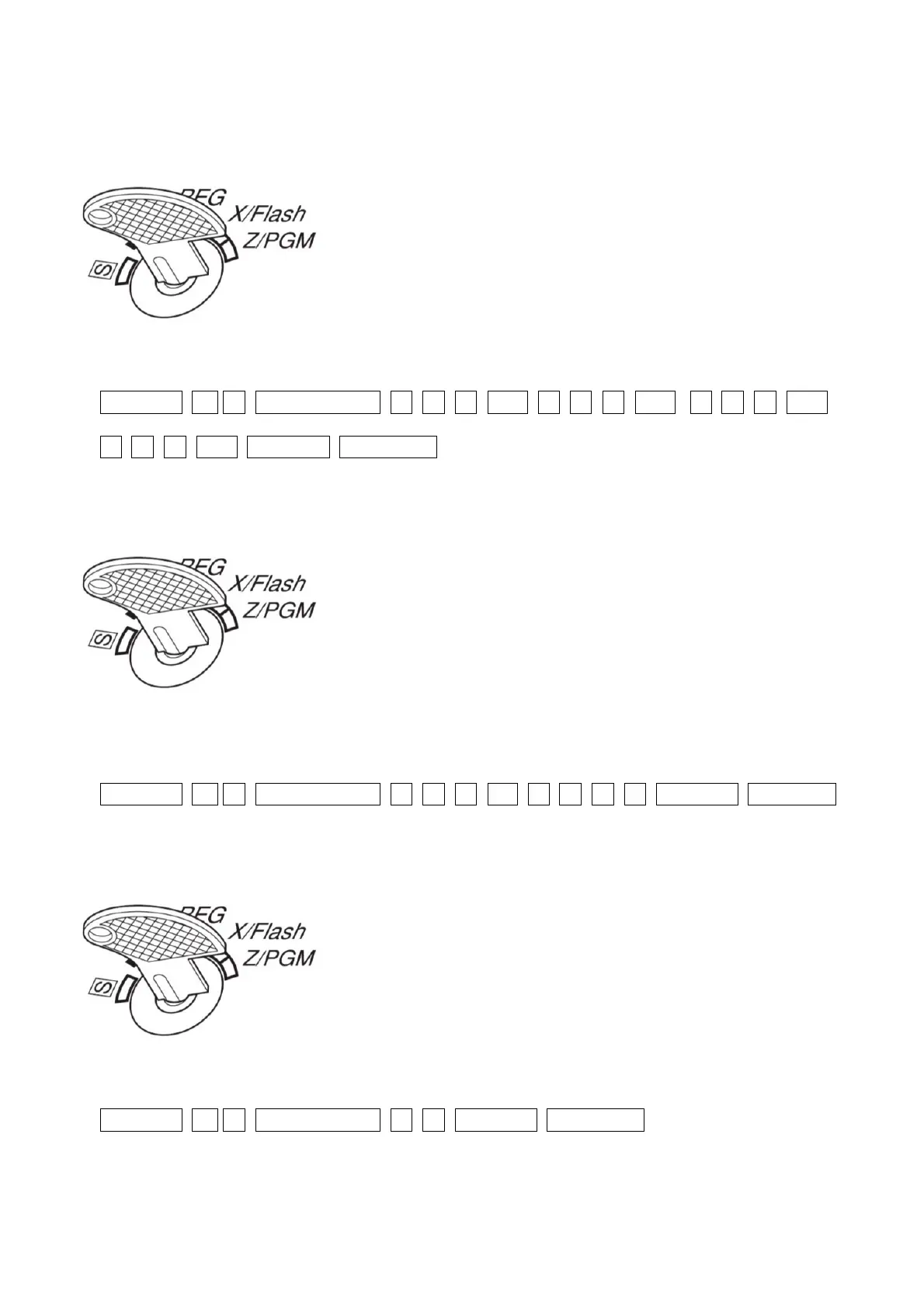
1. Set the mode key to the Z/PGM position
2. Enter:
#/TM/ST 8 5 _/RCPT/SW 0 3 2 _00_ 0 3 2 _00_ 0 3 2 _00_
0 3 6 _00_ #/TM/ST TL/AT/NS
How do I make cash sales amounts round to the nearest 5 cents?
3. Set the mode key to the Z/PGM position
4. Enter:
#/TM/ST 6 7 _/RCPT/SW 1 1 8 _2_ 1 0 1 0 #/TM/ST TL/AT/NS
How do I change the power save (screen off) time?
5. Set the mode key to the Z/PGM position
6. Enter:
#/TM/ST 1 0 _/RCPT/SW 0 0 #/TM/ST TL/AT/NS
This will set the power save time to 100 minutes. This is the maximum time which can be set before the
power save mode activates. The default time is 30 minutes.


 To Next Page