EasyManua.ls Logo

Sharp XG-PH50X - User Manual

Sharp XG-PH50X
109 pages
Print Icon
To Next Page IconTo Next Page
Loading...
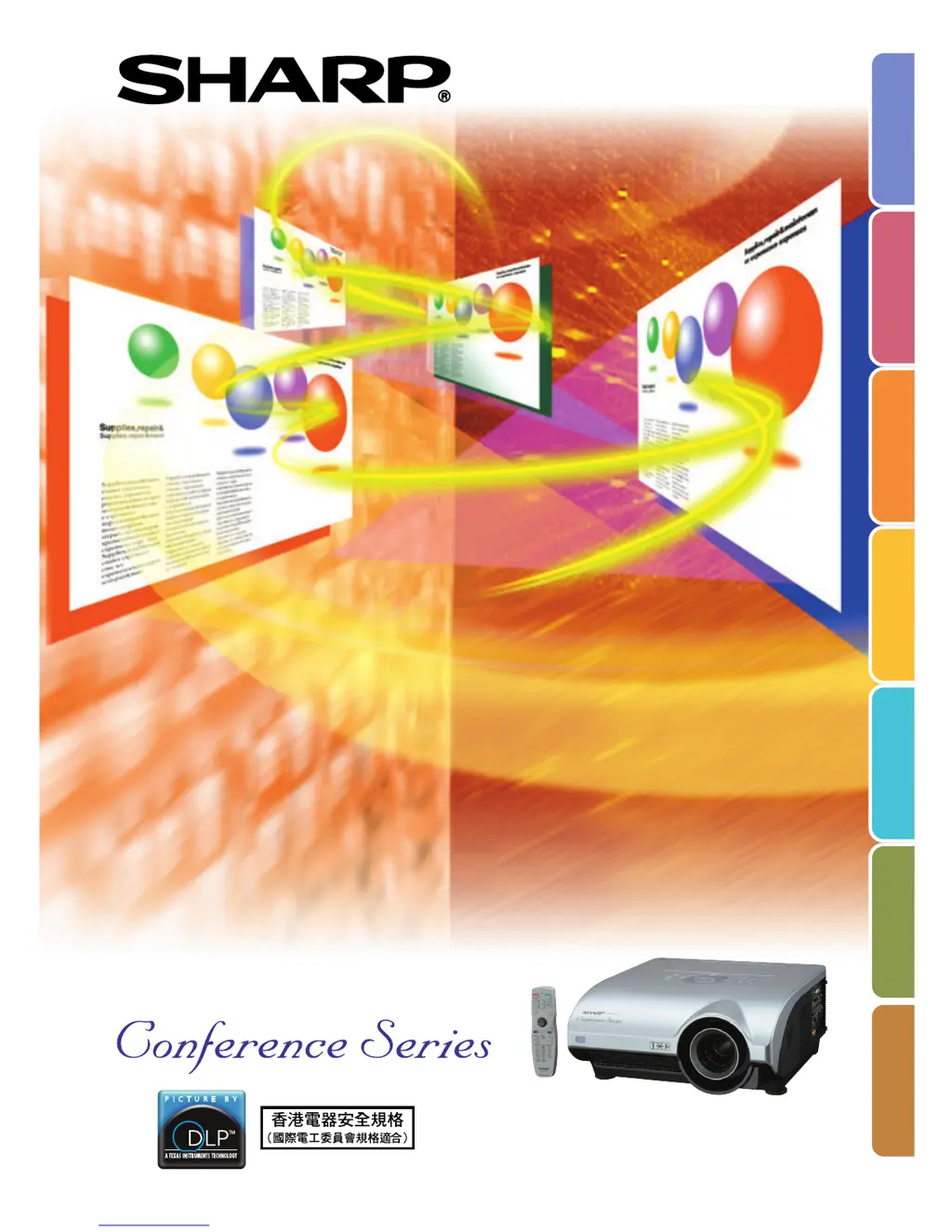
MULTIMEDIA PROJECTOR
MODEL
XG-PH50X
(Standard zoom lens attached)
XG-PH50X-NL
(No lens attached)
OPERATION MANUAL
Introduction
Quick Start
Setup
Connections
Basic Operation
Useful Features
Appendix

Table of Contents

Other manuals for Sharp XG-PH50X

Questions and Answers

  • B
    Barbara HicksAug 18, 2025
    Why is my Sharp XG-PH50X not turning on and there is no picture or sound?
    • D
      David FlowersAug 19, 2025
      If your Sharp Projector isn't starting and you're getting no picture or sound, here are a few things to check: * Ensure the projector's power cord is properly plugged into the wall outlet. * Verify that the connected external devices are powered on. * Confirm that you've selected the correct input mode. * Check the cables connected to the side panel of the projector to make sure they are correctly connected. * Replace the remote control batteries. * If using a notebook computer, ensure the external output is properly configured.
  • R
    Robert ShafferAug 20, 2025
    What to do if my Sharp XG-PH50X has sound but no picture?
    • B
      Bradley WernerAug 21, 2025
      If you're getting sound but no picture on your Sharp Projector, try these steps: * Check the cables connected to the side panel of the projector to ensure they are correctly connected. * Make sure the “Bright” setting is not set to the minimum position. * Verify that the “BLACK SCREEN” function is not enabled.
  • H
    Hunter SextonAug 23, 2025
    How to fix a blurred picture with noise on my Sharp XG-PH50X?
    • L
      Lauren KerrAug 23, 2025
      If your Sharp Projector's picture is blurred and noisy, try the following: * Adjust the focus. * Ensure that the projection distance is within the focus range. * If using computer input, perform “Fine Sync” Adjustments, specifically the “Clock” and “Phase” Adjustments.
  • T
    theresa63Aug 26, 2025
    What to do if the picture is too bright and whitish on my Sharp XG-PH50X?
    • C
      carrollchristineAug 26, 2025
      If the picture on your Sharp Projector appears too bright and whitish, the image adjustments may be set incorrectly. Check and adjust the image settings.
  • C
    Carolyn ChristensenAug 28, 2025
    Why is there no sound on my Sharp XG-PH50X Projector even though there is a picture?
    • C
      Chris HarrisAug 28, 2025
      If you see a picture but hear no sound from your Sharp Projector, consider these potential solutions: * Ensure the cables are correctly connected to the side panel of the projector. * Check that the volume is not set to the minimum. * Verify that the “MUTE” function is not enabled. * Confirm that the “Speaker” menu is not set to “OFF.”
  • K
    Krista WashingtonAug 30, 2025
    Why is the color faded or poor on my Sharp Projector?
    • K
      Kim JeffersonAug 30, 2025
      If the color on your Sharp Projector appears faded or poor, here are a couple of things to check: * Make sure the image adjustments are correctly set. * For INPUT 1, INPUT 2, and INPUT 3, verify that the input signal type (RGB/Component) is correctly set. For INPUT 4 and INPUT 5, ensure the video input system is correctly set.
  • C
    Cynthia SolisSep 1, 2025
    Why is the picture green on INPUT 1 or 2 (COMPONENT) on my Sharp Projector?
    • D
      Darrell TateSep 2, 2025
      If the picture appears green on INPUT 1 or 2 (COMPONENT) of your Sharp Projector, try changing the input signal type setting.
  • T
    Timothy EdwardsSep 4, 2025
    What to do if my Sharp XG-PH50X Projector cannot be turned on using the ON or STANDBY button?
    • K
      Kimberly SullivanSep 4, 2025
      If you cannot turn on your Sharp Projector or put it into standby mode using the buttons on the projector, it might be because the “Keylock Level” menu is set to “Level A” or “Level B”. In this case, use the remote control to operate the projector.
  • J
    Jimmy TownsendSep 6, 2025
    Why do the lamps take a long time to turn on in my Sharp XG-PH50X?
    • A
      Anthony JohnsonSep 6, 2025
      If the lamps in your Sharp Projector are taking a long time to turn on, it could be that they have reached the end of their life. Try replacing the lamps.
  • C
    Cynthia RussellSep 8, 2025
    Why do I sometimes see image flickers on my Sharp XG-PH50X Projector?
    • M
      marcus98Sep 8, 2025
      The image on your Sharp Projector might flicker because the cables are incorrectly connected or the connected equipment is malfunctioning. If this happens frequently, you may need to replace the lamp.

Sharp XG-PH50X Specifications

General IconGeneral
BrandSharp
ModelXG-PH50X
CategoryProjector
LanguageEnglish

Related product manuals