EasyManua.ls Logo

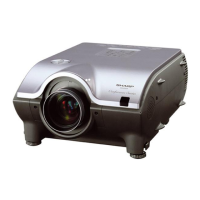
Sharp XG-PH50X - User Manual

Sharp XG-PH50X
109 pages
Print Icon
To Next Page IconTo Next Page
Loading...
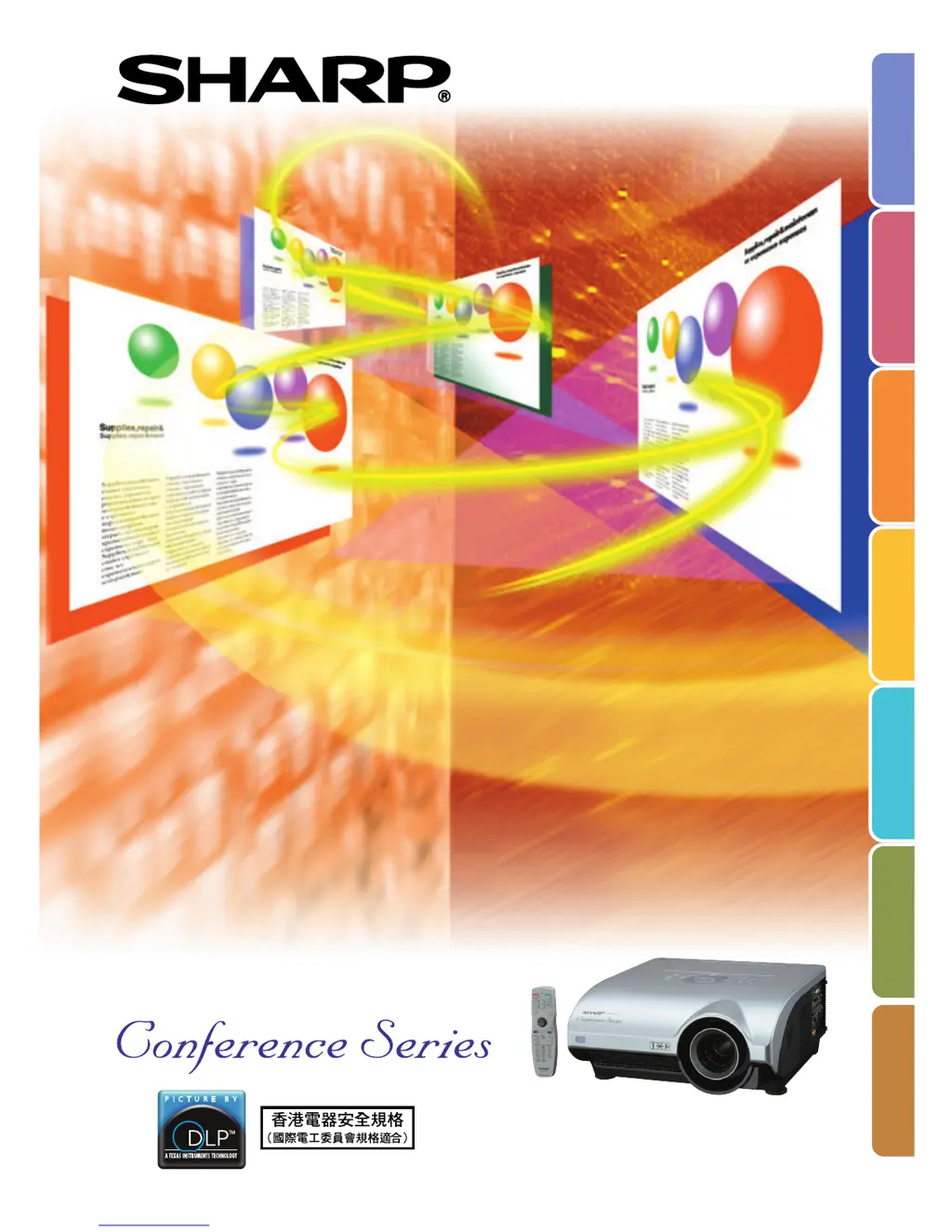
MULTIMEDIA PROJECTOR
MODEL
XG-PH50X
(Standard zoom lens attached)
XG-PH50X-NL
(No lens attached)
OPERATION MANUAL
Introduction
Quick Start
Setup
Connections
Basic Operation
Useful Features
Appendix

Table of Contents

Other manuals for Sharp XG-PH50X

Questions and Answers

  • J
    Jeff GibsonSep 12, 2025
    Why won't my Sharp XG-PH50X Projector buttons or remote control work?
    • J
      Jon MackSep 12, 2025
      If all buttons on your Sharp Projector and the remote control are unavailable, it could be because the “Stack Setting” menu is set to “Slave” and the “Keylock Level” menu is set to “Level B”. Connect the remote control to the projector, and then use the remote control to operate the projector.
  • C
    Christina PorterSep 13, 2025
    Why won't the lamp light up even after I turn on my Sharp XG-PH50X?
    • J
      jarvisryanSep 13, 2025
      If the lamp does not light up even after you turn on your Sharp Projector and the lamp indicator is illuminating in red, you likely need to replace the lamp.
  • S
    Stephanie KingSep 15, 2025
    Why is my Sharp Projector making an unusual sound from the cabinet?
    • A
      Ashley BrownSep 15, 2025
      The unusual sound you hear from the cabinet of your Sharp Projector is likely due to cabinet shrinkage caused by room temperature changes. If the picture is normal, this sound should not affect the projector's operation or performance.

Sharp XG-PH50X Specifications

General IconGeneral
BrandSharp
ModelXG-PH50X
CategoryProjector
LanguageEnglish

Related product manuals