Shenchen Pump LabV Series
CAL button, prompt the calibration is successful.
(5) If request higher accuracy, you can click Add and Dec button to micro adjust
the flow rate, to reach high accuracy transferring and dispensing.
(6) Click Reset button, restore to the factory default calibration parameters.
Online Micro Adjust Volume Process:
Flow Rate Transferring Mode: If the actual flow rate during the production
process is bigger or smaller than the set up flow rate, you can micro adjust the flow
rate online without affecting the product line.
Fixed Time and Volume Mode: If the dispensing volume is bigger or smaller than
the set up volume, you can micro adjust the volume online, no need to stop the
pump.
Fixed Volume Measurement Mode: Do not support online micro adjust function.
Click the Calibration button from the main interface, enter the flow rate
calibration interface.
Now only the Add, Dec and Esc button are usable, other buttons are forbidden.
Click Add or Dec button to micro adjust the flow rate or volume.
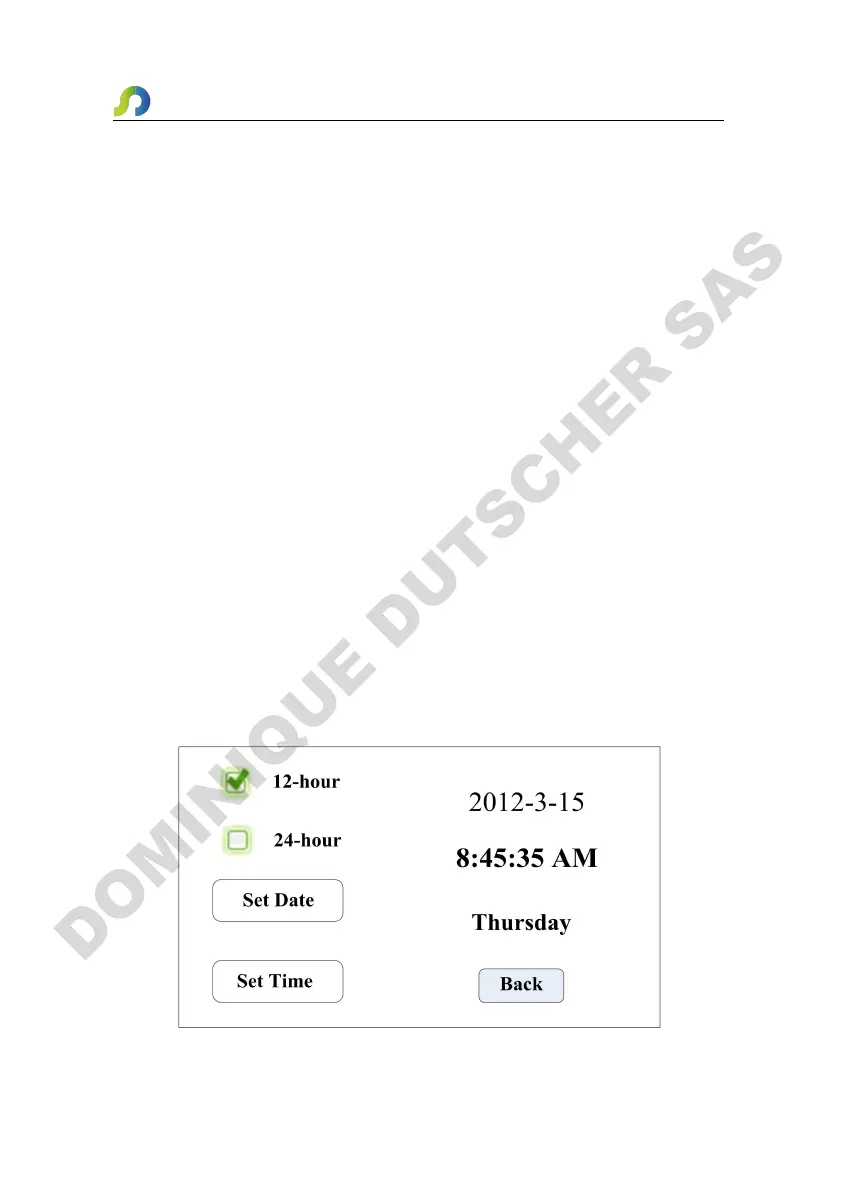
4.10 Date & Time Interface
Setting Date & Time Interface as below:


 To Next Page