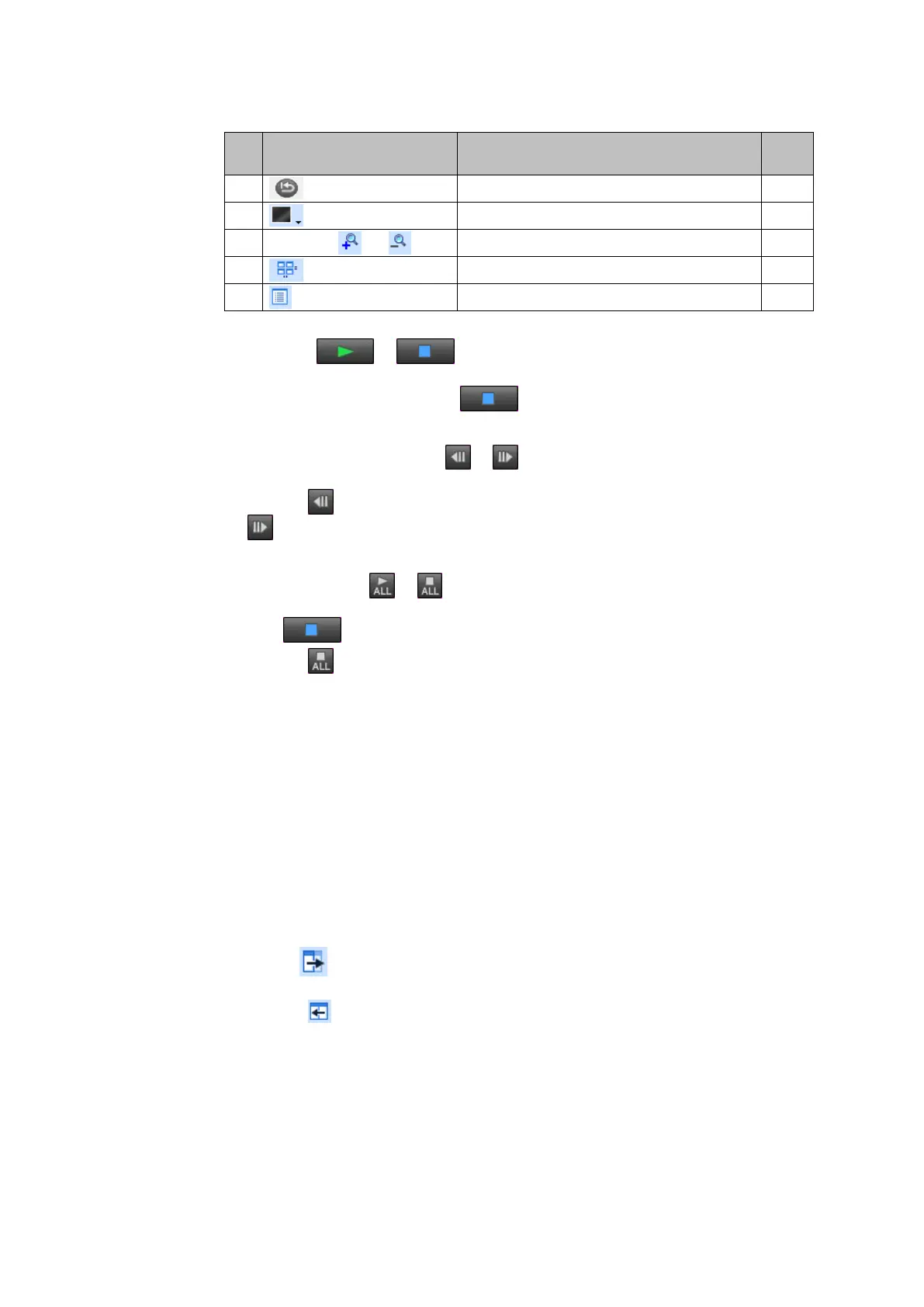
Restores default settings.
Switches window display mode.
Sets image display magnification setting.
Organizes Viewer windows into rows and columns.
■ Play/Stop (
/ )
Plays back the currently displayed image.
To stop playback midway, click the
icon. (See 5.5.2 Playing Back Images)
■ One Frame Back/Forward (
/
)
Moves the currently displayed image one frame back or forwards.
Clicking the
icon displays the frame before the currently displayed frame. Clicking
the
icon displays the next frame after the currently displayed frame.
■ Play All/Stop All ( /
)
Plays image data simultaneously in all currently displayed Viewers. To stop playback,
click the
icon in each individual Viewer.
Clicking the
icon stops playback in all Viewers that are playing back image
data.Viewer
■ Current Frame Number Display
Displays the frame number of the currently displayed image.
"----/----" is displayed when there is no displayed image.
■ Relative Time Since Trigger Input
Displays the relative time since the trigger input was detected for the currently displayed
image.
"----,----,----ns" is displayed when there is no displayed image.
■ Playback Parameter Settings Window [Detail]
Clicking the
icon displays the playback parameter settings window (playback
parameter settings area shown in 2.2 Control Computer (Application) Functions).
Clicking the
icon closes the playback parameter settings window.
■ Playback Speed Setting [PLAY SPEED]
The playback speed is set in terms of fps (frames per second), which indicates how many
frames are displayed per second.
The playback speed can be set to any value between 1 fps (minimum) and 33 fps
(maximum).


 To Next Page