Download the application from the APP Store and website.
GET THE APPLICATION
E-TUBE PROJECT
You can update the unit firmware, adjust DI2 settings, carry out error checks,
and customize each unit via Bluetooth
®
WIRELESS PROGRAMMING
(E8000 Series ONLY)
HOW TO USE E-TUBE PROJECT
TRY TO USE
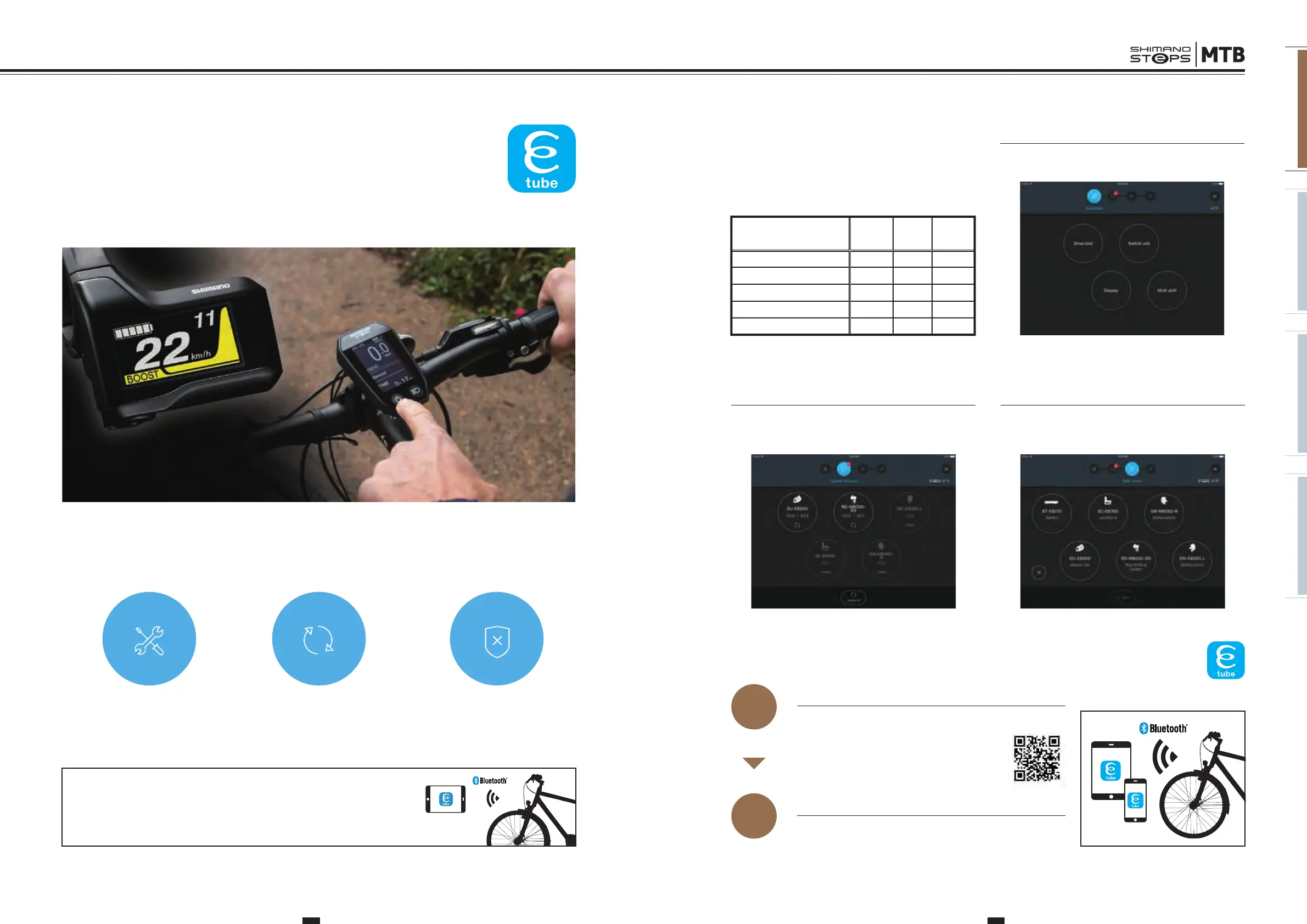
E-tube offers flexibility by allowing you to customize settings and update firmware by Windows PC or tablet, smartphone. You
can access a range of electronic components information quick and easy and check the system status in moments.
CUSTOMIZE
to settings of your choice
FIRMWARE
update
RUN
ERROR CHECK
Notice something unusual?
WHAT CAN YOU DO WITH
E-TUBE PROJECT?
STEP
1
Connect to Bluetooth
®
, get started.
CONNECTING TO THE BICYCLE
STEP
2
CUSTAMIZATION
Customize functions and operations as you please. Discover
the settings that match your personal riding style.
http://e-tubeproject.shimano.com/application/
PC
(
Windows
)
Tablet
Smart
phone
Customize
X X X
Firmware update
X X
X
Error check
X X
–
Preset
X X
Limited*
Single unit connection
X –
–
Available functions in each devices
* Only reading and writing
FIRMWARE UPDATE
The application automatically checks for new firmware each
time it is started-up. This allows you to keep all units
up-to-date at all times.
ERROR CHECK
If you notice an abnormality, immediately perform a diagnosis
using the app. The unit at issue is identified, allowing you to
quickly and easily seek repairs.
*Tablet version only.
E8000 CONCEPT E8000 MANUAL E6000 CONCEPT E6000 MANUAL
E8000 Series / SYSTEM MECHANISM
https://shimano-steps.com/mtb
18 19
https://shimano-steps.com/mtb






 To Next Page