30
Installation/removal
Installing the switch unit
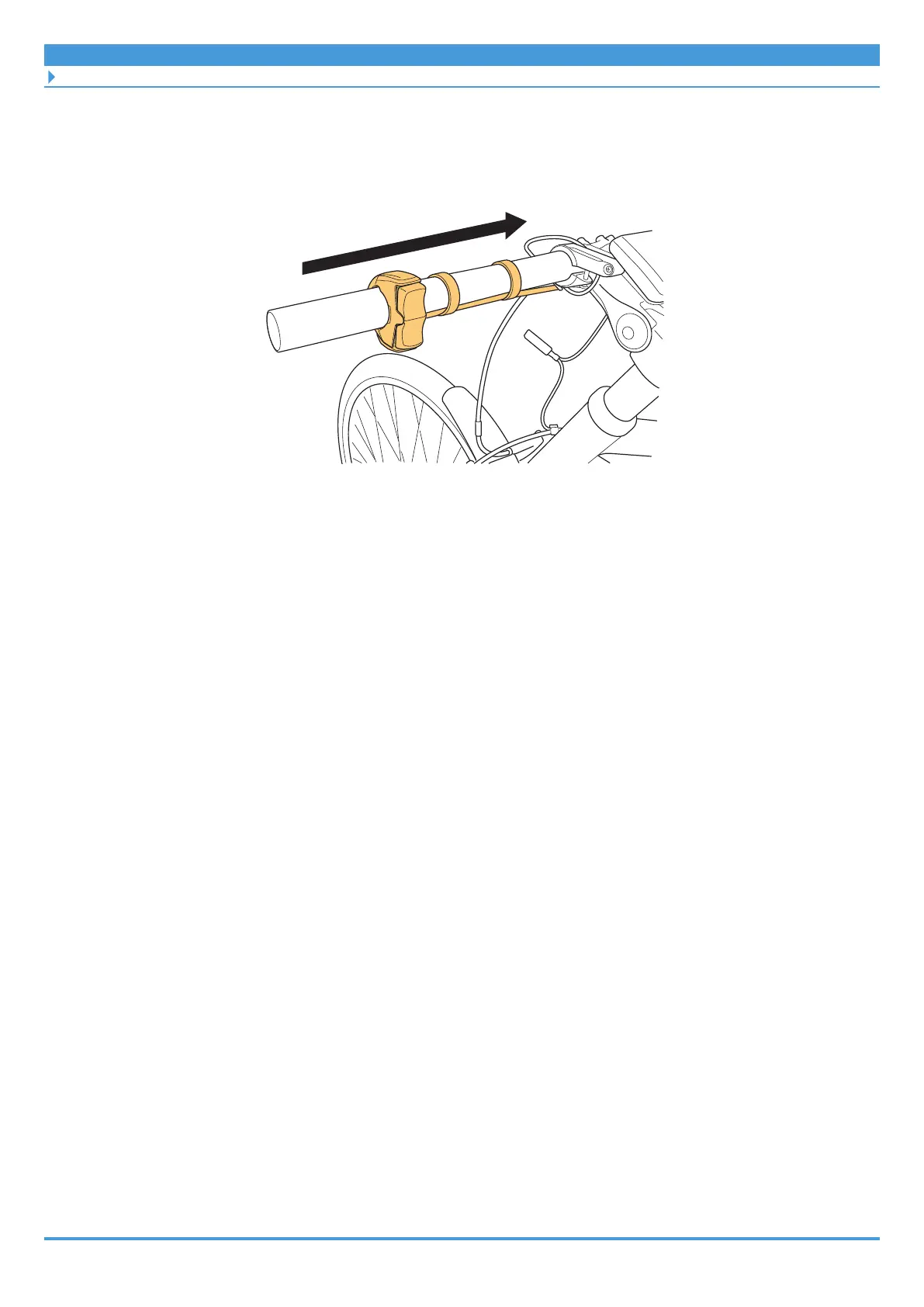
3. Push the cord bands and switch unit along from the edge of the
handlebar.
Make sure the electric wire of the switch unit is facing downward.
4. Confirm the location of the clamp screw, and secure the switch unit to
the handlebar.
• The location of the clamp screw differs depending on the model.



 To Next Page
 Loading...

