Aoralscan 3_Manual_V1.0.0.30 - 25 -
Indicates the status of the scanner.
⚫ Flashing green: The scanner is in the connection or warm-up phase.
⚫ Green: The scanner is in scanning or standby mode.
⚫ Blue: The stitching is unsuccessful when the scanner is scanning.
⚫ Breathing green: The scanner is in sleep mode.
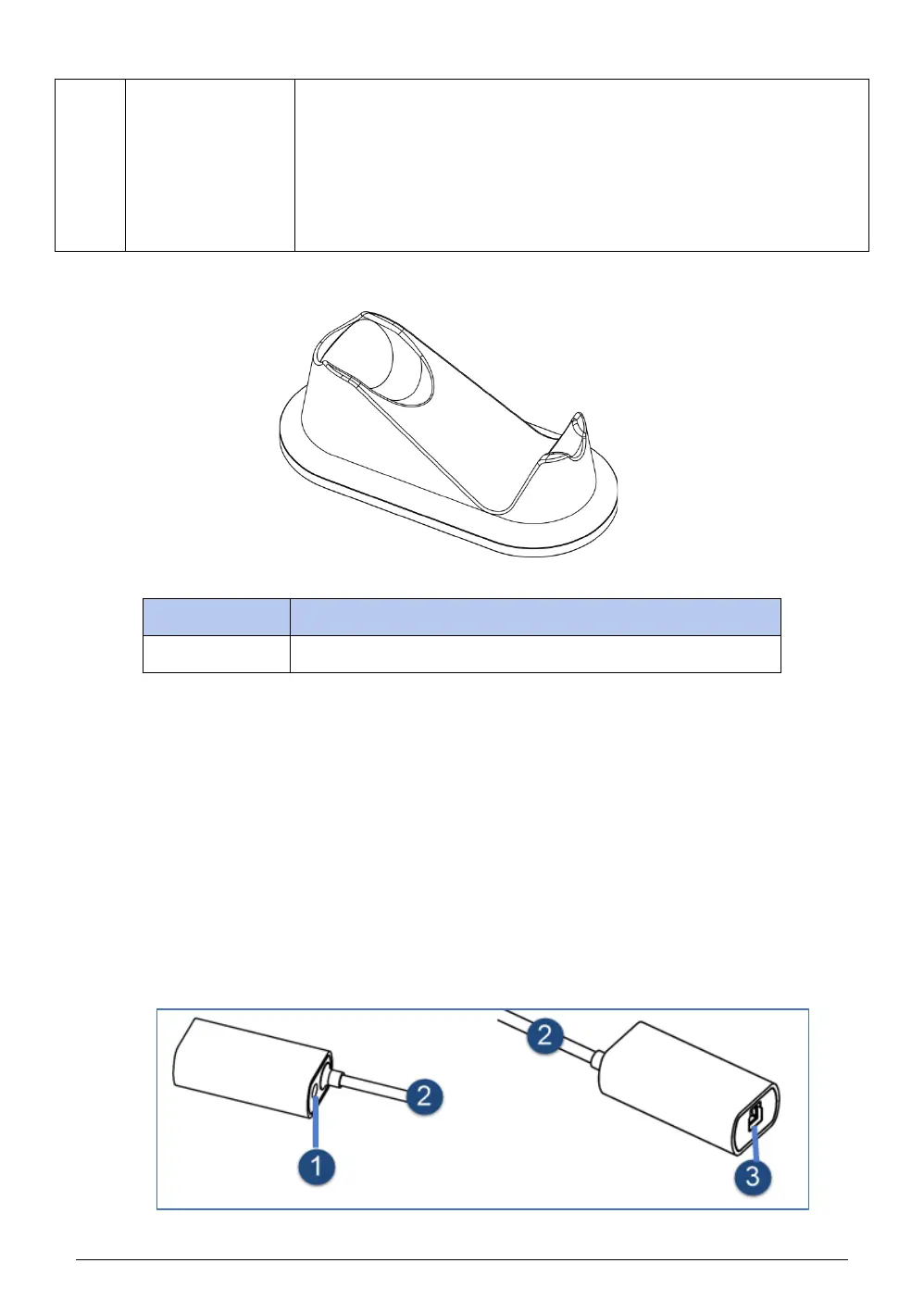
When the scanner is not in use, place it on the pedestal.
Notes:
⚫ If the scanner is idle for more than 1 minute, it will automatically enter the standby
mode. When the scanner is idle for more than 3 minutes (such as on the pedestal), it will
enter the sleep mode, and the indicator light on the scanner body will also be in the breathing
light state.
⚫ As long as there is power connected to scanner, the scanner head will be heated
even if the scanner is in standby or sleep mode.
4.2.3. Relay box














 To Next Page