6. Auto Run Program
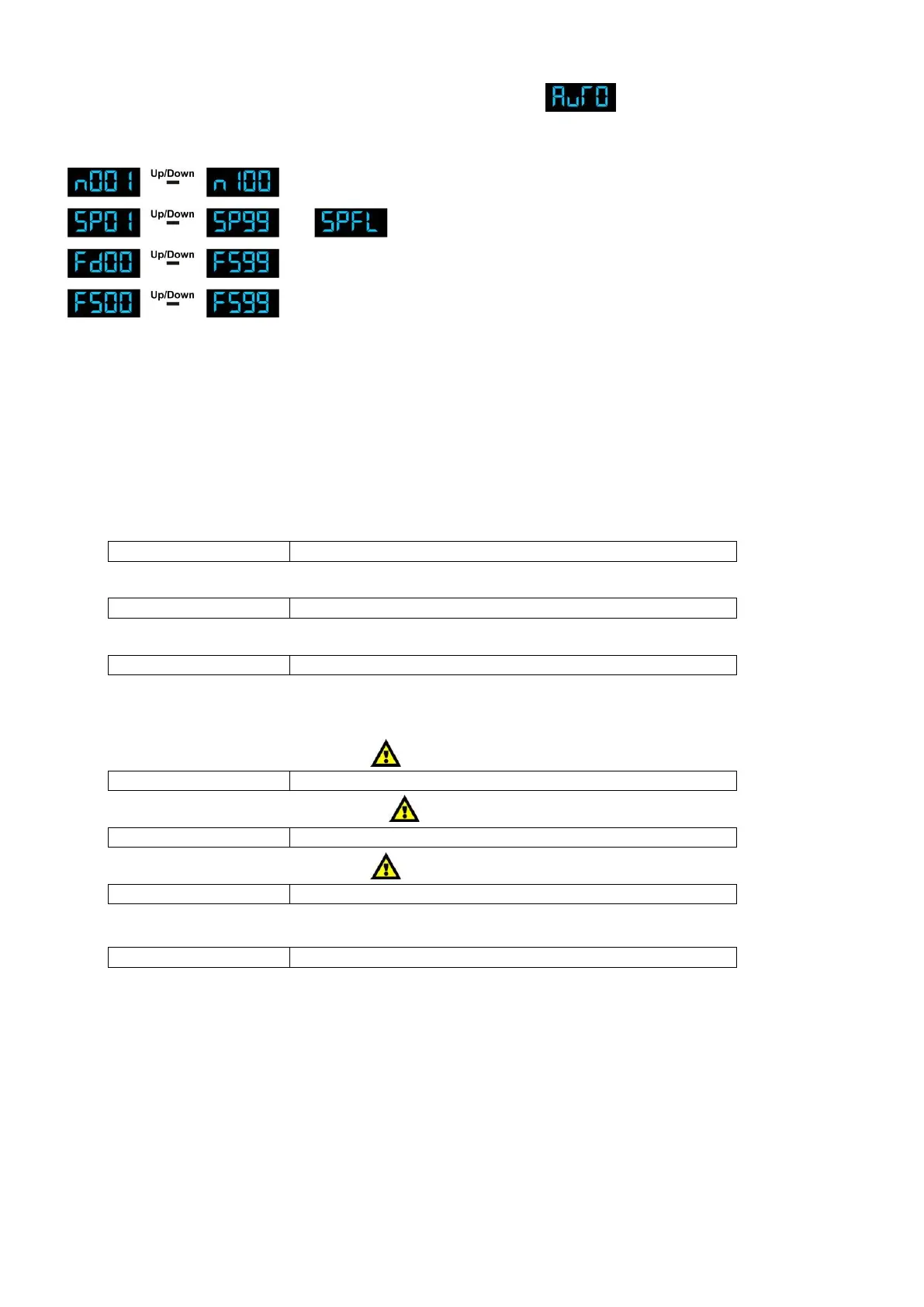
1) Press the MODE button on the device, until the display shows .
2) With this menu you can set the Auto Mode of the LED Light Bar.
3) Press Setup to enter the AUTO Menu. You can choose 4 different sub menus.
Number of Loops from 01-100
Speed from 01-99 and FL
Fade Time from 00-99
Flash Frequency from 00-99
Use the SETUP button to scroll through the menu.
DMX Channels
3 DMX Channels (d-P1)
Channel 1 – Red
Gradual adjustment Red from 0 – 100%
Channel 2 – Green
Gradual adjustment Green from 0 – 100%
Channel 3 – Blue
Gradual adjustment Blue from 0 – 100%
4 DMX Channels (d-P2)
Channel 1 – Red (Dimmer must be open )
Gradual adjustment Red from 0 – 100%
Channel 2 – Green (Dimmer must be open )
Gradual adjustment Green from 0 – 100%
Channel 3 – Blue (Dimmer must be open )
Gradual adjustment Blue from 0 – 100%
Channel 4 – Master Dimmer
Dimmer, from closed to open (0-100%)












 To Next Page