5. The Use of the Special Effect Mode:
Special effects are edit on SparkularEdit200 software with computer, effects file can download
to host controller with USB cable. For more information please refer to SparkularEdit200
manual.
Trigger Source
HAND: When Trigger Source select HAND, press Firing to activate programming.
AUDIO: Audio Trigger interfered easily, and it can be triggered only one time, it activated
when audio signal appears. There are audio signal light on the Music window, and Audio Level
1-4 corresponding to bottom to top.
When Audio Level is 1 and Audio Filter Delay is 50ms, when audio signal appear, first light of
Music is on and lasts for 50ms, and the file was activated.
In order to prevent the mistake trigger, before use AUDIO trigger function, please set Trigger
Source at HAND, connect audio signal to normal audio signal source, and select AUDIO.
According to the level of audio signal select proper Audio Level, Audio Filter Delay.
MIDI: When Trigger Source is set as MIDI, the operation of the device can be started and
stopped synchronously by MIDI Time Code (MTC).
No matter which mode the Trigger Source selected, the operation of the device can be started
and stopped synchronously by SparkularEdit200 connected computer.
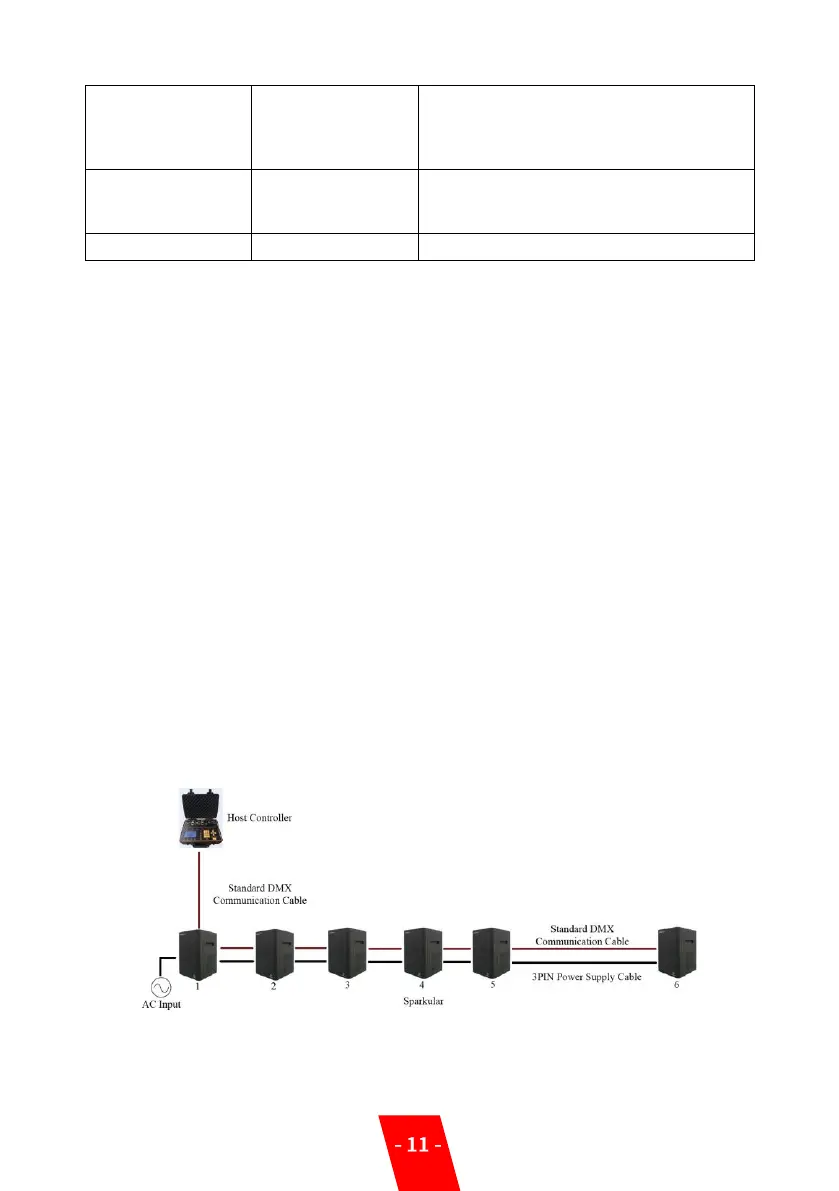
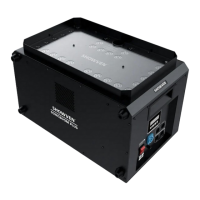
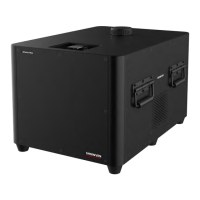
▲System Configuration and Connection
1. System Configuration:
2. System Connection:
On: DMX in activated, when there is DMX in
signal, host controller will be locked, and
DMX signal will transfer to SPARKULAR.
OFF: DMX in disabled.
When use DMX IN function of Host
controller, the DMX address of host
controller.
Reserve for future use. Default value is OFF.


 To Next Page