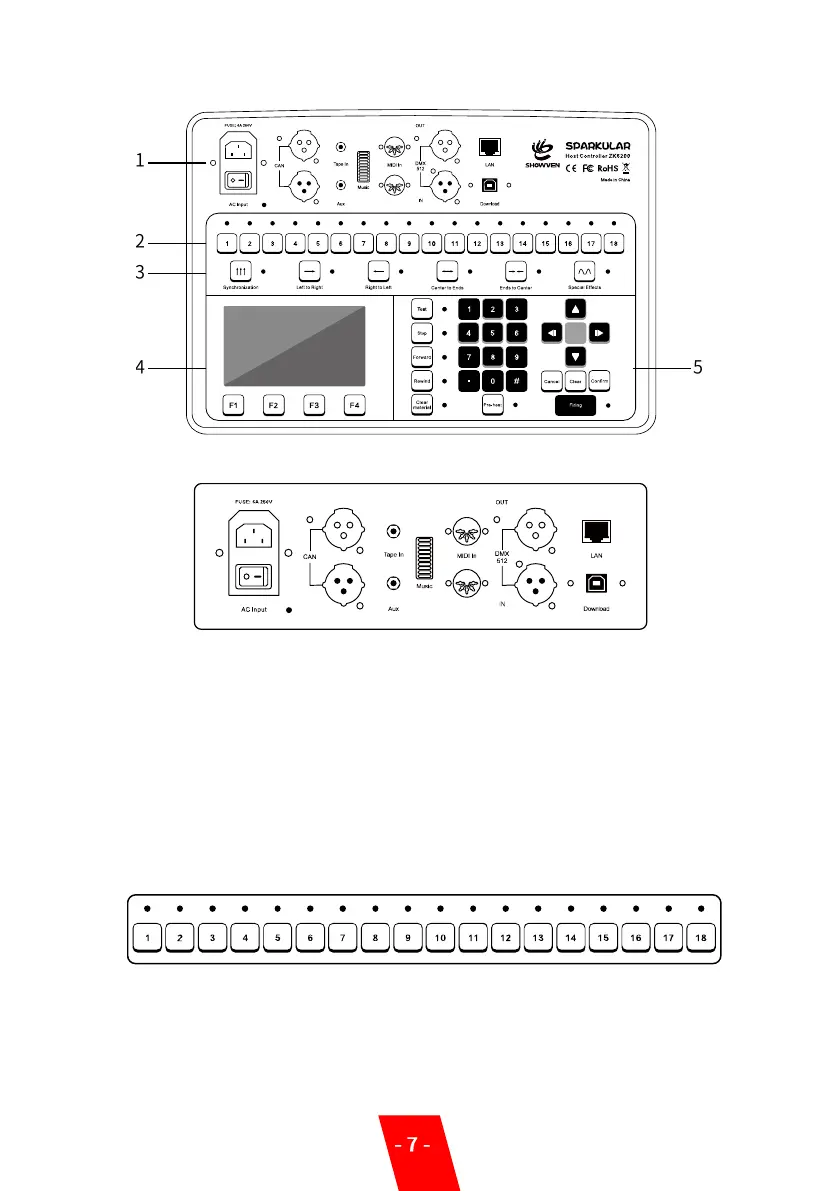
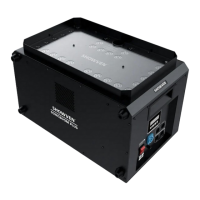
▲Controller Operation Panel
1. Cable Connection Area:
AC Input: AC Power Input.
CAN: CAN Communication Input/Output Ports.
Tape In: Audio Signal Input Port of Main Channel
Aux: Audio Signal Socket of Side Channel.
Music: Displaying the Electrical Level of Audio Signal.
MIDI In: Time Synchronous Signal Input of MIDI thru output.
DMX 512: DMX Signal port
LAN: Network’s Cascade Socket among Multi-Chassis, so as to link the remote control feature.
Download: SparkularEdit200 software Port
2. Manual Operation Area:
No.1 to No.18 is Sparkular number.
Firing / Stop of each unit of Sparkular by press related key of 1 to18.
The Sparkular can be operated after the Pre-Heat warm up for 5 minutes. The indicator light
will switch from flash green to always-on when heating up was ready. When firing is activated
the indicator light will change to Red. Press “FIRING “to shoot/stop the SPARKULAR machine.


 To Next Page