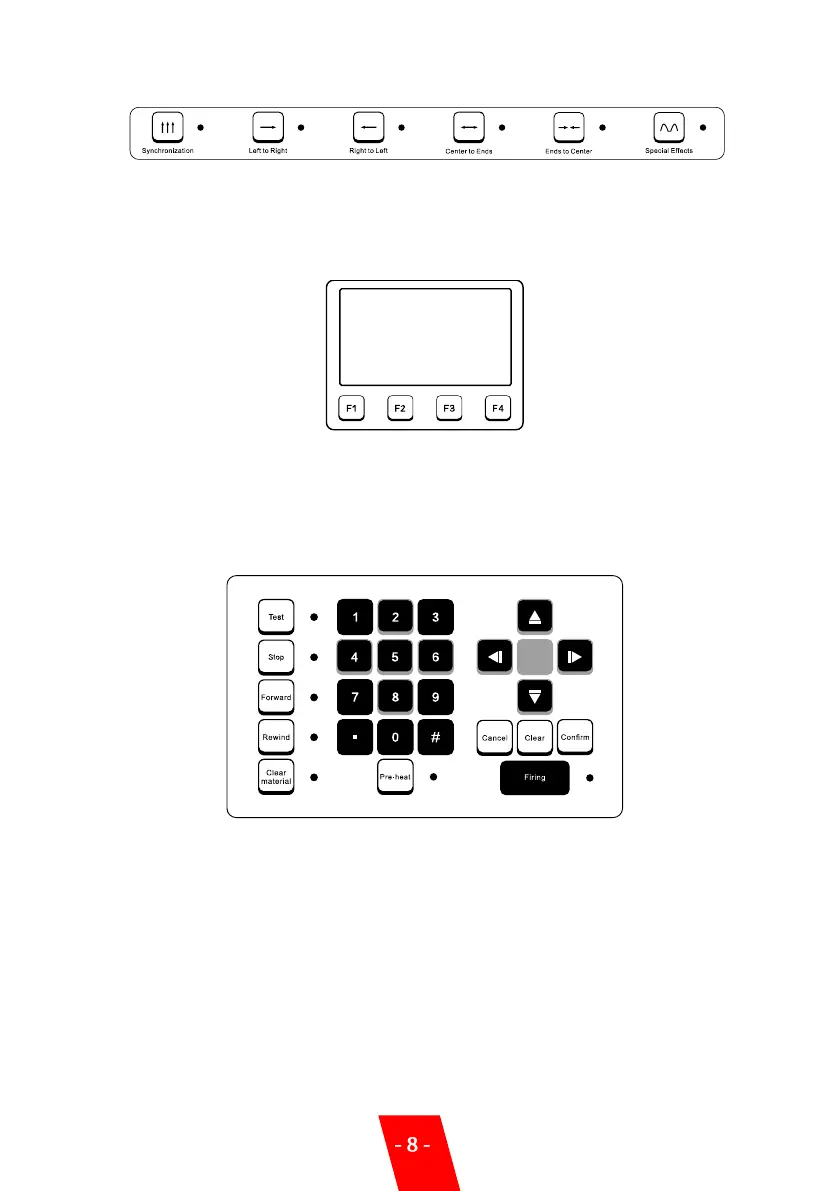
3. Mode Selection Area:
There are five standard dynamic modes and one special effects mode which can be initiated by
pressing the keys. These activate a pre-programmed page of functions that are displayed on
each selection.
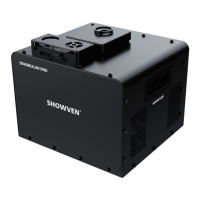
4. LCD Area:
F1: Main Menu
F2: File Selection Menu
F3: Configuration Menu
F4: About Menu
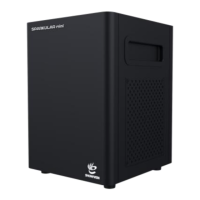
5. Edit/Control Area:
Parameters can be programmed through number keys or up/down keys.
Test: For test/demonstration of edit effects. When press the Test, Sparkular file will be operated
and LED will display theeffect, but communication won’t be output. This is also for factory
testing.
Pause: Device can be forced to stop once any abnormality happens. Pre-heat also shuts off.
Forward: Under the special effect mode, the operating time can be put forward.
Rewind: Under the special effect mode, the operating time can be put backward.
Clear Material: Clear material of SPARKULAR before and after each show, to clean the
remaining consumable in the heating chamber, avoid blocking of the SPARKULAR.


 To Next Page