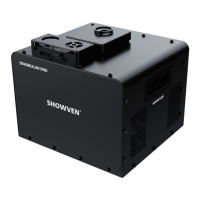
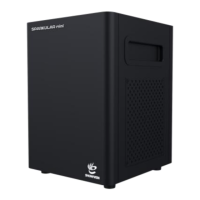
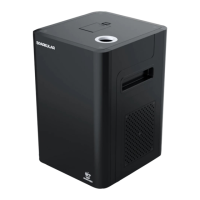
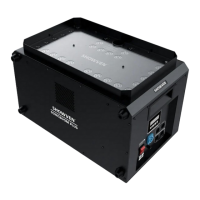
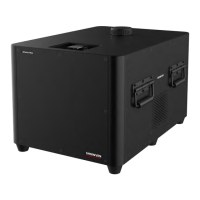
Pre-heat: Press “Pre-heat” to heating up the SPARKULAR. It takes around 5min. For long time
not use the machine, suggest to turn off the “Pre-heat” function and allow SPARKULAR to
return to normal temperature.
Firing: Activate/stop SPARKULAR programming. Left and right keys can make the cursor move
on the different parameters.
Parameters can be edited through up/down keys and number keys and it will be saved
automatically. The confirm key can also be initiated to save.
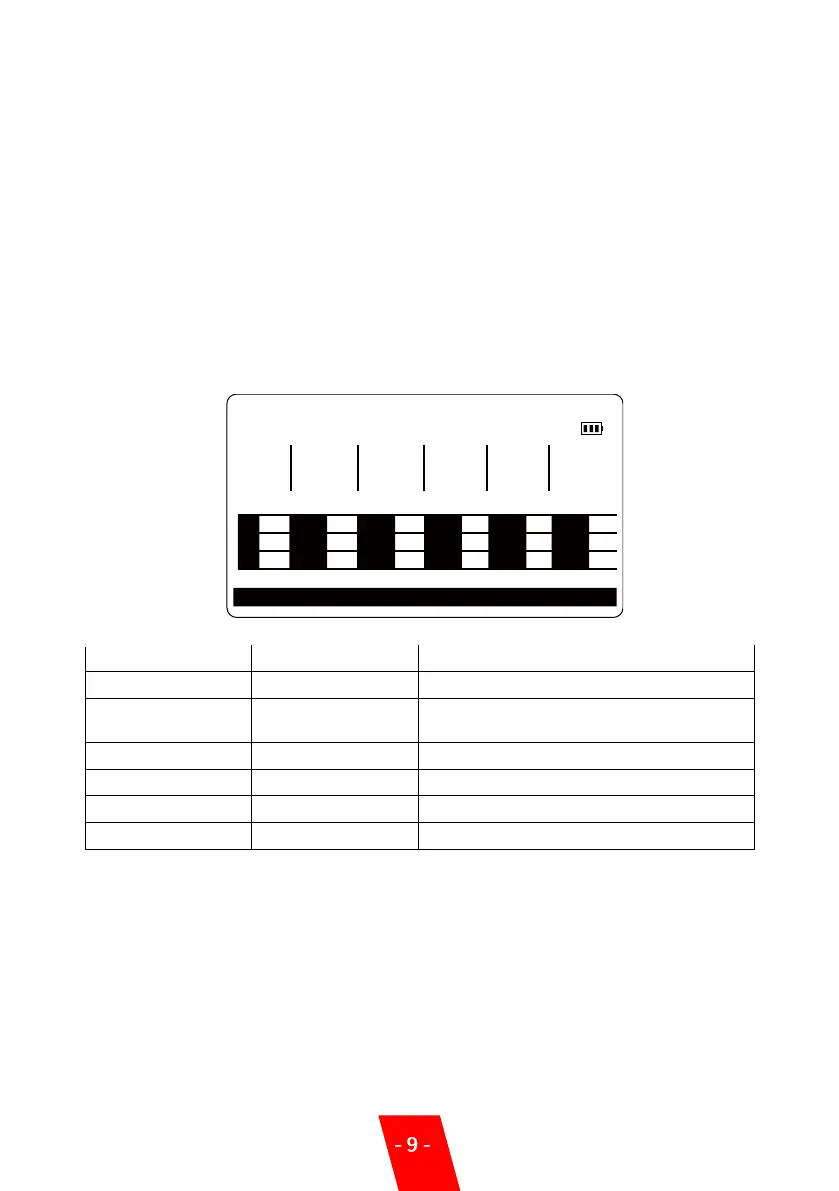
▲Interface
1. Main Menu:
MODE: Effect Mode
GROUP: Total Quantity of Devices.
Battery logo shows battery capacity and when it decrease to one grid, please charge it.
F1 MAIN
MODE:Center ToEnds Group:12
F I L E
NO.
Terminal Monitor
FIRI NG
HEIGHT
9 1.2s
DURTN
F I R I N G TRIG
DELAY
0.3s
4.0s 2
REPEAT
COUNTS
REPEAT
DELAY
1
1
7
13
2
8
14
3
9
15
4
10
16
5
11
17
6
12
18
MAIN FILE SELECT CONFIG ABOUT
Note: Only “Pause or Stop, Forward”, “Rewind” button are available when “Firing” button
lighting. Please note the setting for “repeat counts”to avoid mutli repeat of effects.
Monitor: The working status of SPARKULAR will show on the LCD screen of host controller.
Normal ly it shows the core temperature of SPARKULAR, when there are error information it
will also show in this area.
2. Error Information
Please refer to the error information of the machine.
Fountain Height gear. “.” button can
change height10 directly.
Trigger delay between two machines
Time to start of next sequence/period


 To Next Page