⑪ Coaxial inputs from Antenna A and Antenna B
RF Connection for Antenna A and Antenna B.
⑫ RF Cascade Connectors C and D
Passes the RF signal from Antenna A and Antenna B to one additional receiver.
⑬ Antenna Bias Indicator LED
• Green: Antenna bias enabled
• Red: Antenna fault
• Off: Antenna bias disabled
Menus and Configuration
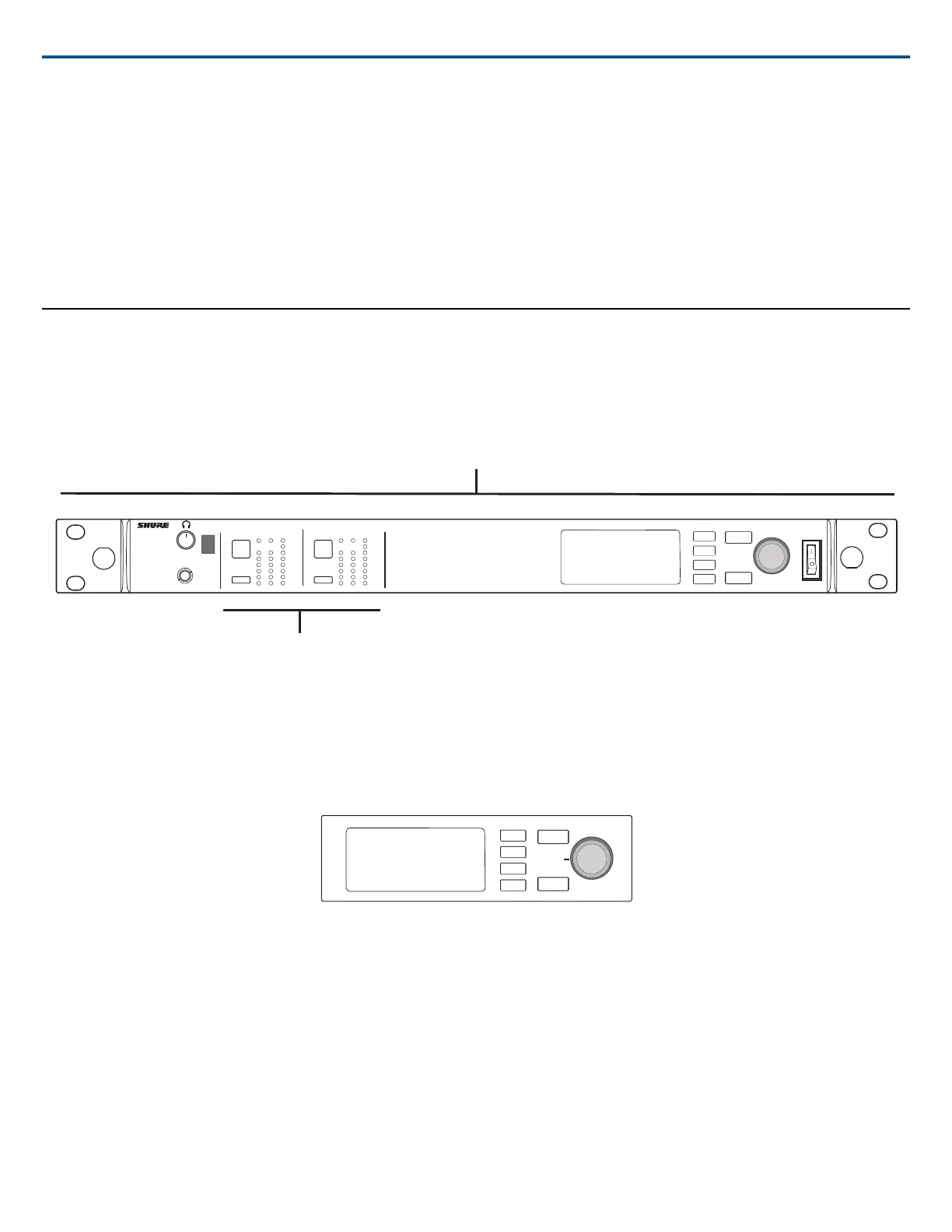
The receiver uses a two-tier menu structure to support multiple channels in a single rack space:
• Device Configuration Menu: Items in this menu affect the overall performance of the receiver and apply to all channels globally
• Channel Configuration Menus: Each channel has its own menu allowing for independent channel configuration
AD4D
Axient Digital
Wireless Receiver
POWER
PUSH
EXIT
ENTER
CONTROL
NAVIGATE
IR
RF
A B
OL
AUDIO
SYNC
2
RX 2RF
A B
OL
AUDIO
SYNC
1
RX 1
Device Configuration Menu
Channel Configuration Menu
Accessing the Device Configuration Menu or Channel Menus
From the home screen, use the following methods to access the Device Configuration menu or to enter one of the channel menus.
• To enter the Device Configuration menu, press the control wheel
• To enter a Channel menu, select the channel number, and then press the control wheel to access the channel menu
PUSH
ENTER
EXIT
CONTROL
NAVIGATE
Home Screen
From the home screen you can view the status of all four channels.
Shure IncorporatedAD4D AD4D Dual Channel Receiver
2017/08/034/21



 To Next Page