Shure Incorporated
15/23
1.
2.
1.
2.
3.
Turning Off Frequency 2 (Freq 2)
If a problem develops with one of the frequencies being used by the transmitter, you can lock on to a single frequency by turn
ing off frequency 2. Turning off one frequency allows the transmitter to continue passing audio while a clear frequency can be
found for the second channel.
From the Radio menu navigate to F2 Ctrl.
Use the controls to set F2 to On or Off. When set to On, the transmitter will pass audio using Freq 2.
Input Overload
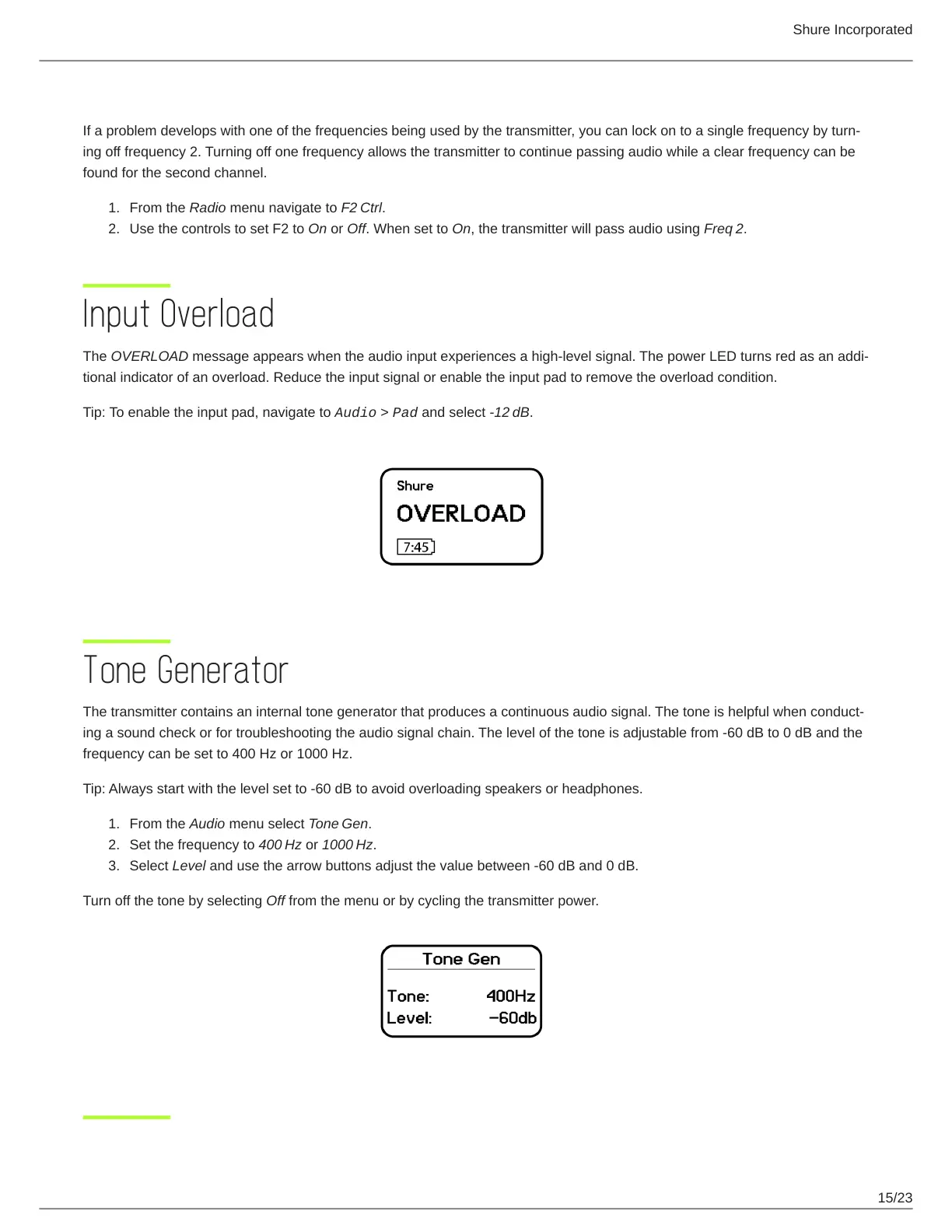
The OVERLOAD message appears when the audio input experiences a highlevel signal. The power LED turns red as an addi
tional indicator of an overload. Reduce the input signal or enable the input pad to remove the overload condition.
Tip: To enable the input pad, navigate to Audio > Pad and select -12 dB.
Tone Generator
The transmitter contains an internal tone generator that produces a continuous audio signal. The tone is helpful when conduct
ing a sound check or for troubleshooting the audio signal chain. The level of the tone is adjustable from -60 dB to 0 dB and the
frequency can be set to 400 Hz or 1000 Hz.
Tip: Always start with the level set to -60 dB to avoid overloading speakers or headphones.
From the Audio menu select Tone Gen.
Set the frequency to 400 Hz or 1000 Hz.
Select Level and use the arrow buttons adjust the value between -60 dB and 0 dB.
Turn off the tone by selecting Off from the menu or by cycling the transmitter power.



 To Next Page