Shure Incorporated
10/16
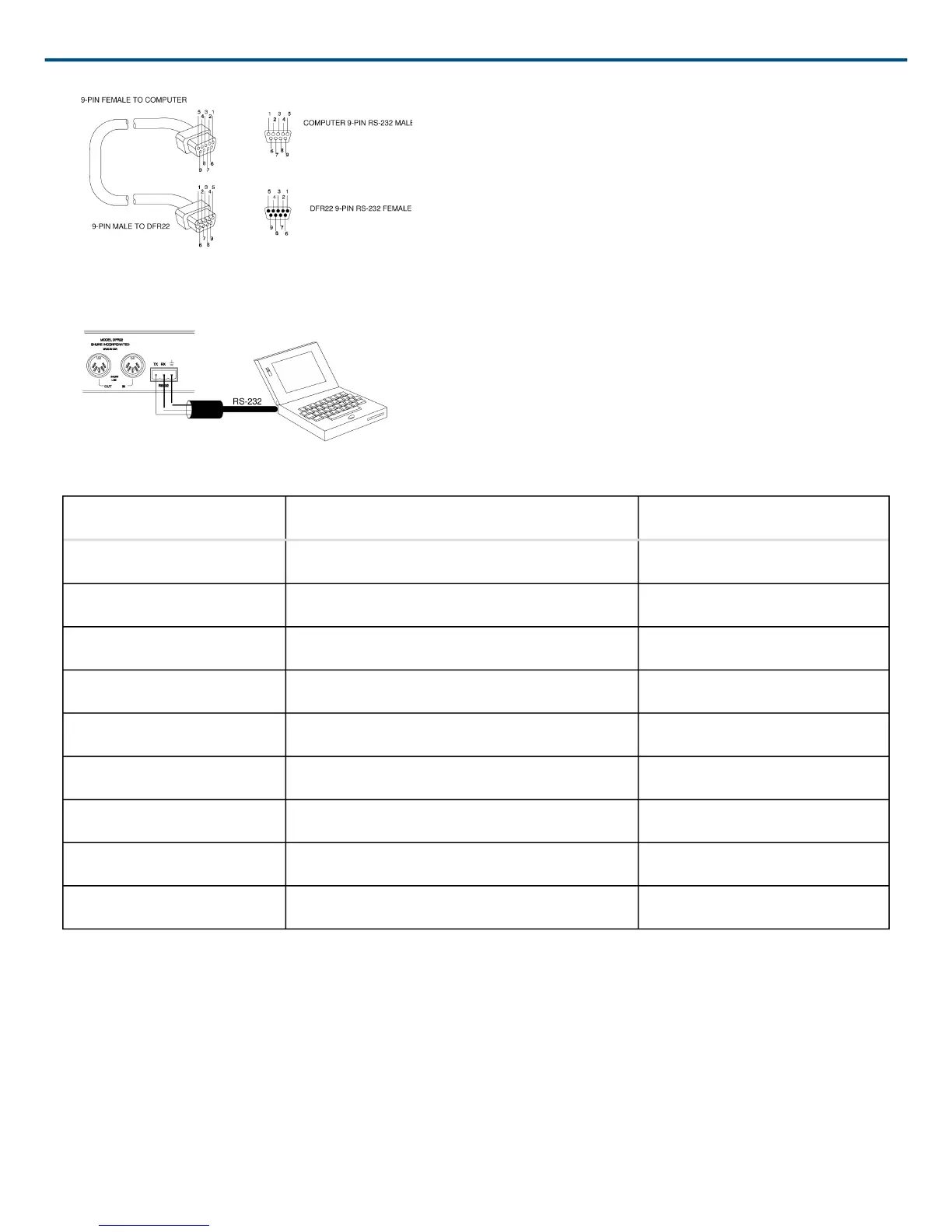
Figure 10: RS-232 Cable Pinouts
Figure 11: Phoenix RS-232 Serial Port Connection
DFR22 COMPUTER PIN NO.
-- -- 1
TX RX 2
RX TX 3
-- DTR 4
GND GND 5
-- DSR 6
-- RTS 7
-- CTS 8
-- -- 9
Shure Link Network
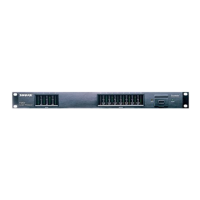
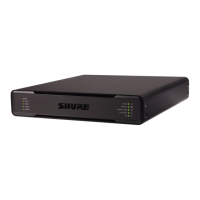
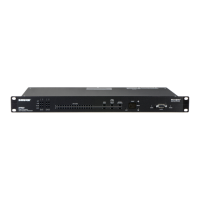
Up to 16 Shure Link devices, including the DFR22, DFR11EQ, DP11EQ, P4800, and UA888, can be linked and
controlled from one computer. Using 5-pin DIN cables, connect the Shure Link IN and Shure Link OUT of each
device, as shown in Figure 12.
The last device in the chain MUST be connected to the first device (the one connected directly to the com
puter) to form a loop.


 To Next Page