21
Hardware Interface Description
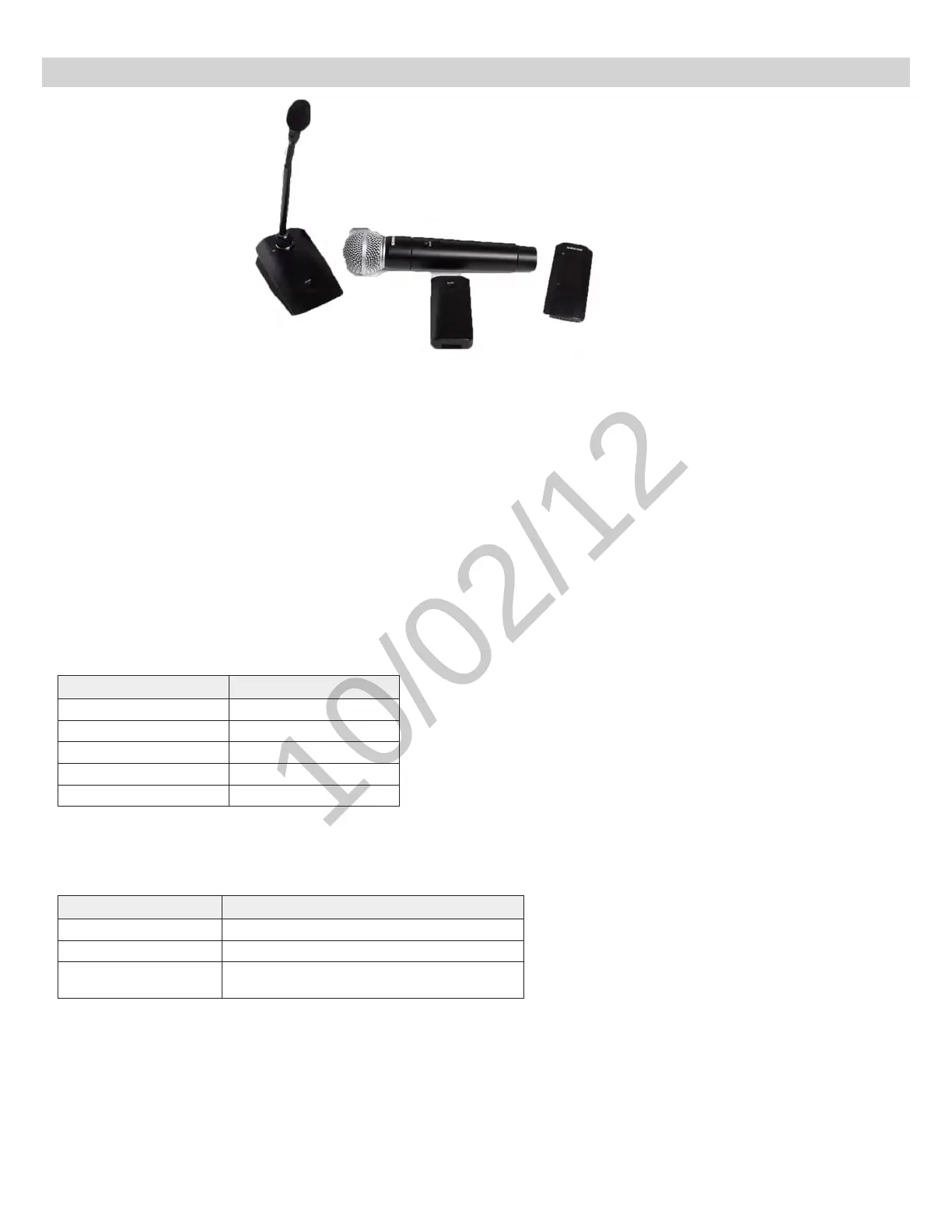
Microphones
Description
① Power Button
Press button to turn the microphone on; the microphone LED will flash green and red until turning a solid
color (color depends on state specified in GUI). Press and hold for 3 seconds to power off.
Note: The bodypack does not have a dedicated power button.
② Mute/Active Button
Changes the microphone state to Active or Mute. Each microphone type can be set to toggle or push-and-
hold from the Preferences tab of the GUI. The following describes the function of each setting:
•Toggle:Press and release the button to change the status to Active or Mute.
•Push-to-talk:Hold button to pass audio.
•Push-to-mute:Hold button to mute the audio.
③ Microphone State LED
Indicates the microphone state. Pulsing Red = Standby mode; Off = microphone is off.
Customize the indication of Active and Mute for each transmitter type from the Preferences tab of the GUI.
These options are displayed in the following table:
Mute Active
Solid Red Solid Green
Flashing Red Solid Red
Solid Red Off
Off Solid Red
Flashing Green Solid Green
Standby mode is always represented with a pulsing red LED.
④ Low Battery LED (Gooseneck and Boundary only)
Gooseneck and boundary microphones only.
Color Status
Off >10% battery runtime remains
Solid Red
≤10%batteryruntimeremains
Flashing Red
Battery is too low to transmit an RF signal.
Recharge the microphone.
⑤ Earphone Jack
1/8" (3.5 mm) jack for monitoring the return channel signal, such as translated audio.
⑥ Charge Connector (USB 2.0 Type A Jack)
Connects to the NCS charger slot or to the optional (?? model) USB adapter cable.



 To Next Page