Page 12
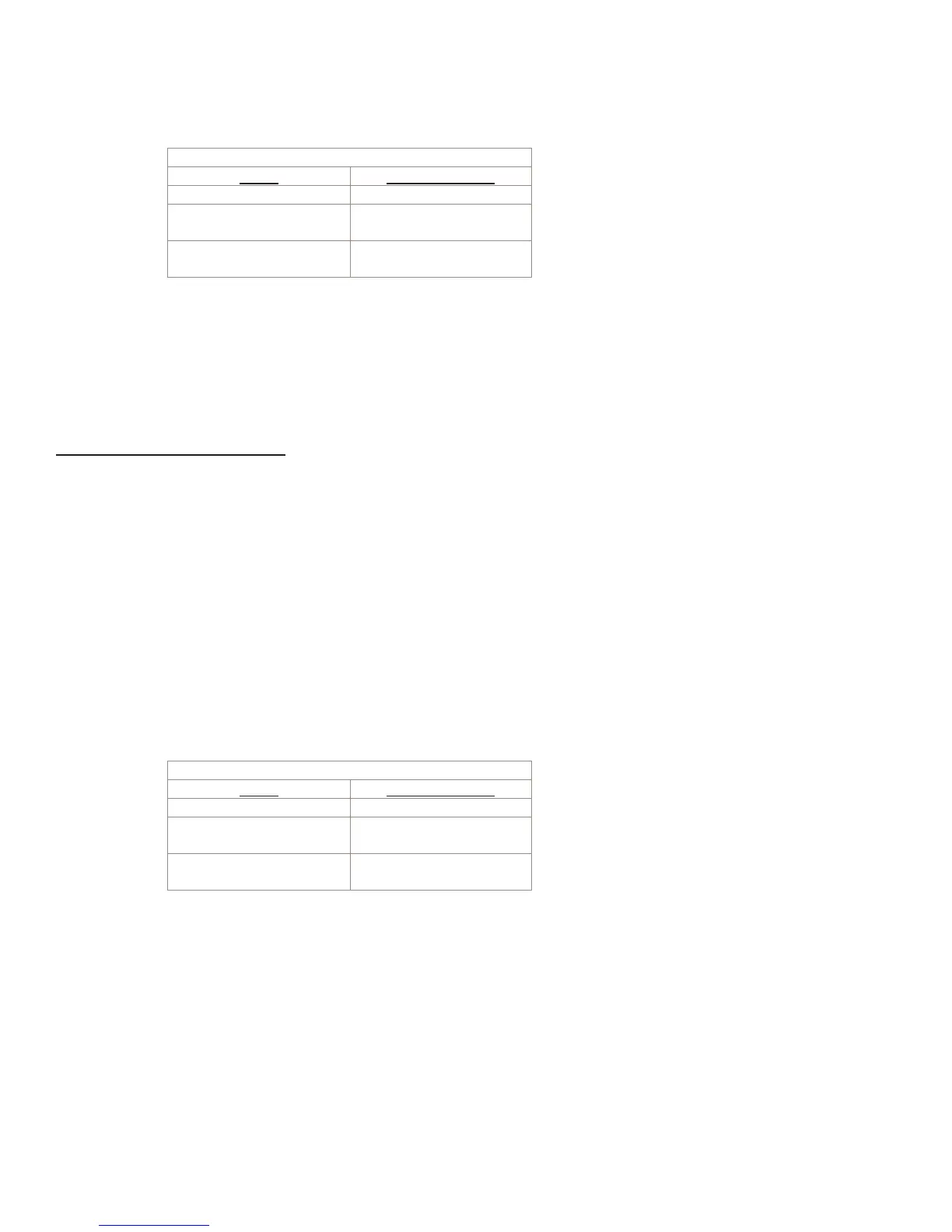
The valid range for “Control Setting” is (0) to (127) from the following table.
Control Setting
<VA> Gain value (dB)
0 -Infinity
1-26 -105 to –42.5,
in 2.5 dB steps
27-127 -40.0 to +10.0,
in 0.5 dB steps
Increase/Decrease volume by a relative amount
F0h 00h 01h 00h <Device ID> 0Ah 69h 05h 00h <ID> <VA> F7h
where, <VA> = [2 * (dB Change) ] & 7Fh
i.e., multiply the amount of change (in dB) by 2 and then logically AND that product with 7Fh.
Volume Control – Mixer Output
Note: The <IDMSB> and <IDLSB> values must be calculated as follows:
<IDMSB> = [((4 * NMIXPOINTS) + 15 + (NOutput #)) >> 7] & 7Fh
<IDLSB> = ((4 * NMIXPOINTS) + 15 + (NOutput #)) & 7Fh
where “>> 7” means right shift by 7 bits and “&” denotes logical AND.
Set volume to a specific value
F0h 00h 01h 00h <Device ID> 0Ah 69h 00h <IDMSB> <IDLSB> <VA> F7h
where, <VA> = (Control Setting) & 7Fh
i.e., logically AND the control setting with 7Fh.
The valid range for “Control Setting” is (0) to (127) from the following table.
Control Setting
<VA> Gain value (dB)
0 -Infinity
1-26 -105 to –42.5,
in 2.5 dB steps
27-127 -40.0 to +10.0,
in 0.5 dB steps
Increase/Decrease volume by a relative amount (BUG – DOES NOT WORK)
F0h 00h 01h 00h <Device ID> 0Ah 69h 05h <IDMSB> <IDLSB> <VA> F7h
where, <VA> = [2 * (dB Change) ] & 7Fh
i.e., multiply the amount of change (in dB) by 2 and then logically AND that product with 7Fh.


 To Next Page