2
3
1
2
3
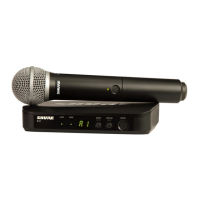
PGX1
4
5
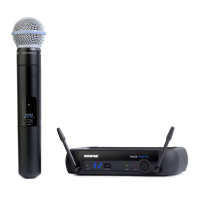
PGXD
1
2
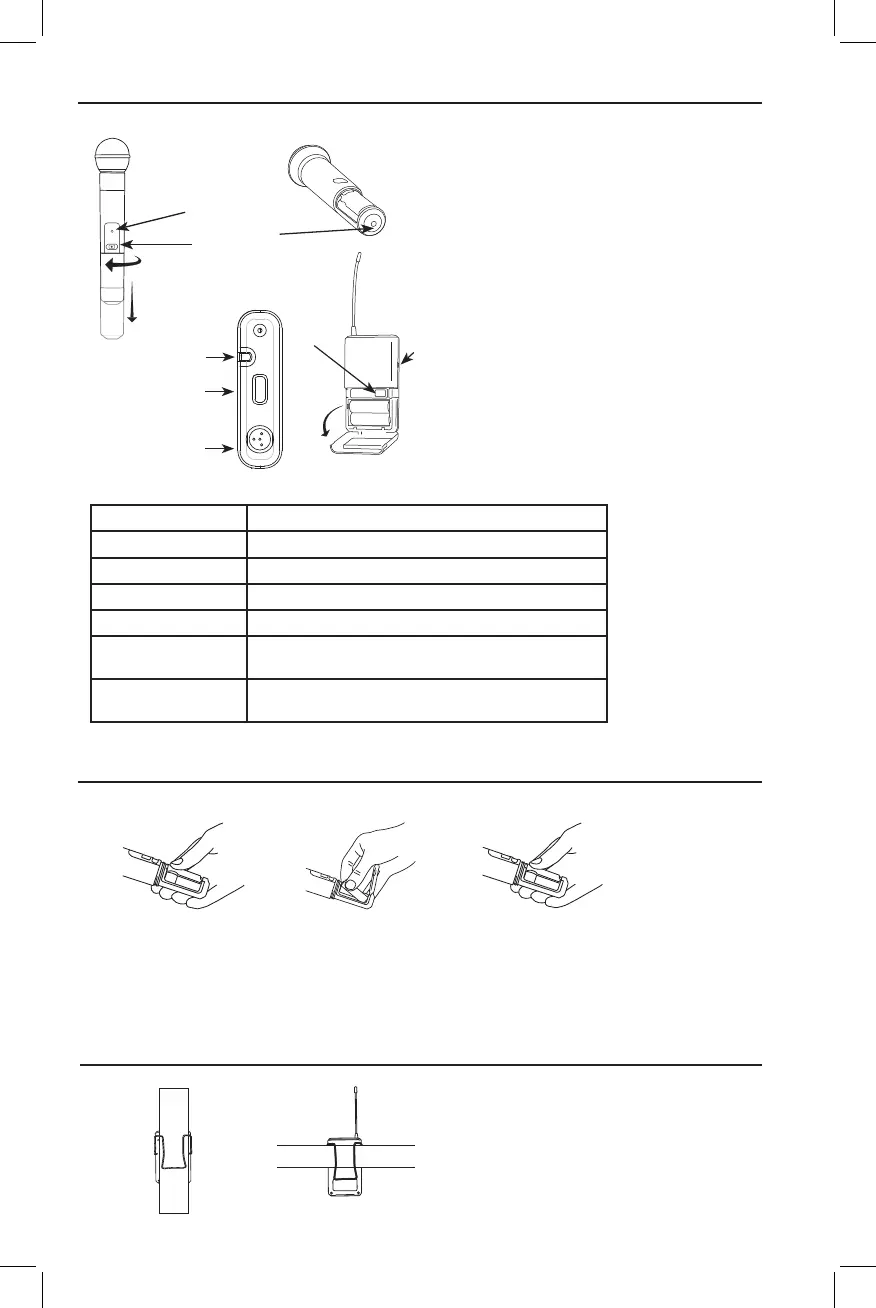
Transmitter Controls and Connectors
Changing Batteries
Transmitter Indicator LED
Green ready
Flashing green ControlsLocked
Amber Mute On
Flashing red IR transmission in process
Glowing red Batterypowerlow
Pulsing Red on
startup
Batteriesdead(transmittercannotbeturnedonuntil
batteries are changed)
Pulsing Red after
synchronization
Transmitter and receive incompatible; contact your
Shure reseller
Wearing the Bodypack Transmitter
① IndicatorLED
Displaysbatterylevel,mute,andIR
transmission status (see table).
② Power/MuteSwitch
Press to mute or unmute. Press and hold
topoweronoroff.
③ Infrared(IR)port
Receivesinfraredbeamtosynchronize
frequencies.When using multiple
systems, only one transmitter IR port
should be exposed at a time.
④ 4-PinMicrophoneInputJack
⑤ AudioGainAdjustment
Clip the transmitter to a belt or slide a guitar strap
through the transmitter clip as shown.
For best results, slide the transmitter until the belt is
pressedagainstthebaseoftheclip.
• ExpectedlifeforanAlkalinebatteryisapproximately8
hours.
• When the transmitter light glows red, the batteries should be
changed immediately, as shown.









 To Next Page