EasyManua.ls Logo

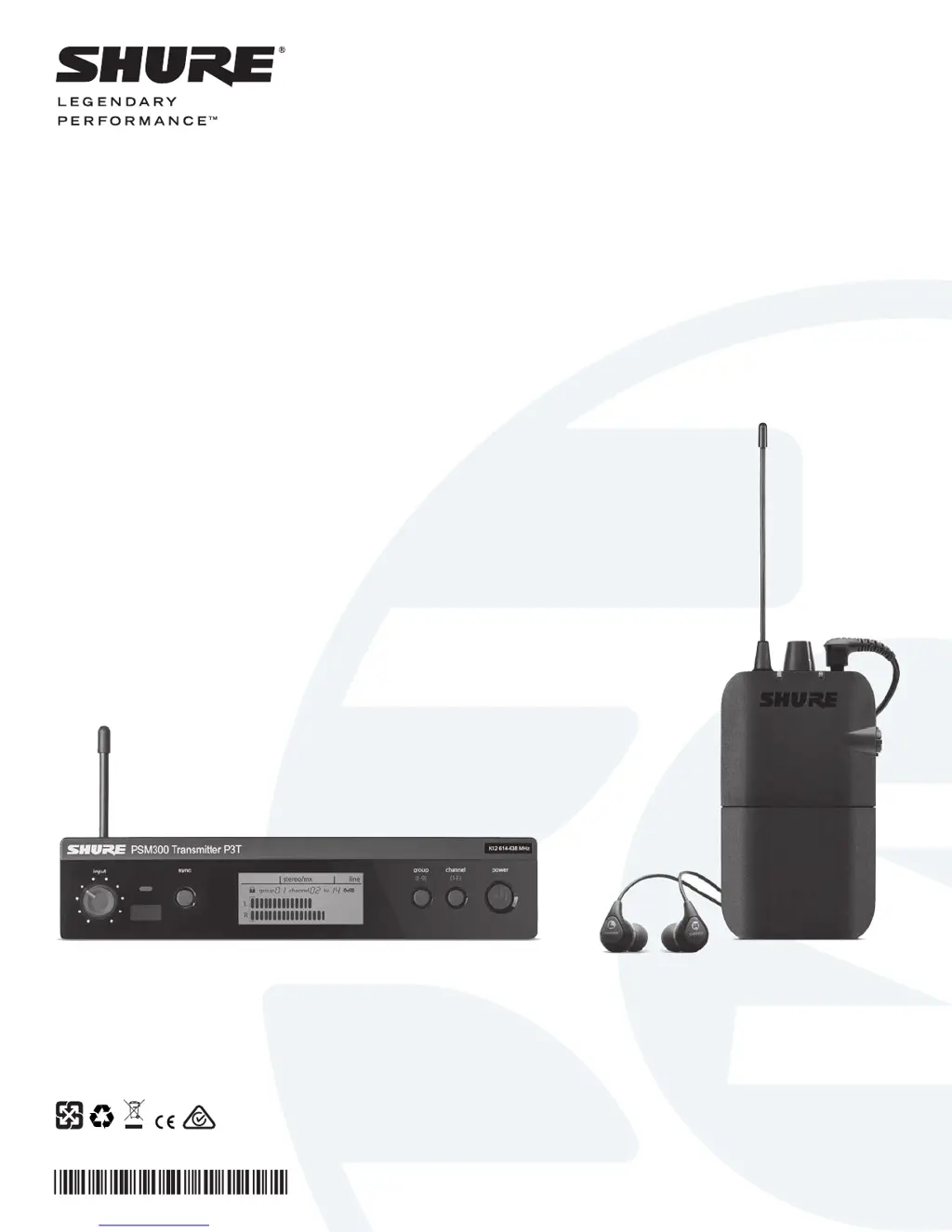
Shure PSM 300 - User Manual

Shure PSM 300
16 pages
Print Icon
To Next Page IconTo Next Page
Loading...
© 2014 Shure Incorporated
27A23049 (rev. 1)
Printed in China
STEREO WIRELESS
PERSONAL MONITORING SYSTEM
USER GUIDE
Le Guide de l’Utilisateur
Guia del Usuario
Manual do Usuário
Bedienungsanleitung
Manuale d’uso
Руководство п
ользователя
Gebruikershandleiding
PSM
300
®

Questions and Answers

  • W
    wayne26Sep 18, 2025
    Why does my Shure PSM 300 Speaker System have distorted audio?
    • A
      Andrew JacksonSep 19, 2025
      Distorted audio in your Shure Speaker System can stem from several factors. Here are some things to check: * Examine the volume levels at the P3T transmitter, ensuring the meter isn't hitting the overload indicator. * Check the input and output levels of the mixer. Distortion anywhere in the signal chain will persist even if the PSM300 system isn't overloading. * Ensure the receiver's batteries are fresh. * Confirm that the cables are balanced 1/4 inch cables. * Verify all cables are fully plugged into the mixer and the P3T inputs. * Use line-level outputs from the mixer.
  • D
    David VaughanAug 25, 2025
    Why does IR sync fail on a Shure Speaker System?
    • T
      Timothy BentleyAug 25, 2025
      IR sync may fail on your Shure Speaker System if the distance between the receiver and transmitter is not between 6-11 cm. Verify the distance.
  • A
    Alexander GrimesAug 25, 2025
    What to do if Shure Speaker System audio or RF drops out?
    • K
      Kevin LinAug 26, 2025
      If you are experiencing audio or RF dropouts with your Shure Speaker System, consider the following: * Perform a scan to ensure the receiver is on a clear, available frequency. * Ensure a line-of-sight path exists between the transmitter antenna and the bodypack receivers. * Verify that other wireless devices being monitored, like wireless microphones, aren't experiencing RF dropouts. * If using an antenna other than the one included with the system, ensure it's designed for the correct frequency range.
  • J
    Jeremy GuzmanAug 26, 2025
    What causes IR sync failure on Shure Speaker System?
    • T
      Thomas JohnsonAug 27, 2025
      IR sync failure on your Shure Speaker System can occur if the distance between the receiver and transmitter is not between 6-11 cm. Verify the distance.
  • E
    Eric BlackSep 23, 2025
    Why does turning the MixMode knob not affect the sound on my Shure PSM 300 Speaker System?
    • A
      Angela GilmoreSep 23, 2025
      If adjusting the MixMode knob on your Shure Speaker System isn't changing the sound, it could be due to a few reasons: * The Stereo-MX/Mono switch on the rear panel of the P3T might be set to mono. * The signals going from the mixer to the transmitter might be identical. * The bodypack may not be set to MixMode.
  • M
    Michael CooperSep 23, 2025
    What to do if Shure Speaker System has low audio output at the receiver?
    • M
      Mr. Ruben GallegosSep 23, 2025
      If you're experiencing low audio output at the receiver of your Shure Speaker System: * Check the headphone connection and volume level. * If you're only sending a single channel into the P3T transmitter, make sure the MixMode knob isn't turned towards a silent channel.
  • A
    Amy BeardSep 10, 2025
    How to fix low audio output at the receiver of my Shure Microphone system?
    • J
      Jennifer MillerSep 10, 2025
      To address low audio output at the receiver of your Shure Microphone system: * Check the headphone connection and volume level. * If you're only sending a single channel into the P3T transmitter, check if the MixMode knob is turned towards a silent channel. If using one channel, set the P3T transmitter to mono mode.
  • B
    Blake DelacruzSep 12, 2025
    How to resolve IR sync failure on a Shure Microphone system?
    • H
      hardindebraSep 12, 2025
      To resolve IR sync failure on your Shure Microphone system, verify the distance between the receiver and transmitter is between 6-11 cm.
  • M
    marisa87Sep 3, 2025
    How to increase low audio output on Shure PSM 300 receiver?
    • J
      Joel OrtizSep 4, 2025
      To increase low audio output on your Shure Speaker System receiver, check the headphone connection and volume level. If you're only sending a single channel into the P3T transmitter, check if the MixMode knob is turned towards a silent channel. If using one channel, set the P3T transmitter to mono mode.
  • C
    christina90Sep 1, 2025
    What to do if there is no sound from my Shure PSM 300 receiver?
    • J
      Joseph RoySep 1, 2025
      If you're not getting any sound from your Shure Speaker System receiver, make sure the transmitter and receiver are linked to the same group and channel. Also, verify levels are registering at the transmitter and that the volume is turned up on the receiver. Finally, check that the receiver is on and that the headphones are properly connected.

Summary

Important Safety Instructions

Safety Precautions

System Overview

Hardware

P3 R Wireless Receiver

Receiver Controls and Indicators

Details the display, buttons, knobs, and ports of the P3R receiver.

Applications

Multiple Transmitters with Separate Mixes

Signal Routing to External Devices

System Setup and Configuration

Creating a Wireless Connection Between Receivers and Transmitters (Sync)

Sync Procedures

Guides for syncing single/multiple transmitters and receivers.

Operation

Adjusting Gain and Listening Volume

Guide to setting optimal audio levels for transmitter input and receiver output.

Creating Monitor Mixes

MixMode and Stereo Monitoring

Mode Selection and Adjustment

How to select Stereo/MixMode and adjust levels/blends.

Troubleshooting

Specifications

PSM300 Specifications

Technical details for the PSM300 system, including RF and audio performance.

P3 R Receiver Specifications

Technical details for the P3R bodypack receiver.

Shure PSM 300 Specifications

General IconGeneral
Tuning Steps25 kHz
MixMode ControlYes
TypePersonal Monitoring System
System ComponentsTransmitter
Frequency Range470-952 MHz (region dependent)
Transmitter Output Power10, 50 mW (region dependent)
RF Output Power10, 50 mW (region dependent)
Audio Input ConnectorXLR, 1/4" TRS
Audio Output Connector (Receiver)3.5 mm TRS
Signal-To-Noise Ratio90 dB
Total Harmonic Distortion< 0.5%
Audio THD<0.5%
Pilot ToneYes
Power Source (Receiver)2 AA batteries
Power SupplyIncluded
Operating Temperature Range-18 to 57°C (0 to 135°F)
Number of Channels1

Videos

How to Set Up Shure PSM 300 Stereo Personal Monitor System

Related product manuals