- 41 -
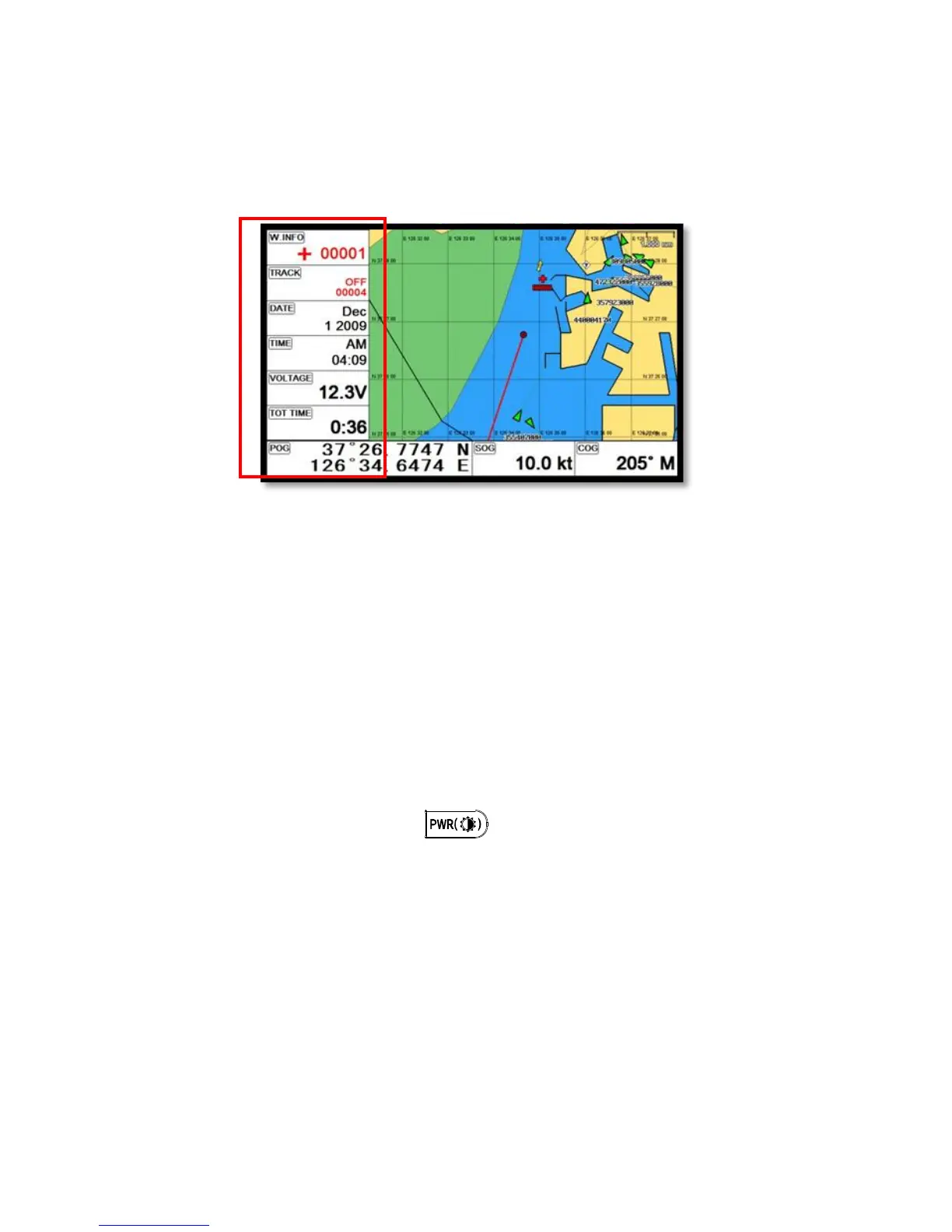
8.Sidebar
Databar on the right or left.
(*Sidebar is available only in the full chartplotter and the full fishfinder)
8.1. Display
▶[MENU]->Advance->Setup->Customizing->Sidebar->Display
Choosing the sidebar, “Shown/Hidden”.
8.2. Position
▶[MENU]->Advance->Setup->Customizing->Sidebar->Position
Choosing the sidebar on the right or left.
8.3. Edit
▶[MENU]->Advance->Setup->Customizing->Sidebar->Edit
After finishing all of them as (Fig.1.4), press to exit.
(*Please, refer “Customizing” for further question)



 To Next Page