- 66 -
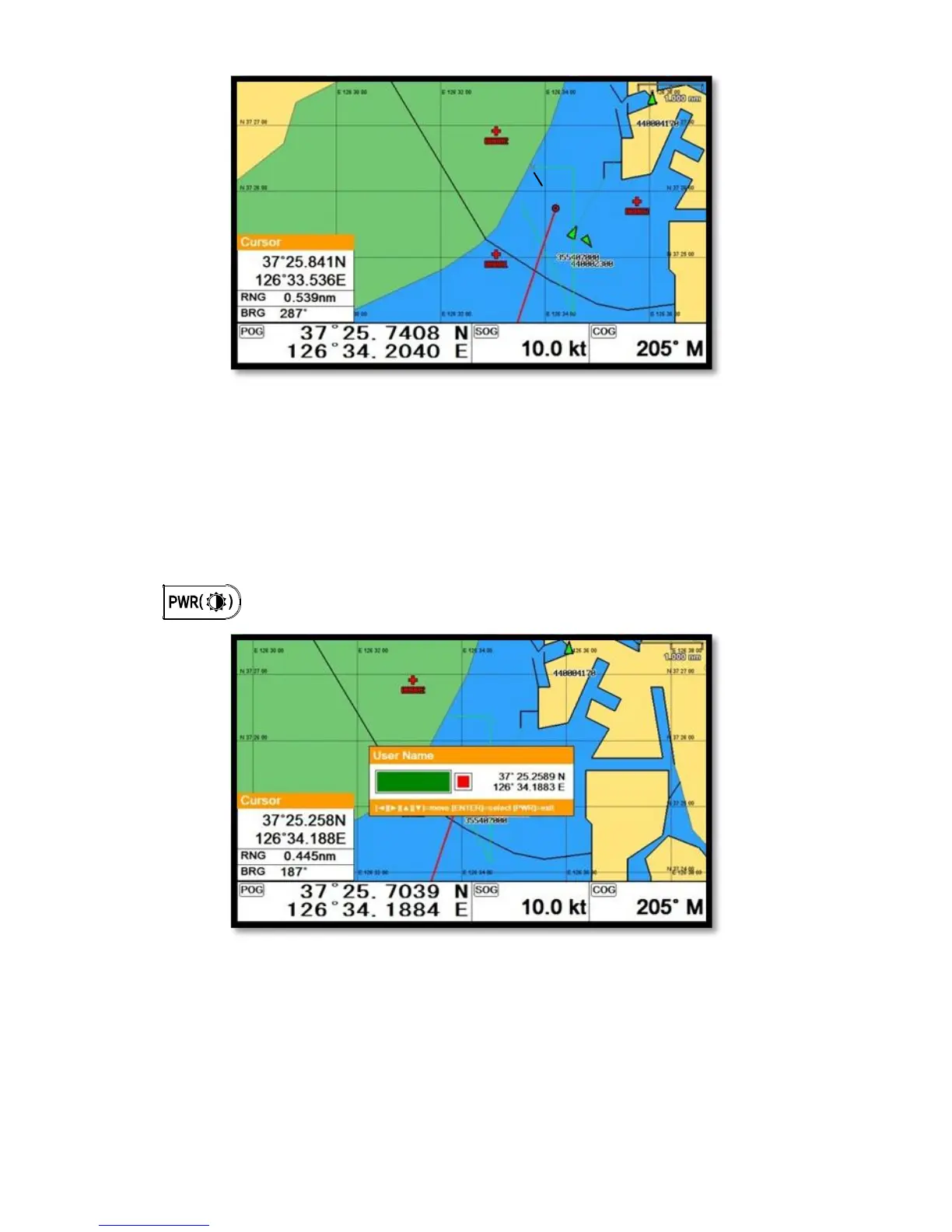
7. User Name
Adding a place name directly on the chart.
1. Call the cursor and move it to the point.
2. Press [ENTER] and choose “User Name”.
4. Inputting letters with [◀][▶][▼][▲].
5. Press to exit.
8. Correction Offset
When the chart position is wrong, making it correct.
1. Call the cursor and move it to the correct position.
2. Press [ENTER] and choose “Correction Offset”.



 To Next Page