- 83 -
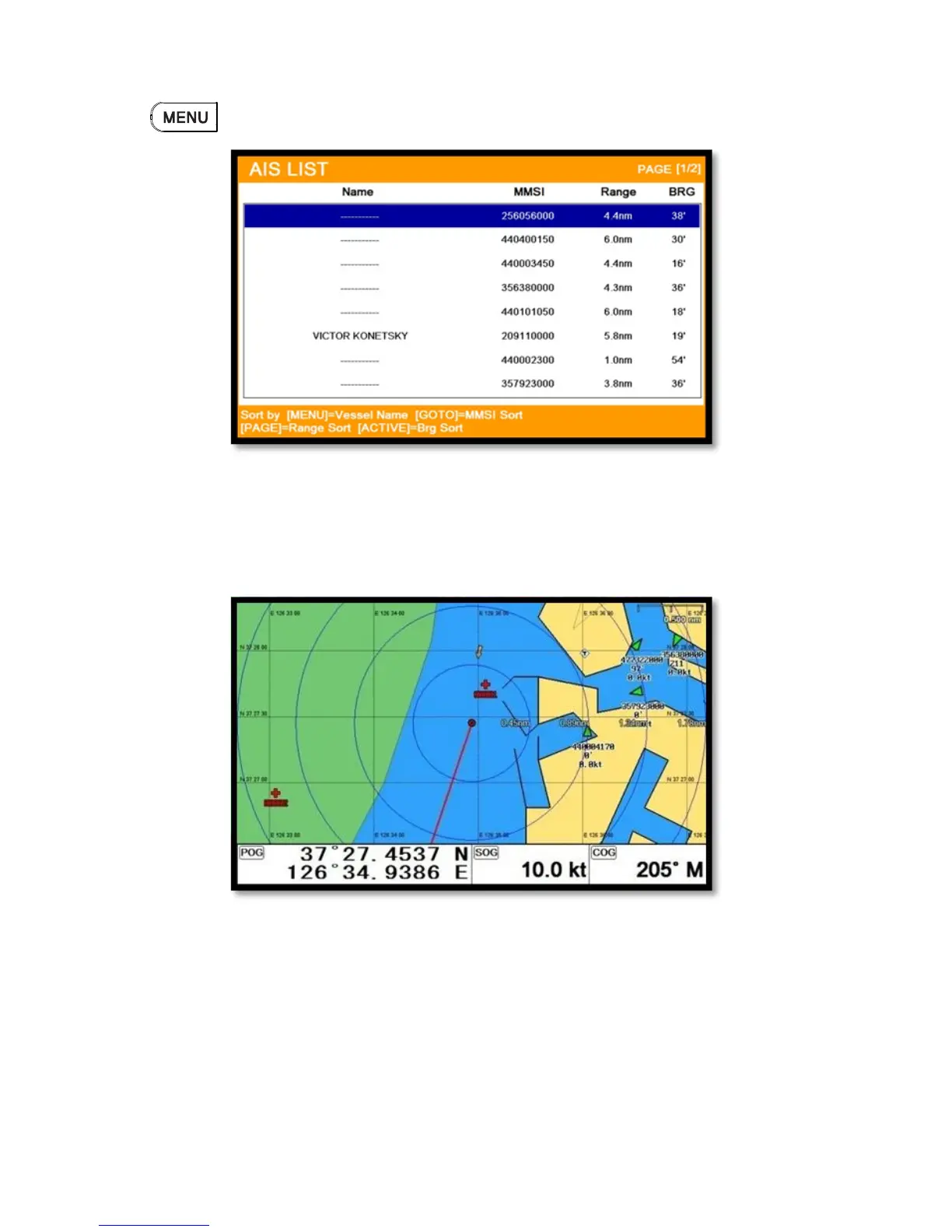
2.4. Sort
Press to choose how to sort on (Fig.3.2).
3. Display radius
Displays range rings centered on your current position.
(☞ The default setting is OFF.)
4. AIS target size
Choose the size of AIS tartget.
(☞ The default setting is Large.)
5. Display vessels by Color
Different types of AIS transmissions can be selected to display different colors of icons on the chart



 To Next Page