- 89 -
3. Twisting the rotary key to control the gain.
5. Controlling STC
1. Choose the frequency.
2. Choose the STC.
3. Twisting the rotary key to control the STC.
6. Mode
▶[MENU]->Mode
Three kinds in Fishfinder.
6.1. Normal
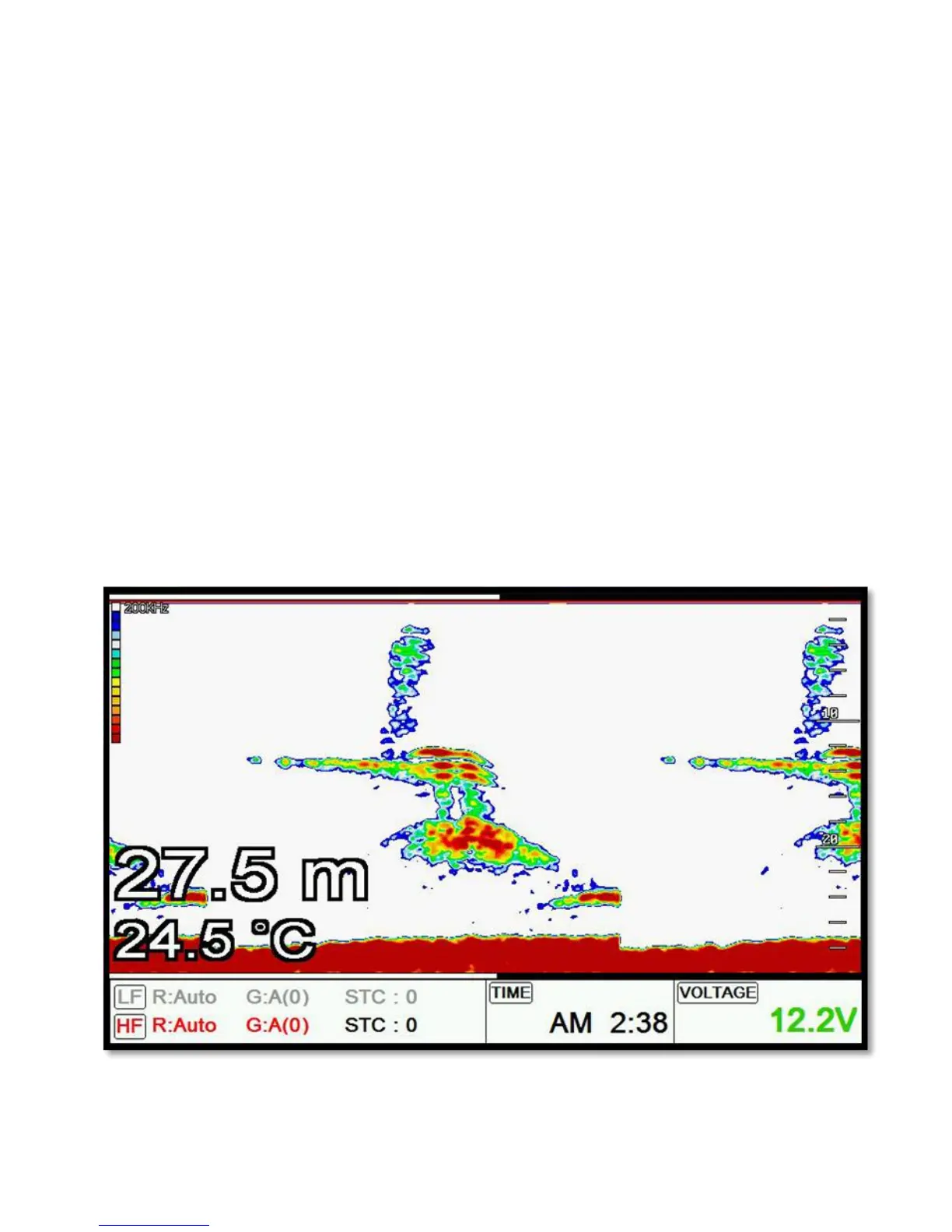
Normal mode (with Auto Range active) displays the sounder image with the surface at the top of the
screen and the sea bottom in the lower part of the screen. The depth scale indicates the depth range
appearing in the display. Bottom contours and fish echoes are displayed at the depths where they are
detected. If the depth Range is set manually to a value less than actual water depth, sea bottom
echoes are not displayed, but all other echoes within the Range setting are displayed.
6.2. Bottom Zoom



 To Next Page