- 63 -
Choose the color and press [ENTER].
(*The number next the color shows the number point of the track color.)
4.5.1.2. Erasing all of track
▶[MENU]->Userdata->Track->Erase
Press .
4.5.2. Type2
▶[MENU]->Userdata->Track->Track Setup->Type2
4.5.2.1. Select index
▶[MENU]->Userdata->Track->Select Index
Five rooms in the index. The maximum is 10,000 points in each room.
In Type2, storing, loading and erasing are available to manage in the room.
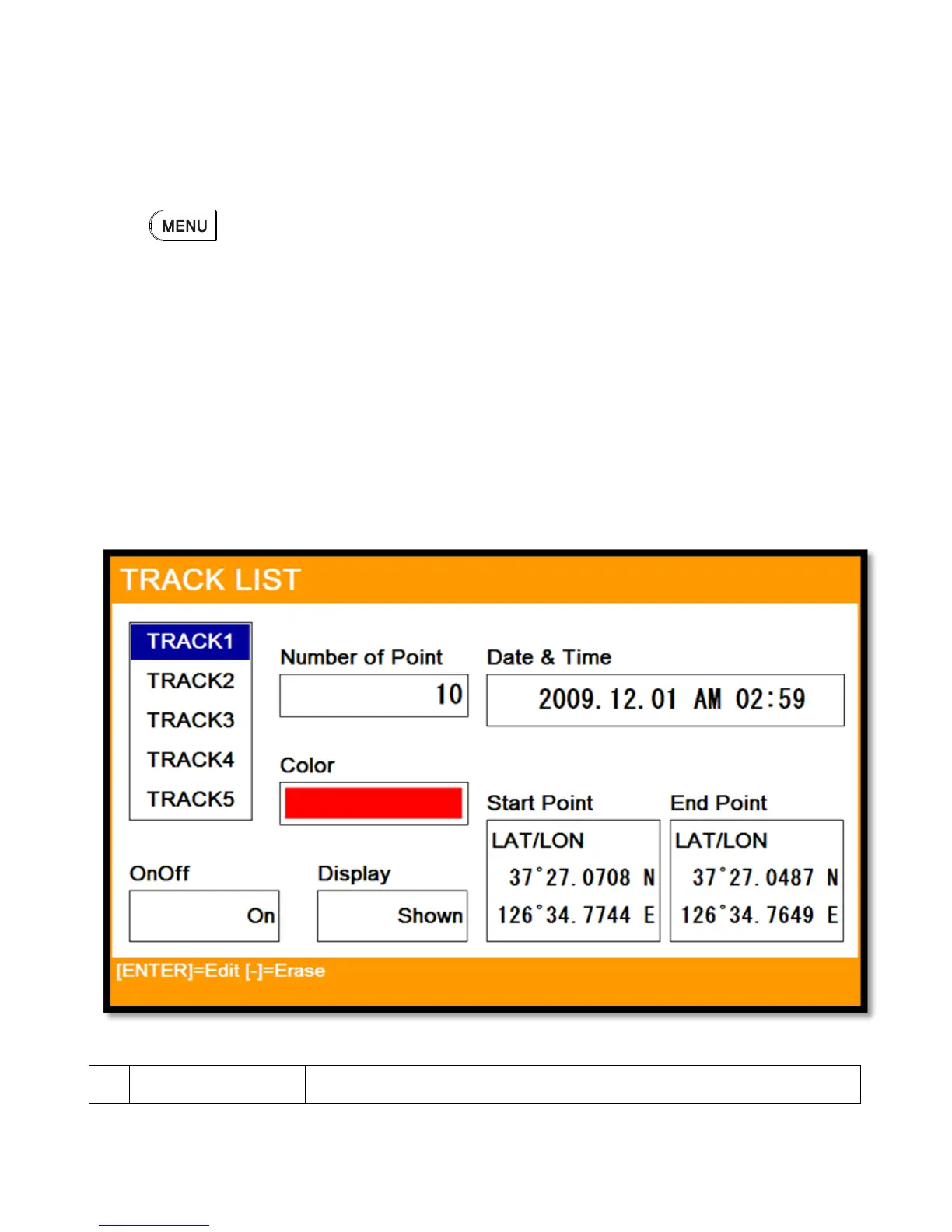
4.5.2.2. List
Showing the information of each room.
(Fig.2.2)



 To Next Page