- 92 -
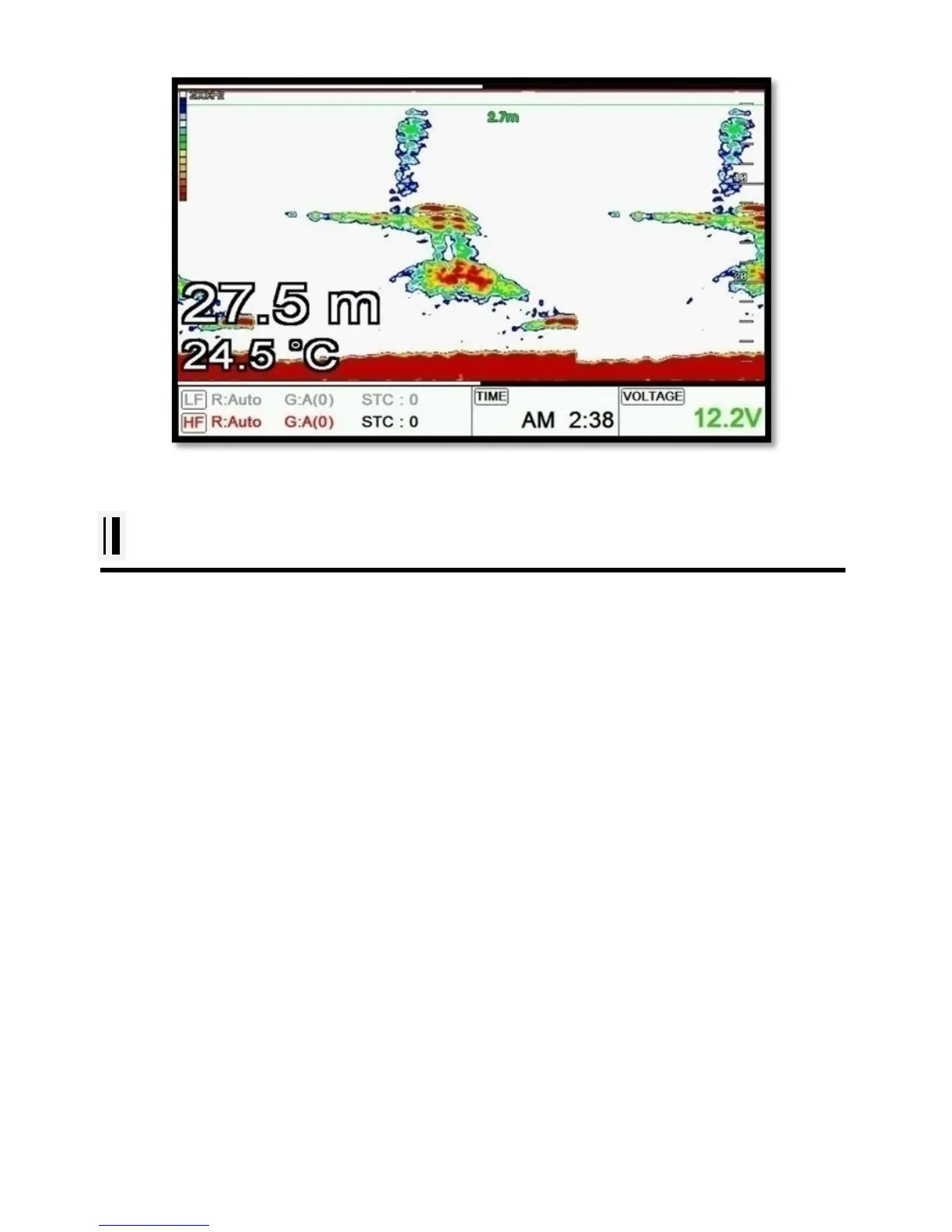
[Fig.2.1]
#Fishfinder operation
1.Menu
▶ [MENU]
1.1. Userdata
It is same as Chartplotter. PLS refer the Chartplotter operation manual.
1.2. Deep Depth Range
Smart4/5 selects the best condition for measuring the depth automatically in the environment of the
sea.
(☞ The default setting is Auto.)
1.3. Shift
A user selects this function to see more detailed bottom of the sea. When you turn up the shift, the
range of Fish finder shall go up from the shift range. For example, if you raise 5m of shift at 20m range,
the surface shall start 5m and the bottom range shall be 25m.
(☞ The default setting is 0m.)
1.4. Mode



 To Next Page