ATS115-ATS115Plus User’s Manual 9
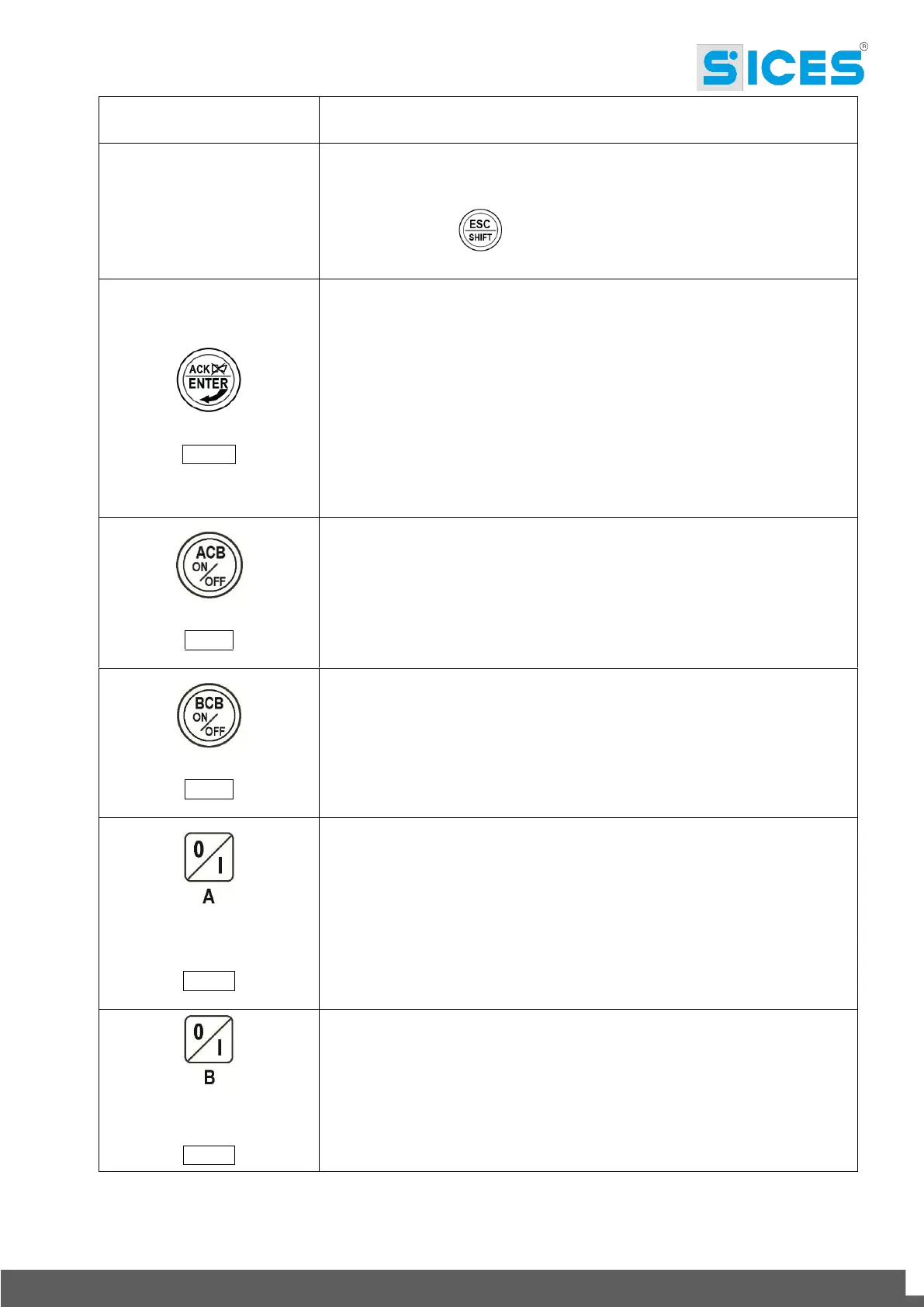
In PROGRAM and HISTORY LOG modes, it is possible to scroll the menus
and the variables/registrations. During the configuration, they allow to
increase/decrease the value of the variable. Using them together with the
button ESC/SHIFT , they allow to scroll the menus ten items at a time
or increase/decrease the value of the variable by ten units at a time.
In PROGRAM, it allows to start programming and to enter in submenus, start
an operation of change of a variable or parameter and confirm said operation.
In HISTORY, it allows to start the HISTORY LOG and to enter in the selected
archive, to “accept” any possible fault warning on the non-volatile memory at
the start-up.
In case of alarm or warning, by pressing the button it acknowledges the
presence of a fault and stops the alarm. By pressing the button again, it resets
any possible warning if the operating conditions have come back as normal.
Interruption warnings can be set up again, only by activating the
“OFF/RESET” mode.
In “OFF/RESET” and “AUTO”, the button is disabled.
In “MAN”, it is used to open and/or close the contactor on the Source A to the
Load. The closing of the Load to the Source A it’s only possible if the related
electric measures are in the tolerance range.
In “OFF/RESET” and “AUTO”, the button is disabled.
In “MAN”, it is used to open and/or close the contactor on the Source B to the
Load. The closing of the Load to the Source B it’s only possible if the related
electric measures are in the tolerance range.
In MAN mode, it can be used to control the start and stop of the source A
when it is configured as genset (if the Source A represents the Mains, it has
no effects).
At the controller power-up, pressing it together with the START/STOP B
button, it allows to access to special functions.
Pressing the button with the controller in OFF/RESET mode, it carries out the
LAMP TEST of all light indicators.
In MAN mode, it can be used to control the start and stop of the source B
when it is configured as genset (if the Source B represents the Mains, it has
no effects).
At the controller power-up, pressing it together with the START/STOP A
button, it allows to access to special functions.


 To Next Page