EasyManua.ls Logo

SICK LMS511-11100 Lite Outdoor - User Manual

SICK LMS511-11100 Lite Outdoor
122 pages
Print Icon
To Next Page IconTo Next Page
Loading...
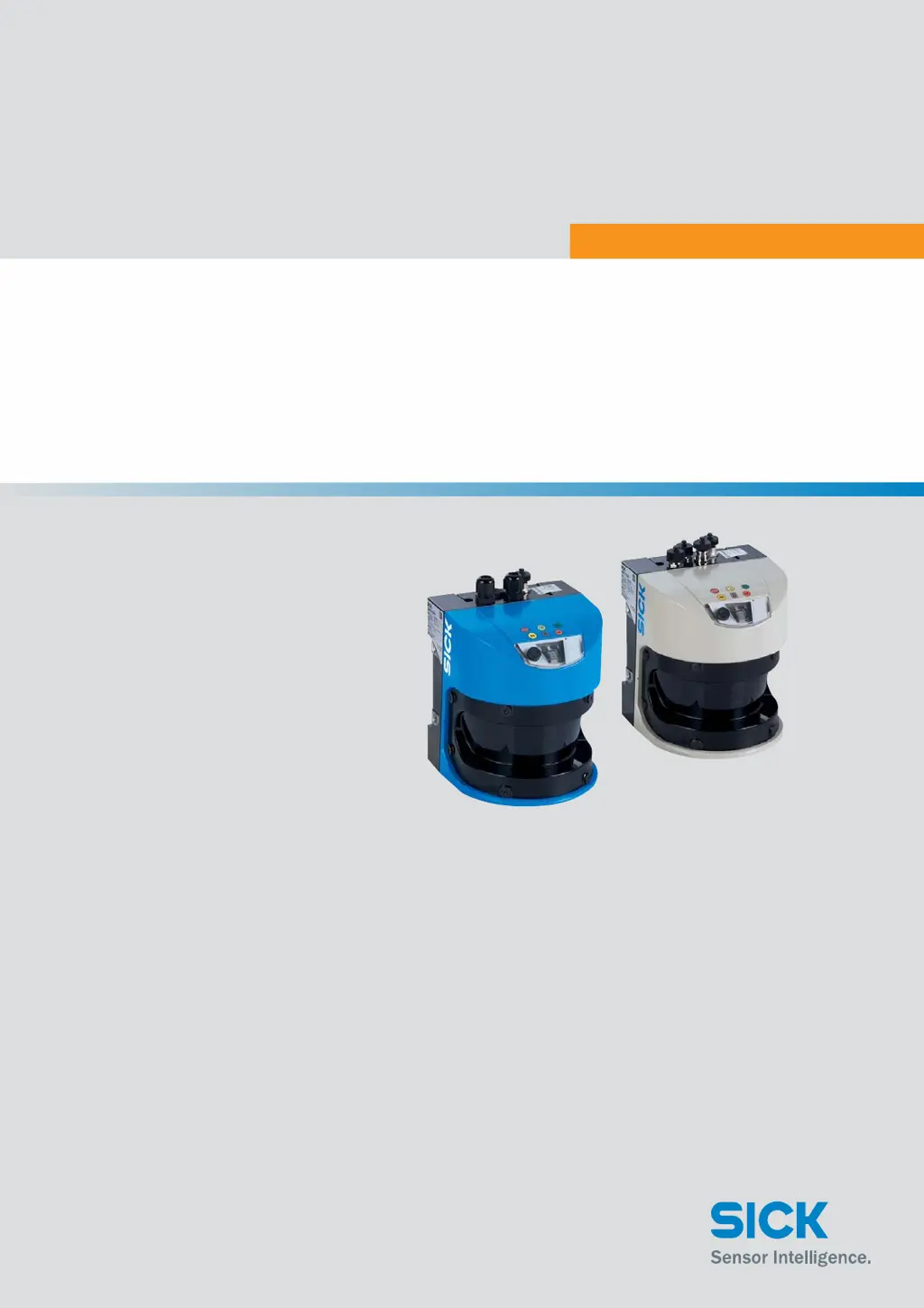
OPERATING INSTRUCTIONS
LMS5xx
LASER MEASUREMENT SENSORS

Table of Contents

Questions and Answers

  • J
    Jennifer CareyAug 18, 2025
    What to do if SICK LMS511-11100 Lite Outdoor display shows '3 and 1 off'?
    • M
      mpetersAug 18, 2025
      If the SICK Accessories display shows '3 and 1 off', it indicates that the supply voltage is either missing or too low. To resolve this, check the voltage supply and activate it if necessary.
  • K
    Kyle ElliottAug 21, 2025
    What to do if SICK Accessories displays '1 lights up'?
    • M
      Melissa EllisAug 21, 2025
      If the SICK Accessories displays '1 lights up', it signifies that the device is not ready. Check the 7-segment display for an error or run diagnostics using SOPAS ET. If needed, switch the device off and then on again.
  • B
    Brandi HensleyAug 23, 2025
    What to do if SICK LMS511-11100 Lite Outdoor displays 'P flashes'?
    • P
      Patrick RobertsAug 23, 2025
      If the SICK Accessories displays 'P flashes', it means that a firmware update is in progress. Please wait until the firmware update has completed.
  • D
    Dalton HicksAug 26, 2025
    What to do if SICK LMS511-11100 Lite Outdoor displays '2 lights up'?
    • K
      Karen TaylorAug 26, 2025
      If the SICK Accessories displays '2 lights up', it indicates a slight contamination on the front screen (warning). Clean the front screen to resolve this issue.
  • K
    Kristin SantiagoAug 28, 2025
    What to do if SICK Accessories displays '1 lights up and 2 flashes at 1 Hz'?
    • B
      bbrooksAug 28, 2025
      If the SICK Accessories displays '1 lights up and 2 flashes at 1 Hz', it means the front screen is heavily contaminated (error). Clean the front screen.
  • J
    John BryanAug 30, 2025
    What to do if SICK LMS511-11100 Lite Outdoor Accessories displays '0'?
    • E
      Emily RamirezAug 30, 2025
      If the SICK Accessories displays '0', it indicates that the connection to the synchronization master has been interrupted. You should reestablish the connection to the synchronization master.
  • J
    jameswilliamsSep 2, 2025
    What to do if SICK Accessories displays 'Each segment flashes once in sequence'?
    • M
      Martin HullSep 2, 2025
      If the SICK Accessories displays 'Each segment flashes once in sequence', it signifies that the device is powering up. Wait until the device has started.
  • A
    angelstokesSep 4, 2025
    What does '3' mean on SICK LMS511-11100 Lite Outdoor display?
    • K
      Kenneth StrongSep 4, 2025
      If the SICK Accessories displays '3', it indicates that the heating is not connected or the temperature is too low, but this only applies to Outdoor devices. Wait until the device has warmed up and check the heating connection.
  • S
    Sharon HartSep 7, 2025
    What to do if the front screen of SICK LMS511-11100 Lite Outdoor is heavily contaminated (error)?
    • P
      Patricia SandersSep 7, 2025
      If the front screen of your SICK Accessories is heavily contaminated and displaying an error, clean the front screen.
  • O
    omar68Sep 10, 2025
    What to do if the front screen of SICK LMS511-11100 Lite Outdoor Accessories is lightly contaminated (warning)?
    • A
      Ann YoungSep 10, 2025
      If the front screen of your SICK Accessories is lightly contaminated and a warning is displayed, clean the front screen.

Summary

About this document

Information regarding the operating instructions

Provides important information on handling laser measurement sensors and prerequisites for safe operation.

Explanation of symbols

Explains the meaning of symbols used in the operating instructions for warnings and important notes.

For your safety

General safety notes and protective measures

General safety guidelines and protective measures to reduce risks and avoid dangerous situations.

Hazard warnings and operational safety

Details on hazards related to laser radiation and operational safety precautions.

Product description

Device variants

Details the different types of LMS5xx sensors, their purpose of use, range, heating, and enclosure rating.

Special features of the LMS5 xx

Outlines the specific features of LMS5xx variants, including field of view, scanning frequency, inputs/outputs, and data interfaces.

Scanning range of the LMS5 xx

Explains how scanning range depends on object remission and provides diagrams for HR and SR variants.

Measured value output

Describes how measured values are supplied to interfaces via SOPAS ET or telegrams.

Mounting

Preparations for mounting

Lists components, necessary materials, accessories, and tools required for mounting the LMS5xx.

Mounting steps

Provides guidelines for selecting a mounting location and performing the mounting steps for the LMS5xx.

Electrical installation

Conditions for safe operation of the LMS5 xx in an installation

Details conditions for safe operation, including grounding and equipotential bonding requirements.

Connections of the LMS5 xx

Describes the various connections available on the LMS5xx variants, including USB, Ethernet, and specific pin assignments.

Commissioning and configuration

SOPAS ET configuration software

Introduces the SOPAS ET software for interactive configuration, testing, and data saving.

Initial commissioning

Explains the process of adapting the LMS5xx to local conditions using custom parameter sets.

Maintenance

Exchanging an LMS5 xx

Provides instructions on how to remove and replace an LMS5xx unit, including parameter cloning.

Troubleshooting

Error displays of the indicator lights

Lists possible causes and rectifications for errors indicated by the LEDs on the LMS5xx.

SICK Support

Provides guidance on contacting SICK Support for unresolved errors and necessary information.

Technical specifications

Data sheet LMS5 xx laser measurement sensor

Presents detailed technical data, including scan angle, accuracy, ranges, and environmental specifications.

Dimensional drawings

Provides dimensional drawings for LMS500 and LMS511/LMS531/LMS581 sensor models.

Annex

Glossary

Defines key terms and concepts used throughout the operating instructions.

Abbreviations

Lists and explains common abbreviations used in the document.

SICK LMS511-11100 Lite Outdoor Specifications

General IconGeneral
BrandSICK
ModelLMS511-11100 Lite Outdoor
CategoryAccessories
LanguageEnglish

Related product manuals