Pin on RUN.
The threshold flashes and the display
reverts to the initial setting.
Is set to the threshold –10% of the
received light.
6.8 Teach-in Lnth mode
This can only be set in Lnth mode. Size and width of an object can be determined.
NOTE
Not shown in Teach-in mode unless Lnth mode is selected.
NOTE
The exact size cannot be measured when teaching in using Lnth mode.
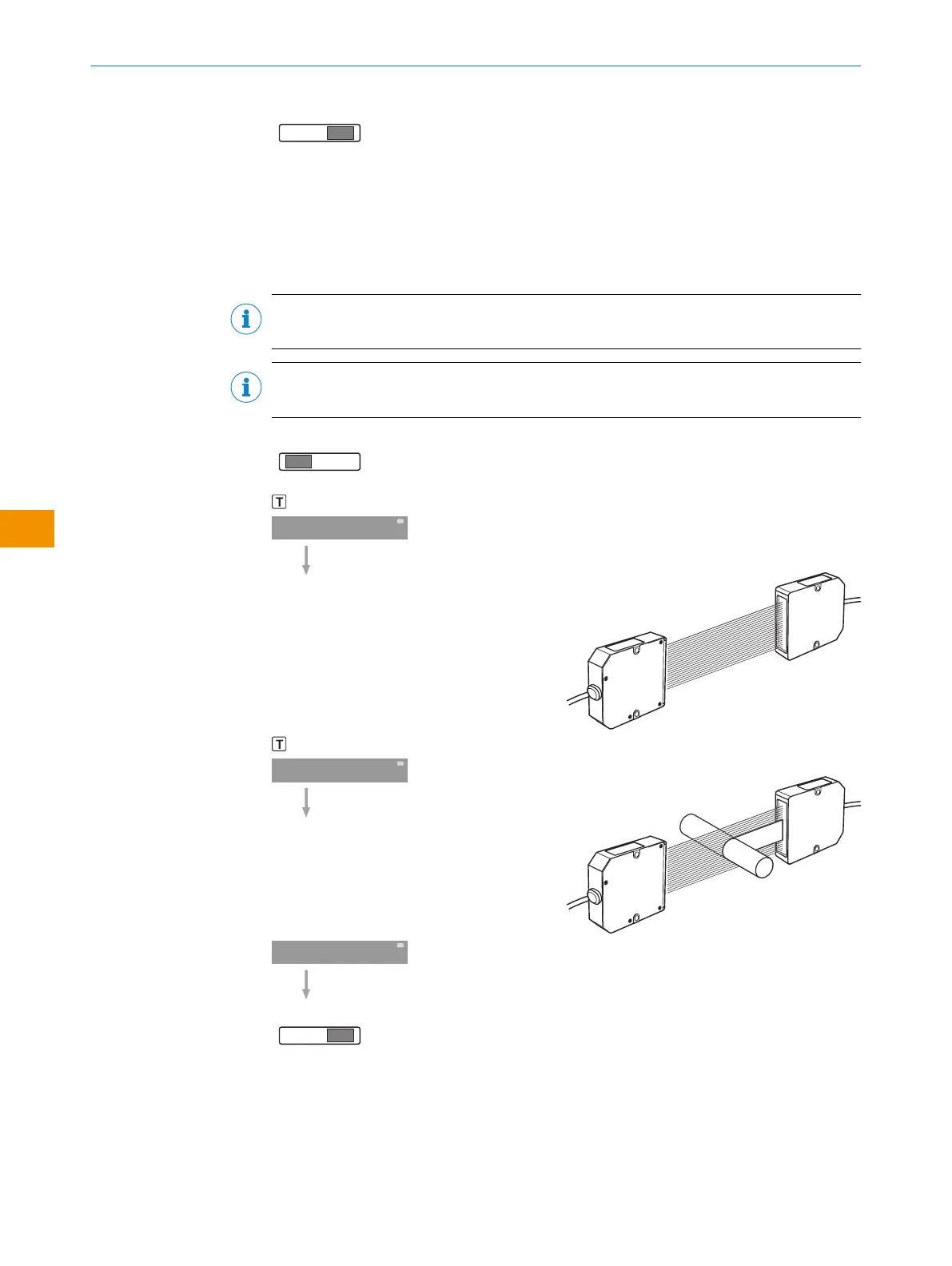
Pin on SET.
SET: Press the teach-in button.
Through-beam type SET: Press the teach-in
button with no object in the beam path
and the sender and receiver opposite one
another.
IN: Press the teach-in button.
IN: Press the teach-in button with an object
present.
Pin on RUN.
The upper limit flashes and the display
reverts to the initial setting.
OPERATING INSTRUCTIONS
48
O P E R A T I N G I N S T R U C T I O N S | Evaluation unit WI130 8020148.1HRJ/2023-02-08 | SICK
Subject to change without notice
en



 To Next Page