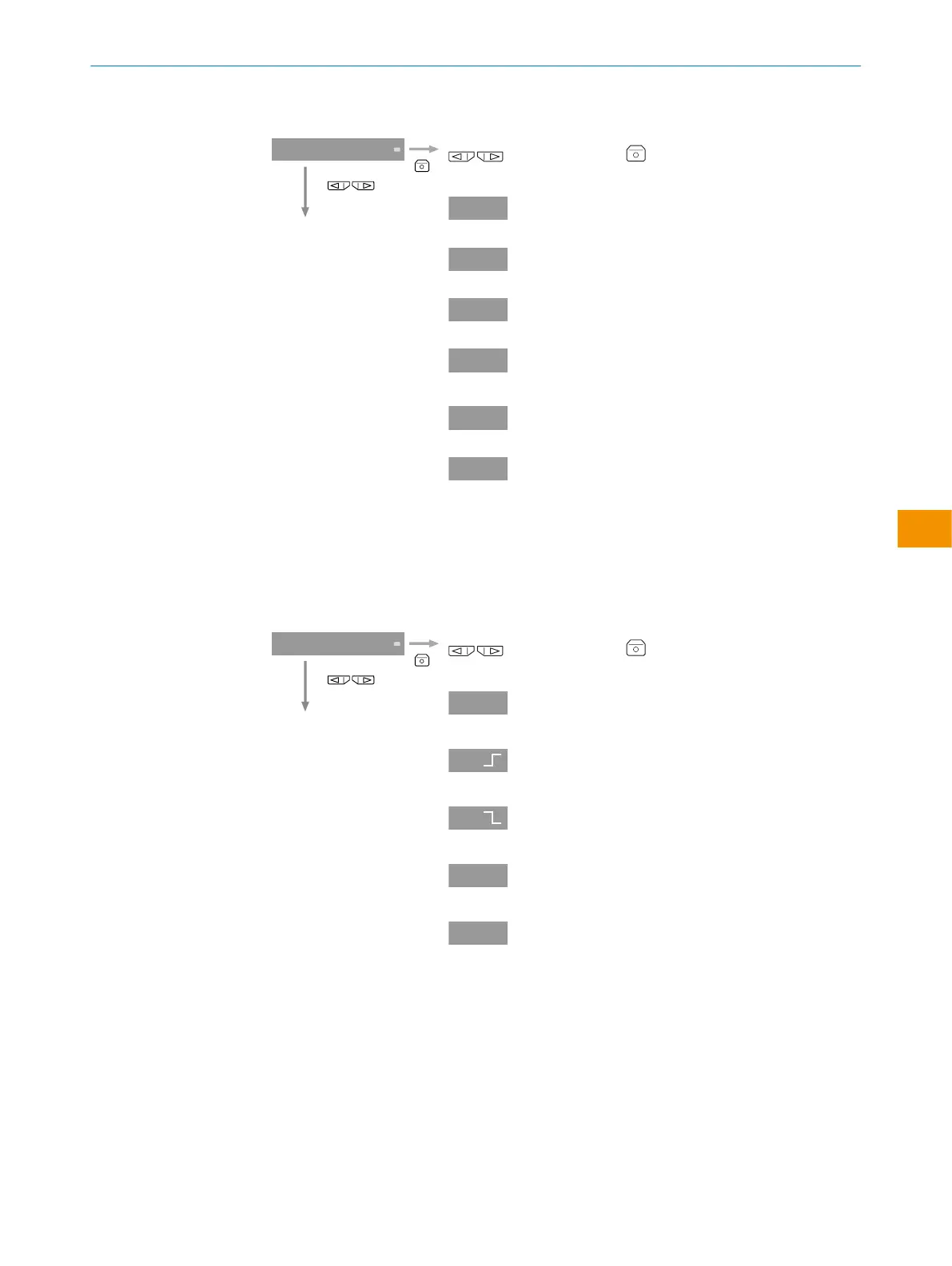
Table 11: Display settings
Select a presentation method in the display settings.
select and adjust . The display reverts to the
Display top menu.
Numerical display
Bar graph
Percent display
Dynamic switching thresh‐
old
Total count value
Display deactivated
"cnt" or "tcnt" can only be selected when the count function is
selected.
↓
5.3 Dynamic switching threshold
Table 12: Dynamic switching threshold
Select a detection method from the list.
select and adjust . The display reverts to the
Dynamic switching threshold top menu.
Configuring the switching
output
Configuring the first steep
object edge.
Reset to first steep object
edge
Configuring the difference
detection.
Configuring the length
measurement.
Make sure that two evaluation units are configured before
difference detection.
↓
5.4 Counter function
OPERATING INSTRUCTIONS
8020148.1HRJ/2023-02-08 | SICK O P E R A T I N G I N S T R U C T I O N S | Evaluation unit WI130
53
Subject to change without notice
en



 To Next Page