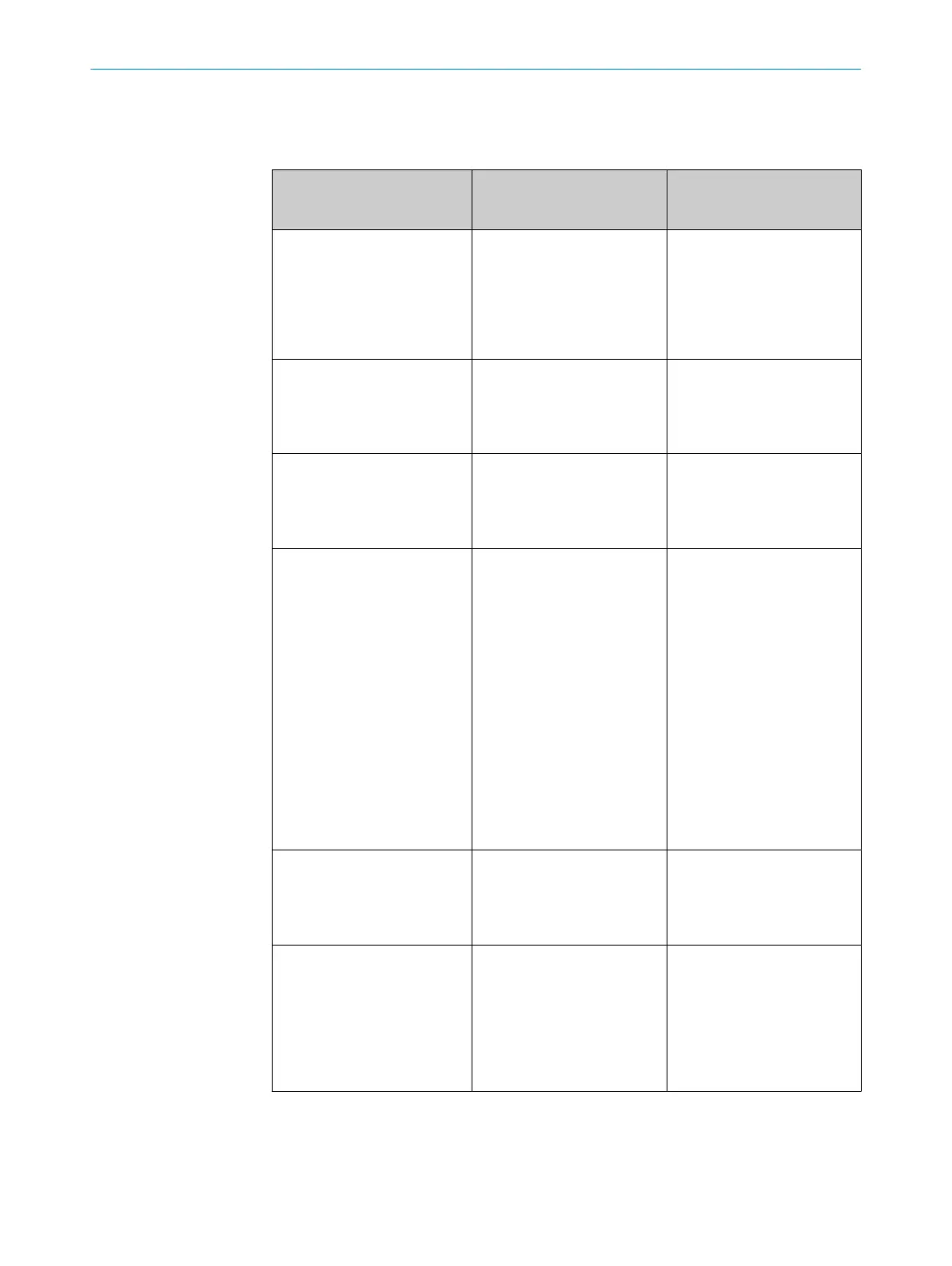
30 Tabela Diagnóstico de erros
Indicador LED / padrão de
err
o /
LED indicator/fault pattern
Causa /
Cause
Medida /
Measures
LED verde apagado /
Green LED does no
t light up
Sem tensão ou tensão abaixo
dos valores-limite /
No voltage or voltage below
the limit values
Verificar a alimentação de ten‐
são, verificar toda a conexão
elétrica (cabos e conectores) /
Check the power supply,
check all electrical connec‐
tions (cables and plug connec‐
tions)
LED verde apagado /
Green LED does no
t light up
Interrupções de tensão /
Voltage interruptions
Assegurar uma alimentação
de tensão estável sem inter‐
rupções /
Ensure there is a stable power
supply without interruptions
LED verde apagado /
Green LED does no
t light up
Sensor está com defeito /
Sensor is faulty
Se a alimentação de tensão
estiver em ordem, substituir o
sensor /
If the power supply is OK,
replace the sensor
LED amarelo intermitente /
Yello
w LED flashes
Sensor ainda está operacio‐
nal, mas as condições de ope‐
ração não são ideais /
Sensor is still ready for opera‐
tion, but the operating condi‐
tions are not ideal
Verificar as condições de ope‐
ração: Alinhar o feixe de luz
(ponto de luz) completamente
ao objeto / Limpeza das
superfícies ópticas / reajustar
a sensibilidade (potenciôme‐
tro) / Verificar e, se necessá‐
rio, adaptar a distância de
comutação, ver gráfico F. /
Check the operating condi‐
tions: Fully align the beam of
light (light spot) with the
object. / Clean the optical sur‐
faces . / Readjust the sensiti‐
vity (potentiometer) / Check
sensing range and adjust if
necessary; see graphic F.
LED amarelo aceso, nenhum
objet
o no caminho óptico /
Yellow LED lights up, no object
in the path of the beam
Distância entre sensor e
fundo é pequena demais /
/ Distance between the sen‐
sor and the background is too
short
Reduzir a distância de comu‐
tação, ver gráfico F /
Reduce the sensing range,
see graphic F
Objeto está no caminho óptico,
LED amarelo apag
ado /
Object is in the path of the
beam, yellow LED does not
light up
Distância entre sensor e
objeto é grande demais ou
distância de comutação foi
ajustada para um valor baixo
demais /
Distance between the sensor
and the object is too long or
sensing range is set too short
Aumentar a distância de
comutação, ver gráfico F /
Increase the sensing range,
see graphic F
30 TABELA DIAGNÓSTICO DE ERROS
22
8011449.126R | SICK
Subject to change without notice











 To Next Page