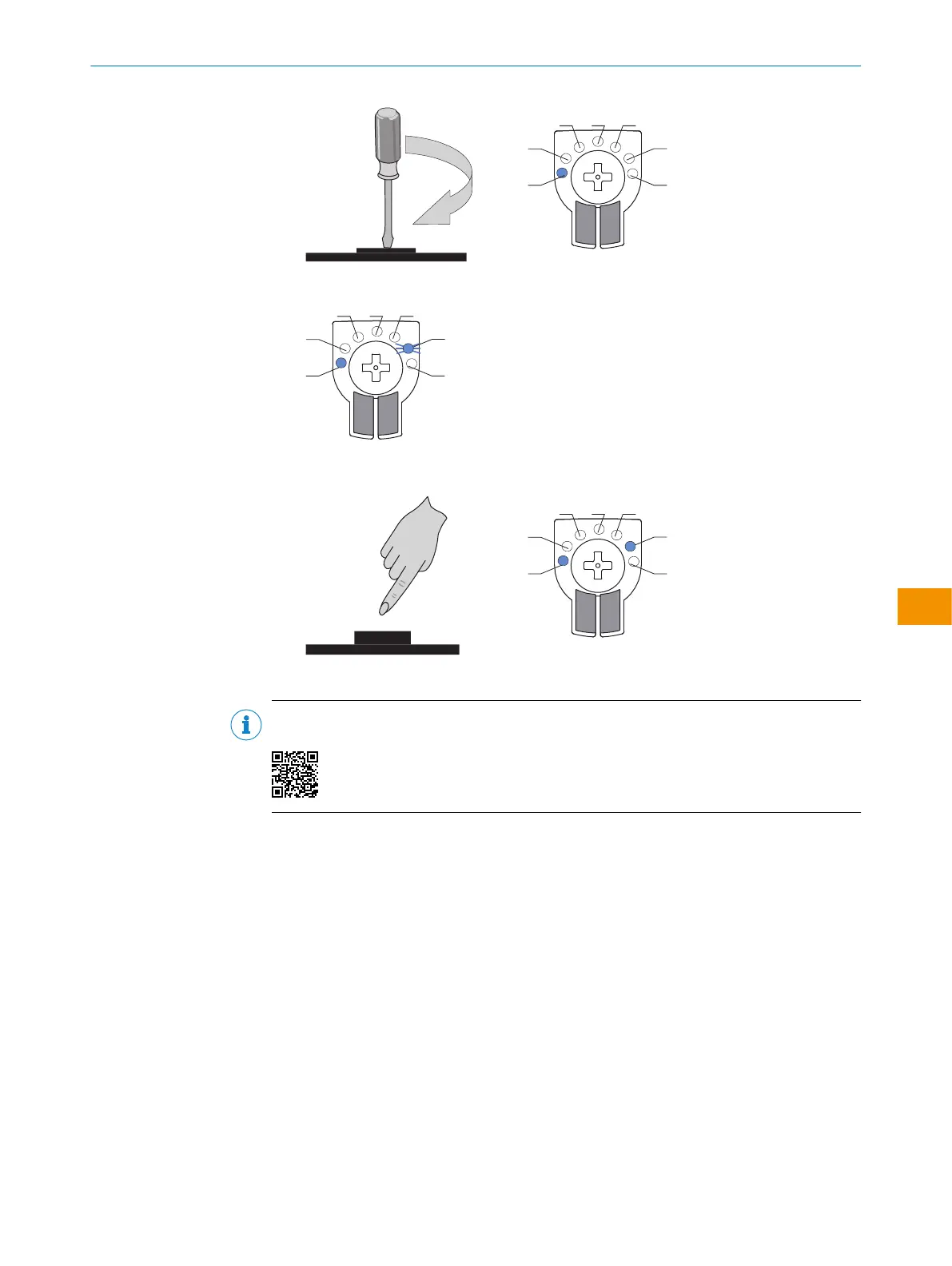
2. Le mode souhaité LED 6 commence à clignoter.
3. Confirmer le mode ApplicationSelect souhaité en appuyant sur l'élément de com‐
mande. Activer ainsi.
✓
Le mode ApplicationSelect est actif.
REMARQUE
Le réglage de ApplicationSelect est présenté dans le tutoriel suivant:
NOTICE D'INSTRUCTIONS
8028212/2023/10/20 | SICK N O T I C E D ' I N S T R U C T I O N S | WTM4S
119
Sujet à modification sans préavis
fr











 To Next Page