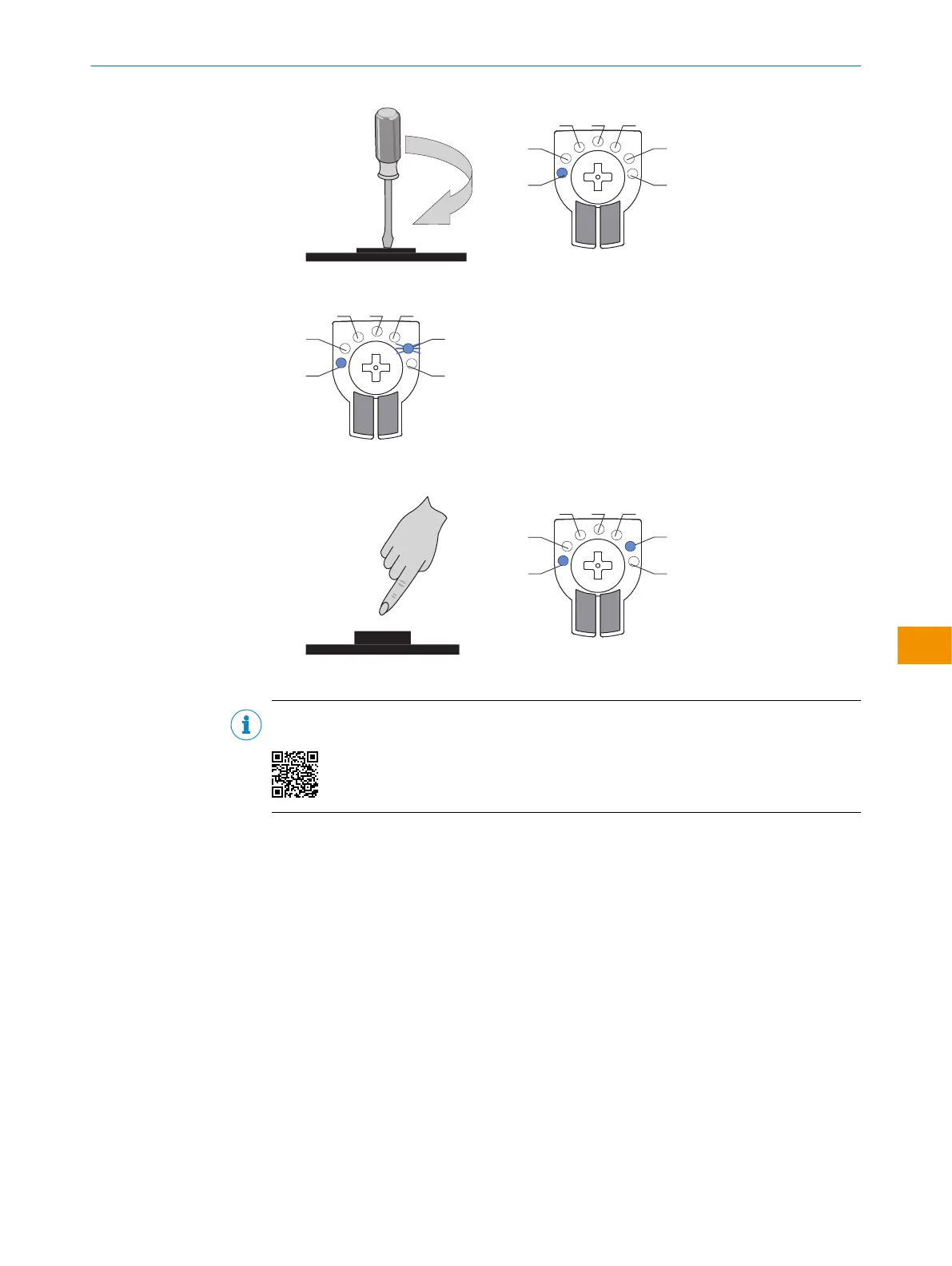
2. Il LED 6 della modalità desiderata inizia a lampeggiare.
3. Confermare la modalità ApplicationSelectdesiderata premendo l'elemento di
comando. Attivare con esso.
✓
La modalità ApplicationSelectè attiva.
INDICAZIONE
L'impostazione di ApplicationSelect è illustrata nella seguente esercitazione:
ISTRUZIONI PER L’USO
8028212/2023/10/20 | SICK I S T R U Z I O N I P E R L ’ U S O | WTM4S
151
Contenuti soggetti a modifiche senza preavviso
it











 To Next Page