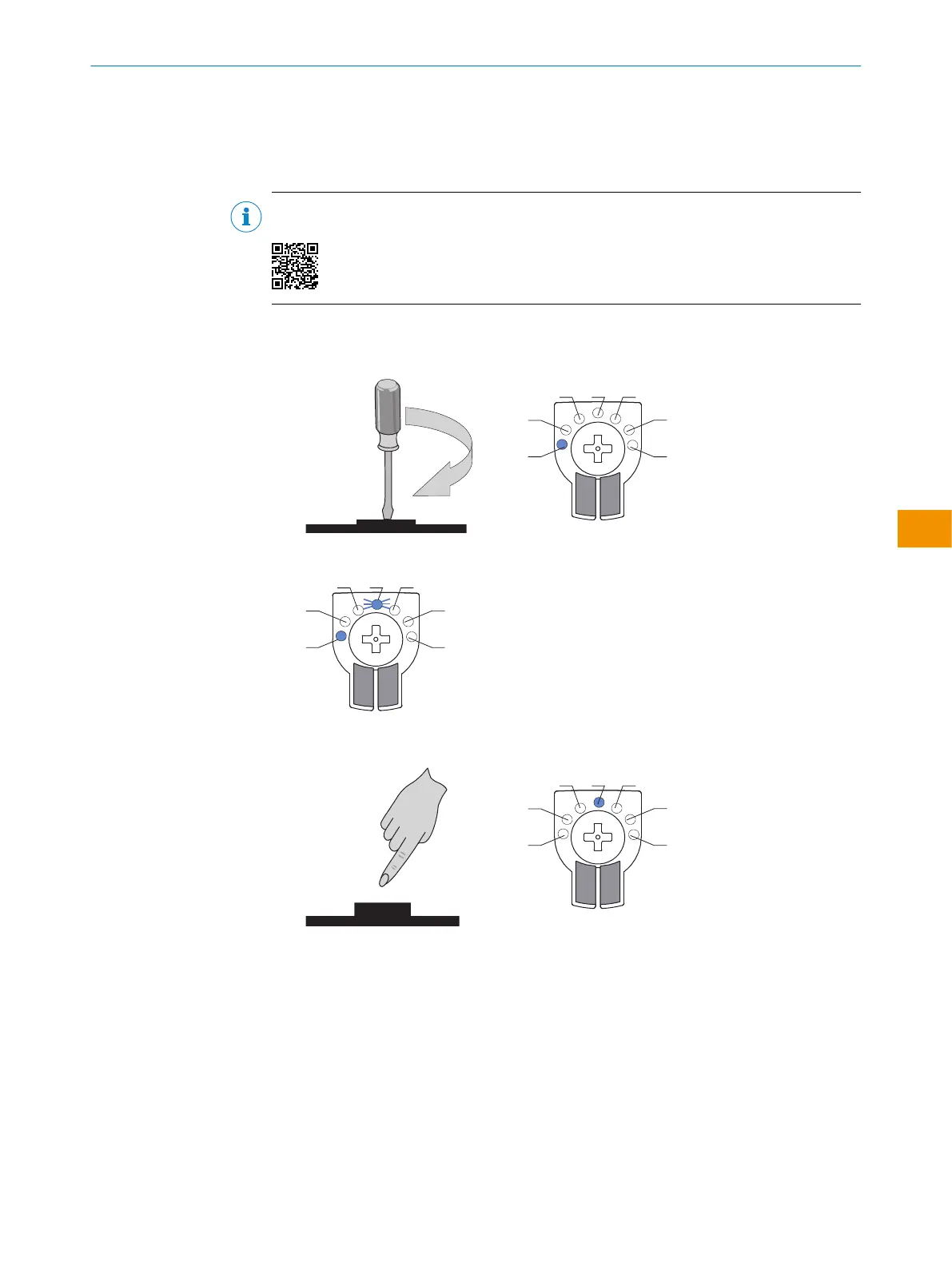
1. Select basic mode: Operating mode in which the sensor is to be operated.
2. Activate ApplicationSelect mode if desired (only possible in combination with back‐
ground suppression (LED 1)).
3. Sensor teach-in.
NOTE
All configuration options of MultiMode sensors are also shown in a video:
6.4.1 Basic mode setting
1. Select the desired basic mode (1-5) by turning the potentiometer.
2. The desired mode starts to flash.
3. Confirm the desired basic mode by pressing the control element for 1-3seconds.
Activate with this mode. Blue LED then lights up with the selected mode.
✓
The basic mode is selected.
6.4.2 Optional: Activation of ApplicationSelect mode for MultiMode 1 background suppression
By activating ApplicationSelect mode, the sensing range of the sensor increases and
sensitivity rises so that even shiny, dark and uneven objects, even in an inclined
position, are reliably detected.
1. After setting basic mode MultiMode 1, ApplicationSelect mode can also be activated.
To do so, select ApplicationSelect mode by turning the potentiometer to LED 6
OPERATING INSTRUCTIONS
8028212/2023/10/20 | SICK O P E R A T I N G I N S T R U C T I O N S | WTM4S
53
Subject to change without notice
en











 To Next Page