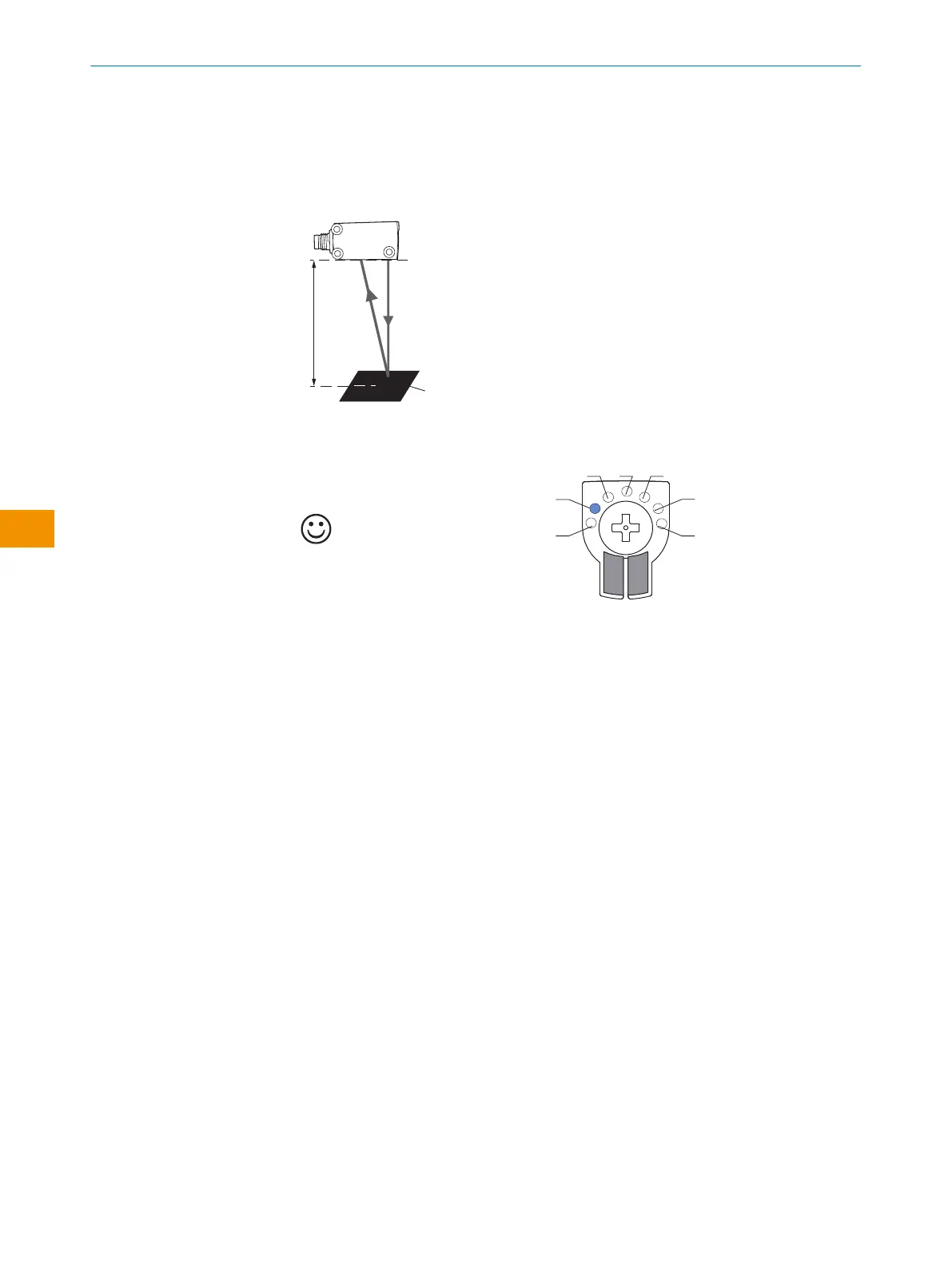
6.4.5 Setting in MultiMode 2:
Sensor teach-in with foreground suppression
1. Position object in the desired position and press the control element for 1-3sec‐
onds until the yellow LED flashes.
✓
The sensor is adjusted and ready for operation.
Table 11: Teach-in result without object
Object present
Please refer to the enclosed “IO-Link photoelectric sensors” operating instructions for
information about adjusting the IO-Link sensing range.
6.4.6 Setting in MultiMode M:
Mode M (Manual/Measurement) can only be selected and set using IO-Link.
The blue LED for mode M lights up when the device is used in measuring mode or when
additional settings are made that differ from standard modes 1-6.
The sensor should be aligned according to the respective basic mode. If in measuring
mode, the sensor is aligned with the object to be measured without having to observe
additional boundary conditions such as a preferred direction.
Please refer to the enclosed “IO-Link photoelectric sensors” operating instructions for
information about adjusting the IO-Link sensing range.
6.5 Configuration via IO-Link
In addition to manual setting the parameters on the device, the sensor can also be
configured via IO-Link.
Configuration via IO-Link can be performed in two ways:
•
Configuration via the SiLink box (required software: SOPAS ET from SICK)
To do this, connect the sensor to a computer via USB using the SiLink box.
•
Configuration via an IO-Link Master (PLC), e.g. SIG350
You can quickly and easily test and parameterize the connected products using the
SOPASET program (SICK Engineering Tool with graphic user navigation and convenient
visualization).
OPERATING INSTRUCTIONS
58
O P E R A T I N G I N S T R U C T I O N S | WTM4S 8028212/2023/10/20 | SICK
Subject to change without notice
en











 To Next Page