Setting the handset
19
Step-by-Step
©
or G Open the main menu of the mobile phone.
D E [Select and confirm the menu item.
D E [Select and confirm the menu item.
F G Fix the setting.
D Move the cursor down one line.
...
either:
Save the settings.
or:
Setting the time control for the ringer
You can select a different ringer volume for a specific
length of time in this menu (e.g. during the night).
Save
1
2
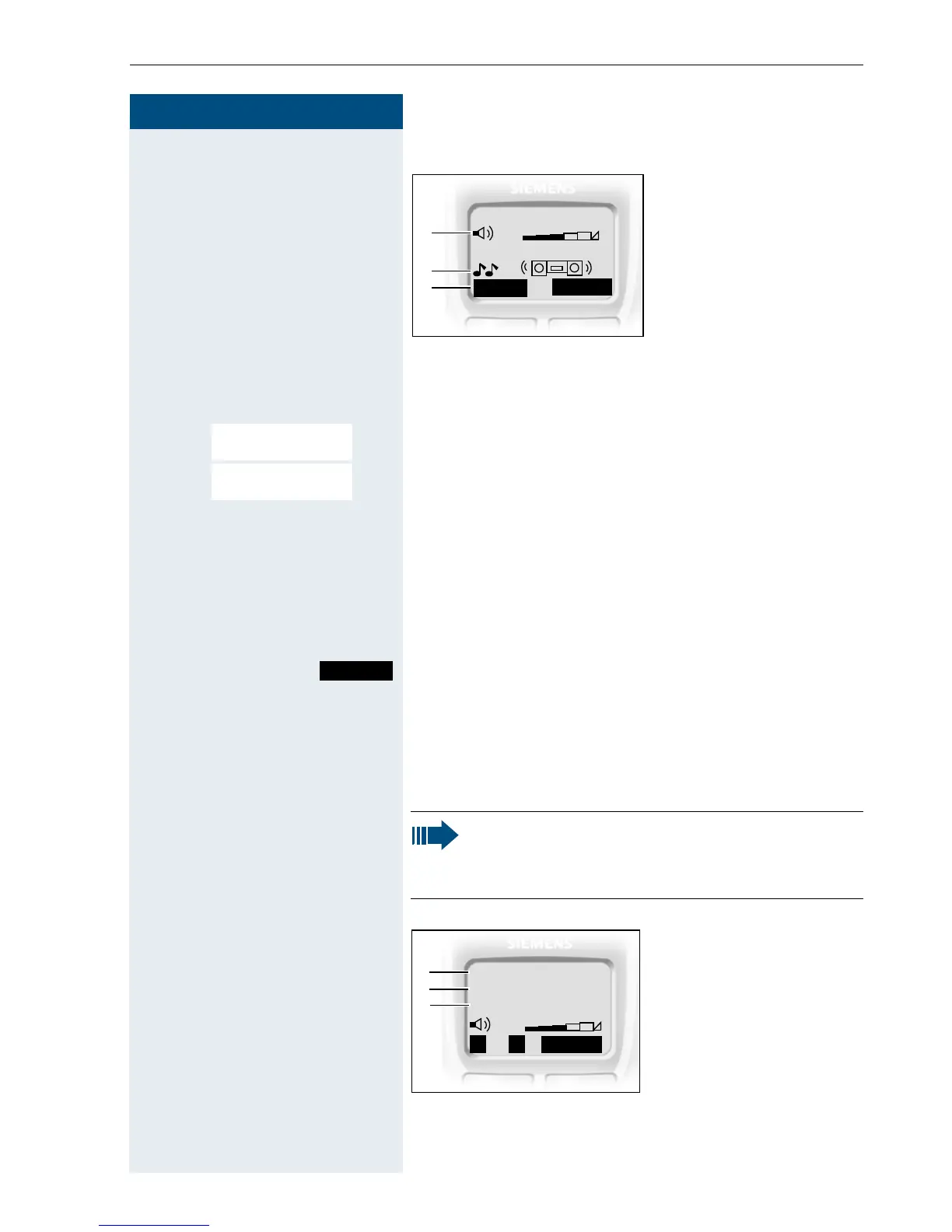
1 Ringer volume
2 Ringer melody
3 Time control activa-
tion function for the
ringer volume
___Ringer Settings___
3
f
g
Time C.
9
Sound Settings
Ringer Settings
Save
Note:
Please take account of the special features of
the handset‘s internal clock (Æ page 23).
Save
1
2
1 Time control status
2 Start of the time
frame
3 End of the time
frame
Time ctrl:
Î
3
From:
To :
f
g
On
00:00
00:00














 To Next Page