Step-by-Step
Additional functions
76
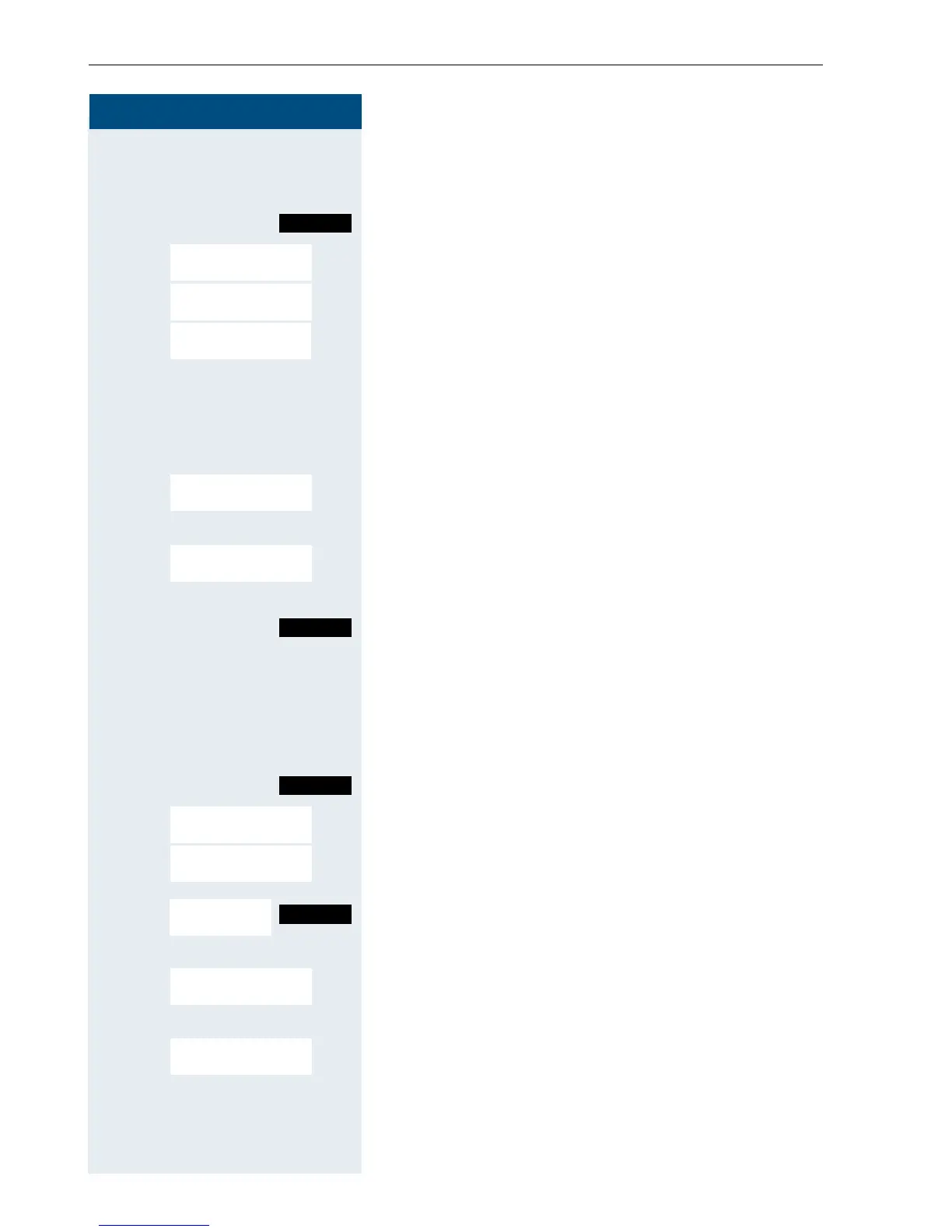
Entering an appointment
c Press the Talk key.
Call the system menu.
> < [Select and confirm the menu item.
> < [Select and confirm the menu item.
o Enter the required time.
Note the required data format: Appointment at (HH-
MM); HH = two-digit hour setting mm = minutes, two
digits For example: 0905 for 9.05 (= 9.05 a.m.) or 1430
for 14.30 (= 2.30 p.m).
either:
> < [Select a menu item.
or:
> < [Select and confirm the menu item.
continue:
Save the settings.
a Press the On-hook key to end the process.
Deleting/ checking entered appointments
c Press the Talk key.
Call the system menu.
> < [Select and confirm the menu item.
> < [Select and confirm the menu item.
Call the additional menu.
either:
> < [Select and confirm the menu item.
or:
> < [Select and confirm the menu item.
a Press the On-hook key to end the process.
Menu
Service?
*46=Timed reminder
on?
Remind at (HHMM):
One time only?
Daily?
Save
Menu
Service?
#46=Timed reminder
off?
Reminder at...
Mnu
Delete?
End?














 To Next Page