Additional functions
79
Step-by-Step
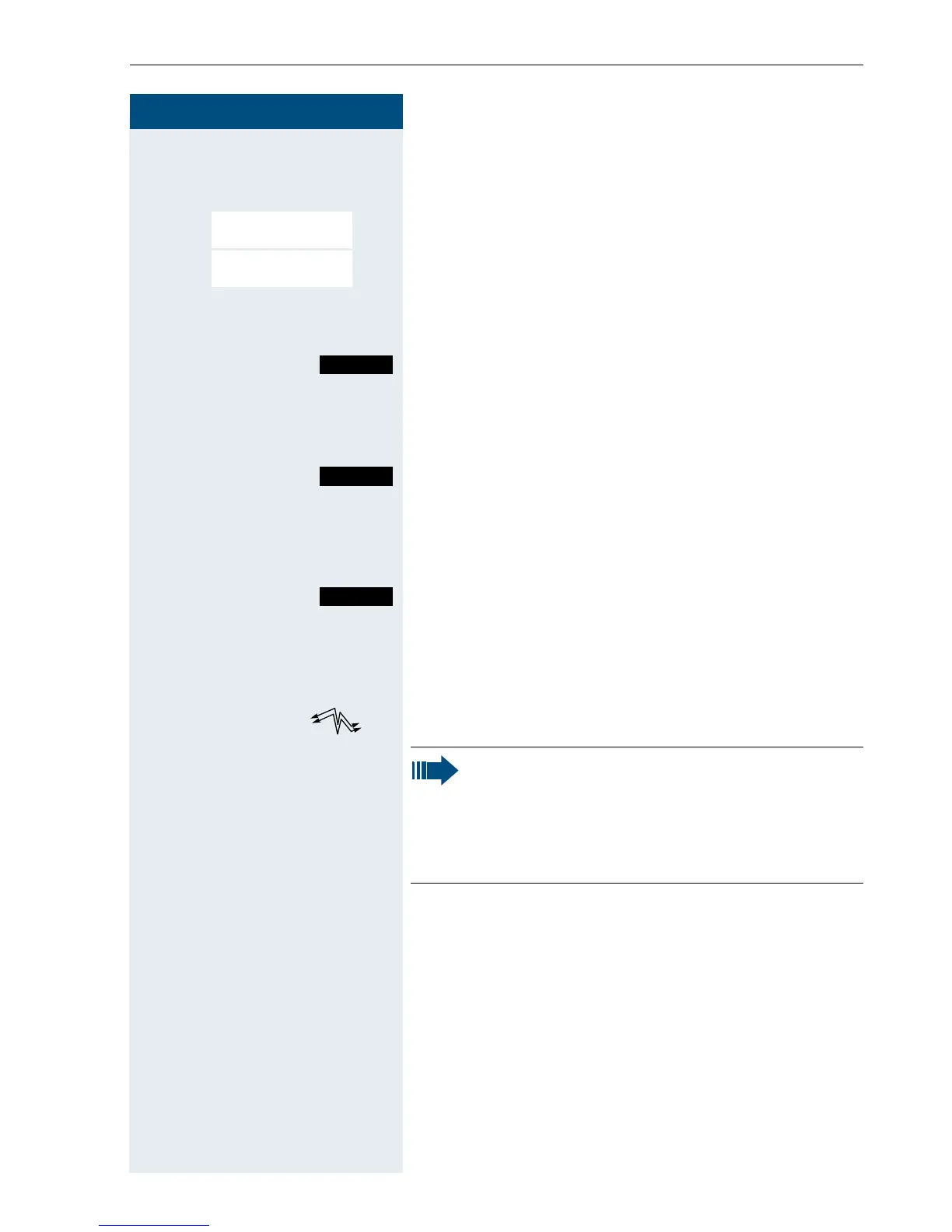
Activating walkie-talkie mode
© or G Open the main menu of the mobile phone.
D E [Select and confirm the menu item.
D E [Select and confirm the menu item. If the walkie-talkie
mode is activated.
Deactivating walkie-talkie mode
The "Off" key is used to deactivate walkie-talkie mode.
Making and answering calls
Calling handset
Send the call.
Called handset
The call is signalled by a ringing tone and a message on
the display.
Deactivate the ringing tone. The call is signalled by a
message on the display.
c or u Press the Talk key or Speakerphone key.
kkThe two handsets are connected to each other.
a Press the On-hook key to end the call.
Family/Fun
Walkie-Talkie
OFF
Call
Silent
Note:
• The call lasts for just 20 seconds and must
be answered.
• Although all handsets are called, a call can
only be conducted between two of them.














 To Next Page